Este artículo no está disponible en Spanish. Consúltalo en English.
Create Target Audience
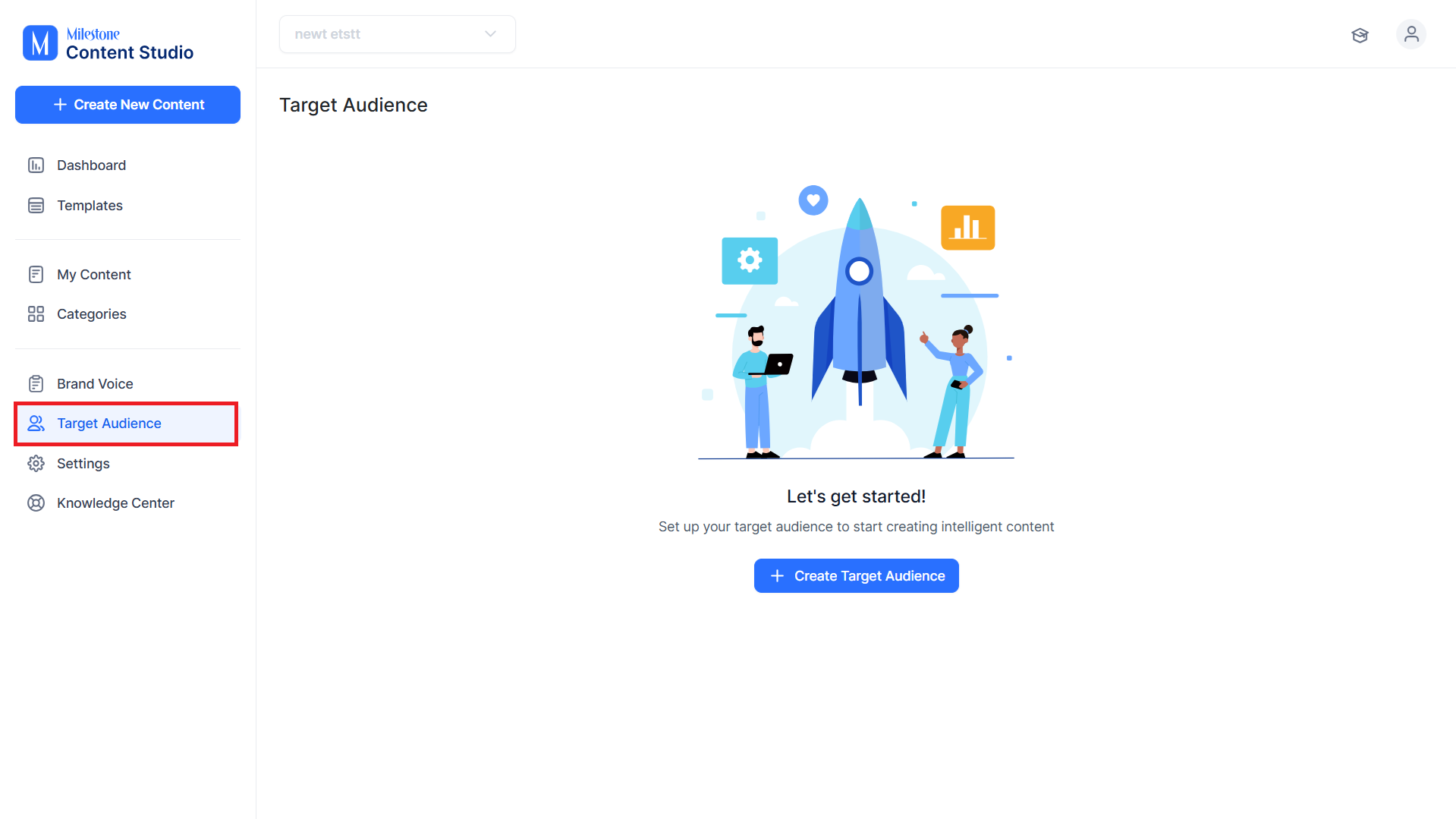
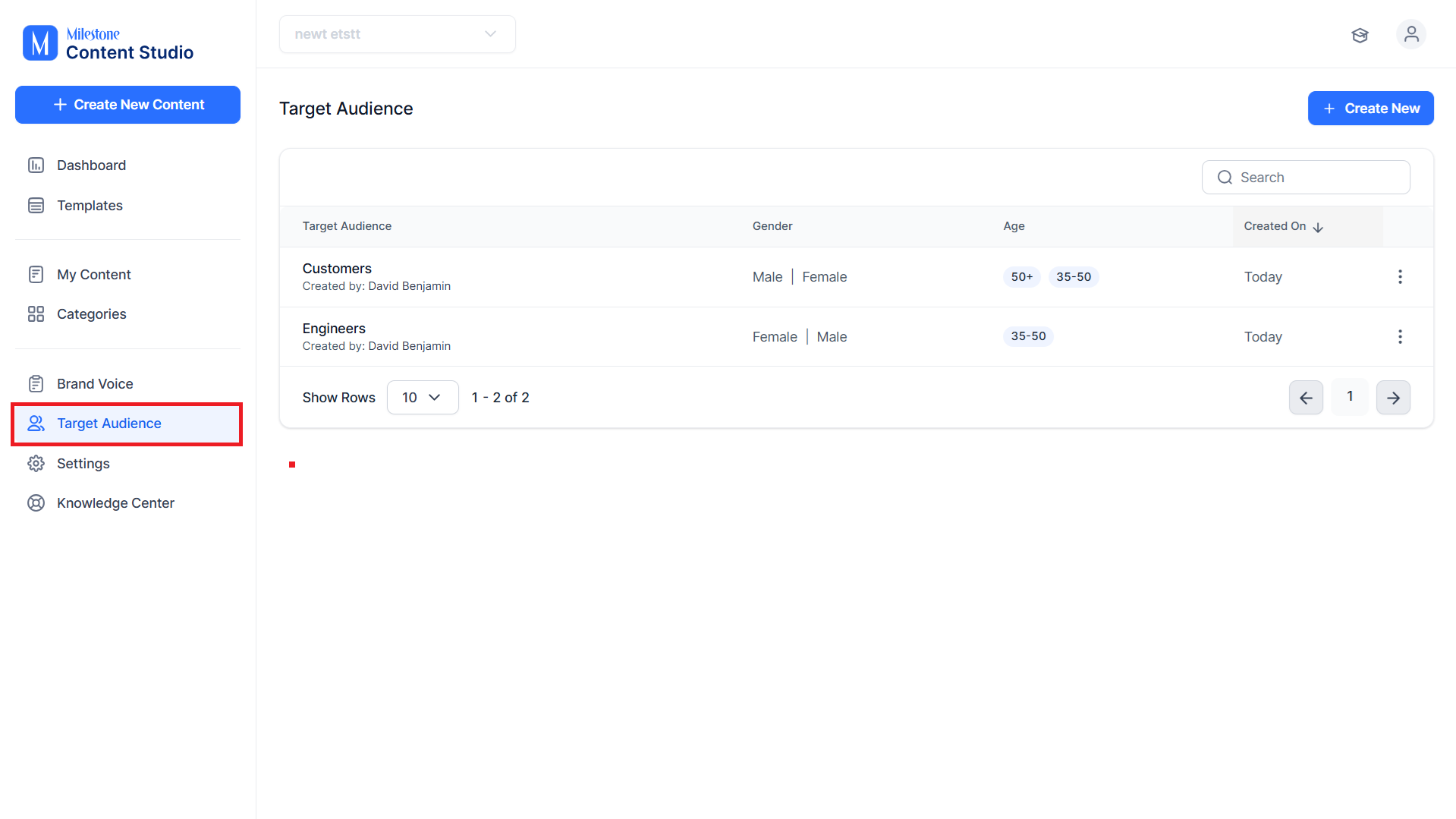
Step 1: Click on ‘Target Audience’ in the left navigation panel.
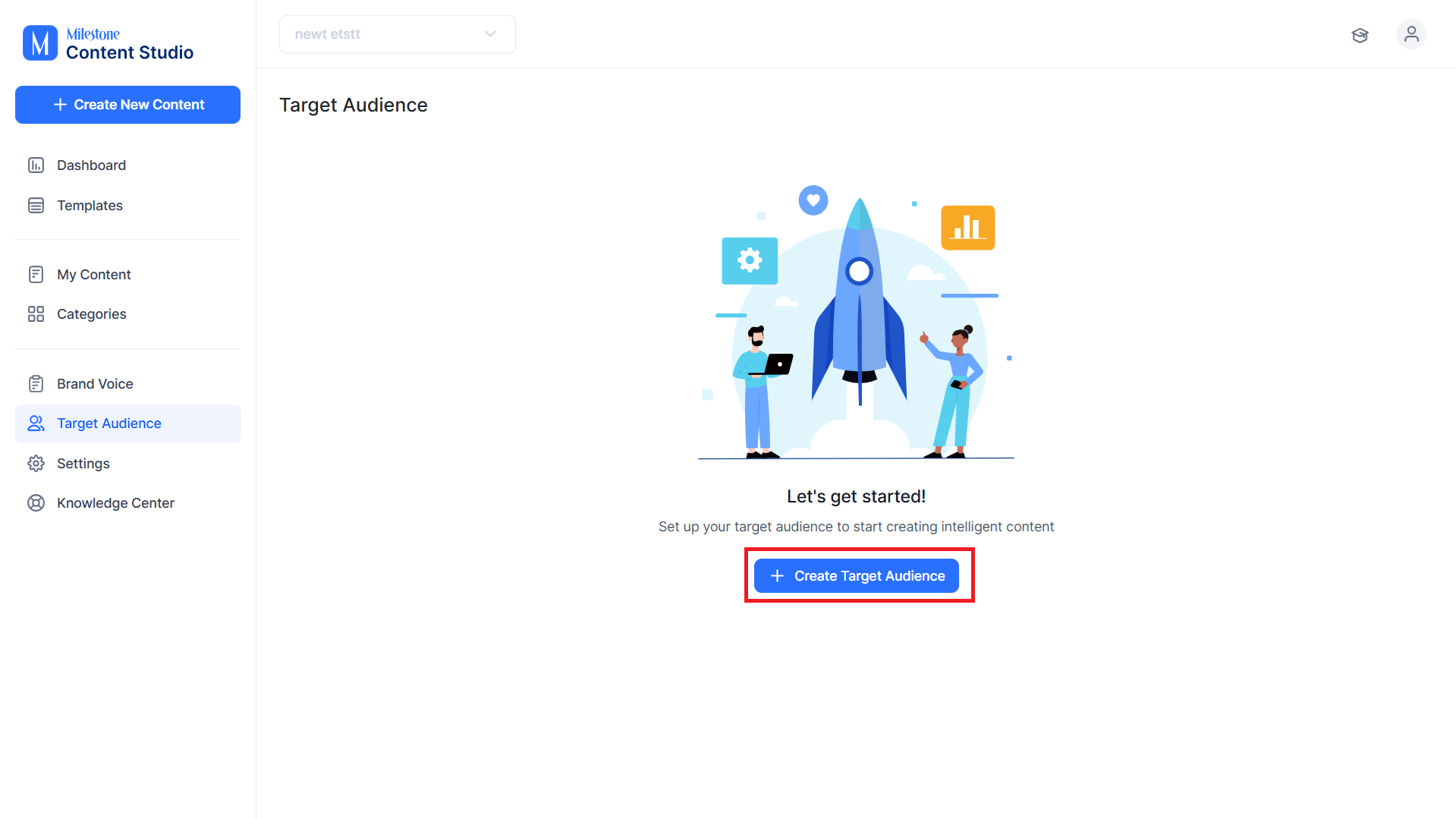
Step 2: Click on ‘Create Target Audience’.
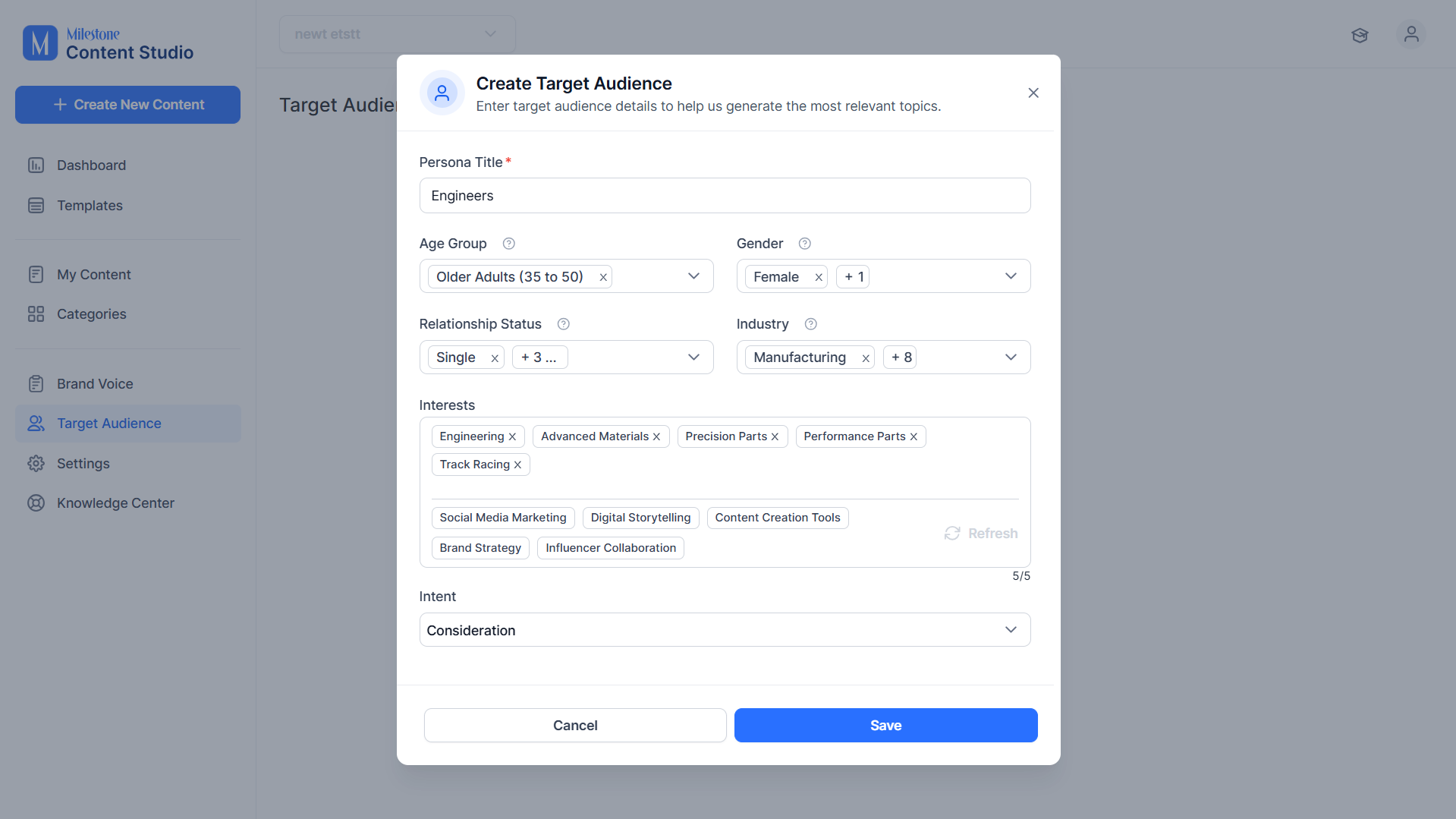
Step 3: Add the following data for the target audience;
- Persona Title: A name for the Target Audience.
- Age Group: The age demographic you wish to target with the content.
- Gender: The genders you wish to target.
- Relationship Status: The relationship status of the individuals.
- Industry: The industry you wish to attract individuals from.
- Interests: Add up to 5 interests for your target audience.
- Intent: Choose between ‘Awareness’ and ‘Consideration’.
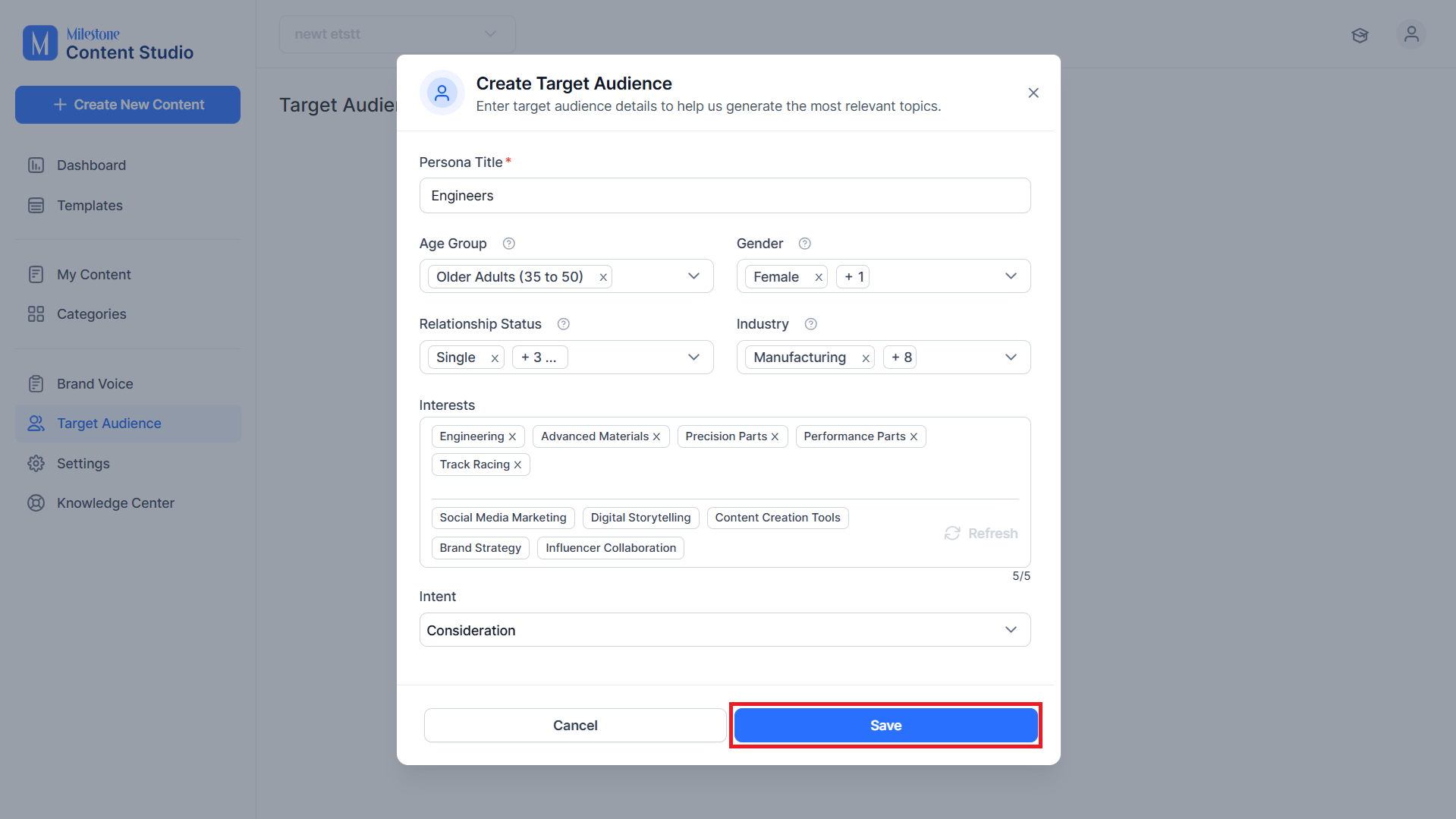
Step 4: Click on ‘Save’.
Manage Target Audience
Step 1: To manage the Target Audiences for a profile click on ‘Target Audience’ in the left navigation panel.
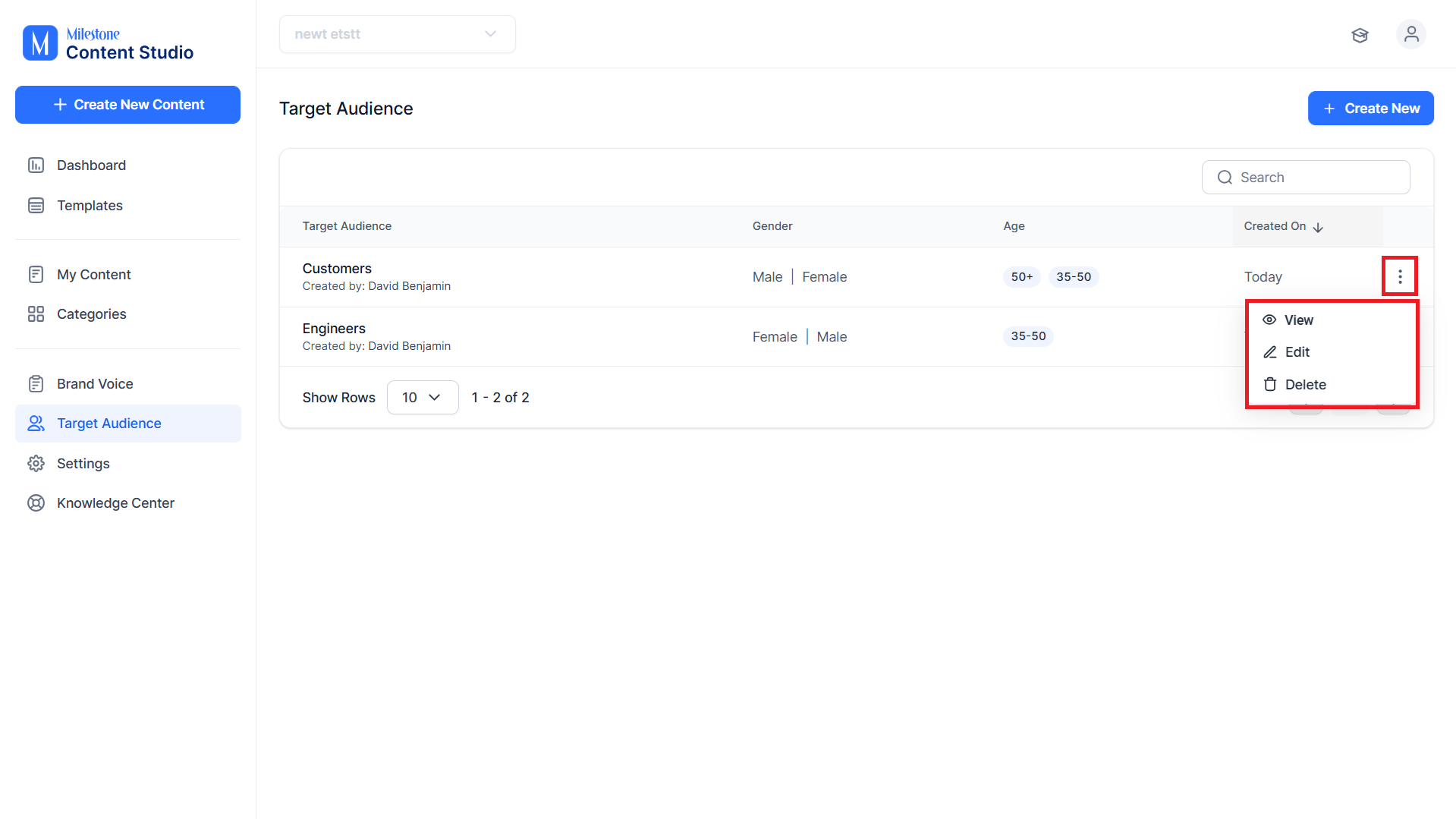
Step 2: Click on the three-dot option to the right of the screen corresponding to the Target Audience you wish to manage. You will have the options to ‘View’, ‘Edit’, or ‘Delete’ a Target Audience.
Was this article helpful?
That’s Great!
Thank you for your feedback
Sorry! We couldn't be helpful
Thank you for your feedback
Feedback sent
We appreciate your effort and will try to fix the article