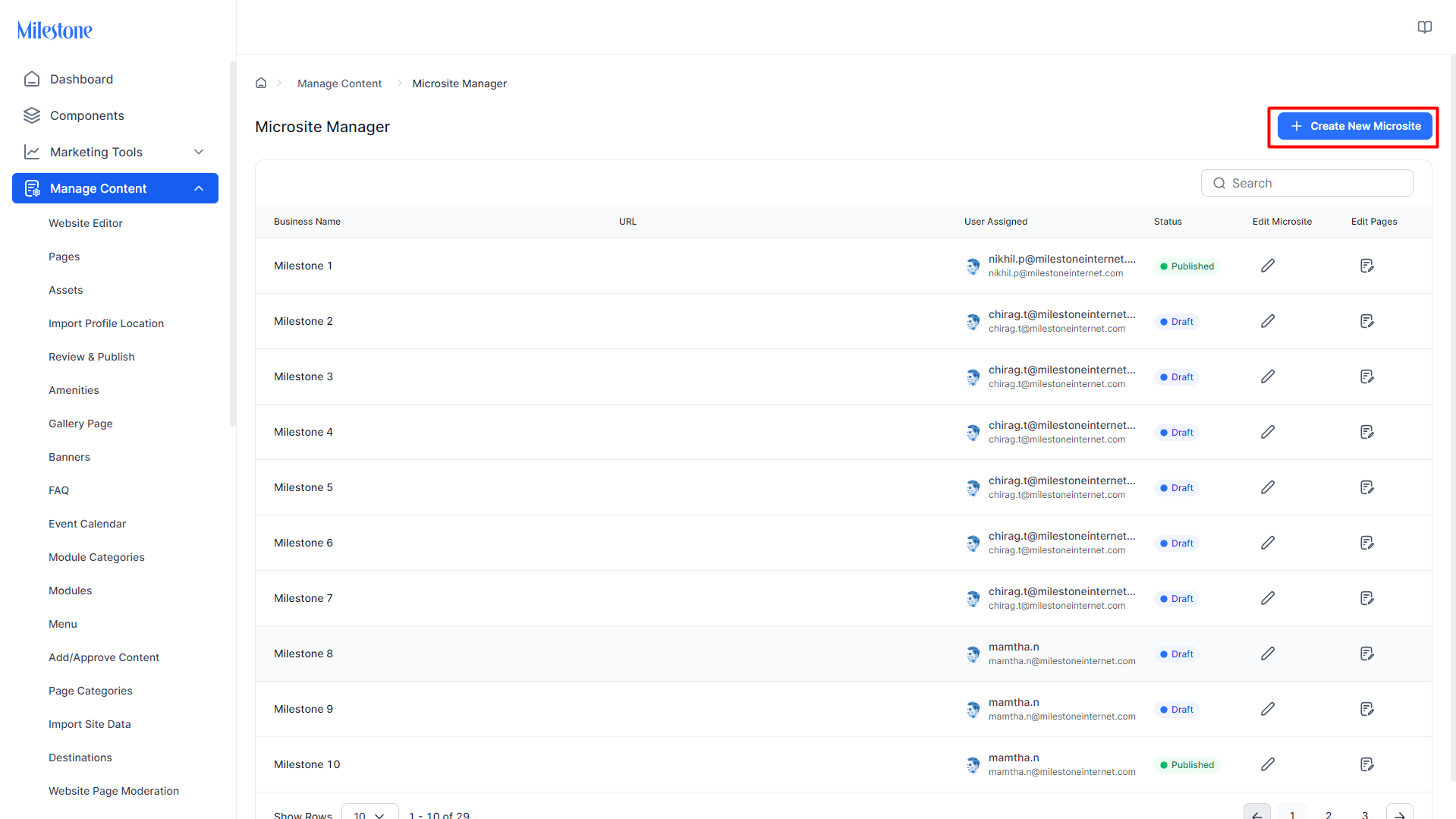
The Microsite Manager empowers users to efficiently create collections of pages within our Content Management System (CMS). This tool facilitates the selection of templates, profiles, and other essential elements during the creation process. Operating seamlessly within a website, it provides users with a unified interface to create and oversee groups of pages—such as resort pages, property listings, and more—from a single screen. This enhances the user experience by streamlining the management and development of specialized web content.
Creating a New Microsite
Step 1: To create a new microsite, click on ‘Create New Microsite’ at the top right.
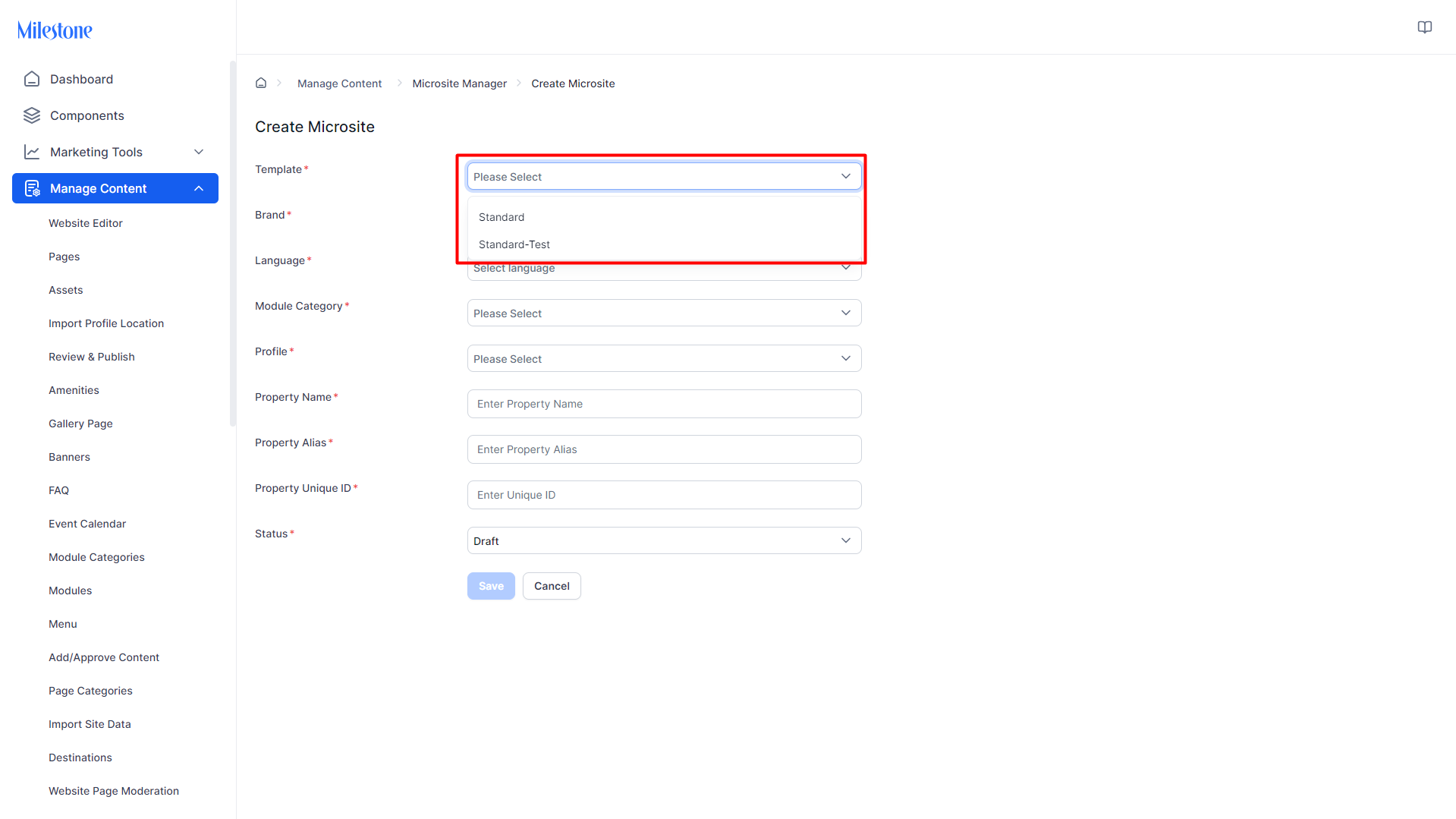
Step 2: Select the Template for the microsite.
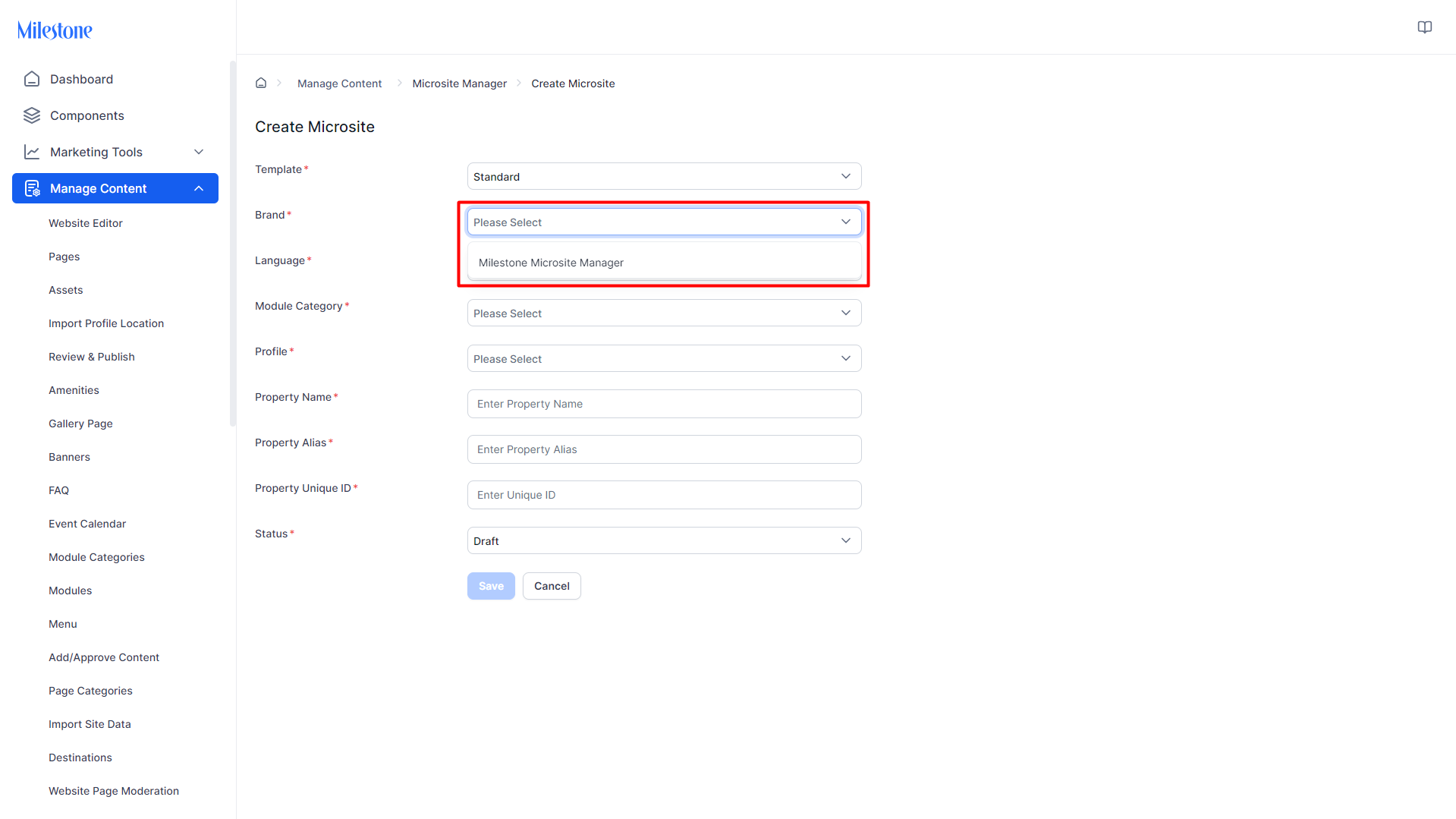
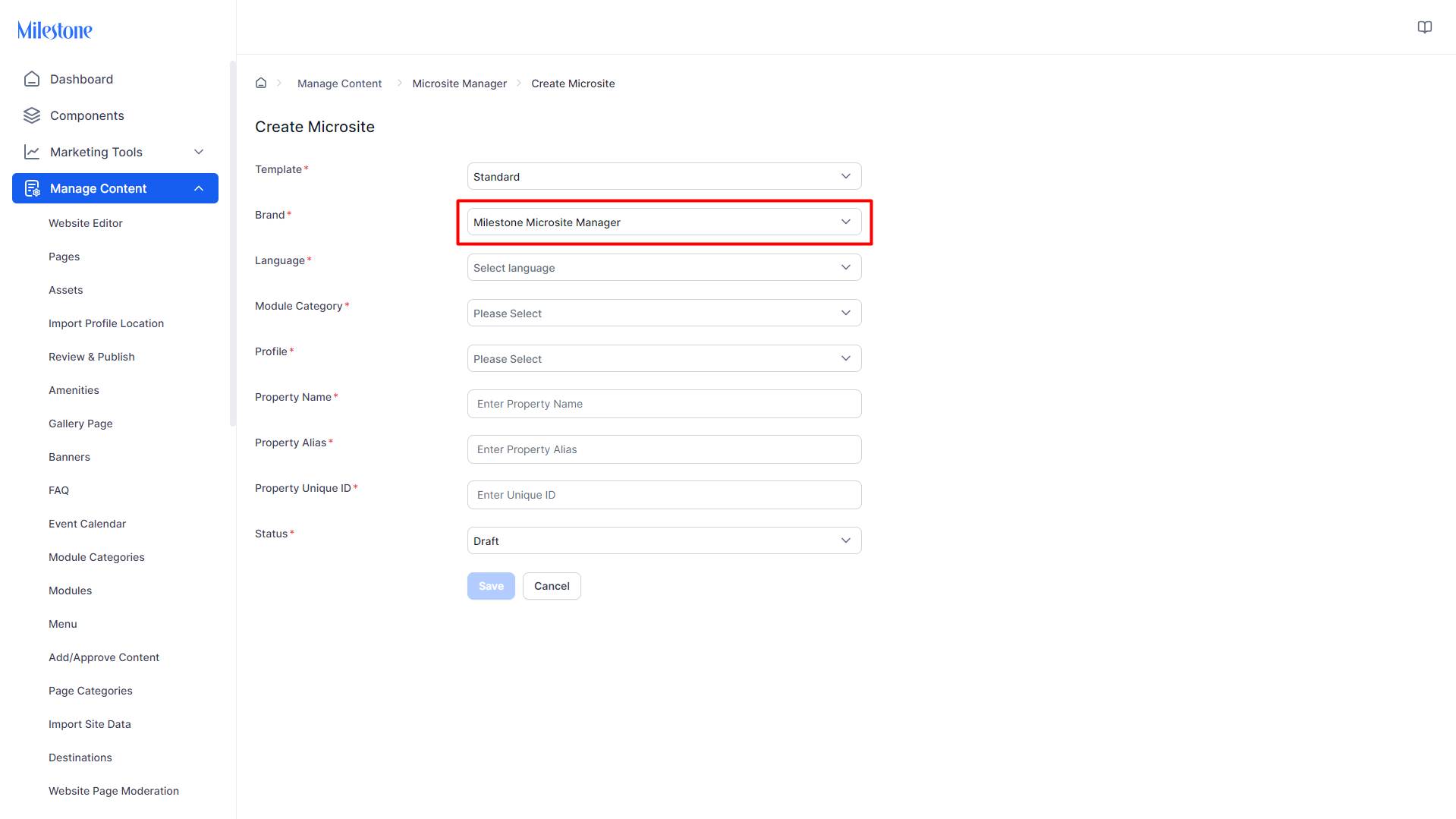
Step 3: Select the brand. This will apply brand specific features to the template.
Step 4: Select the language.
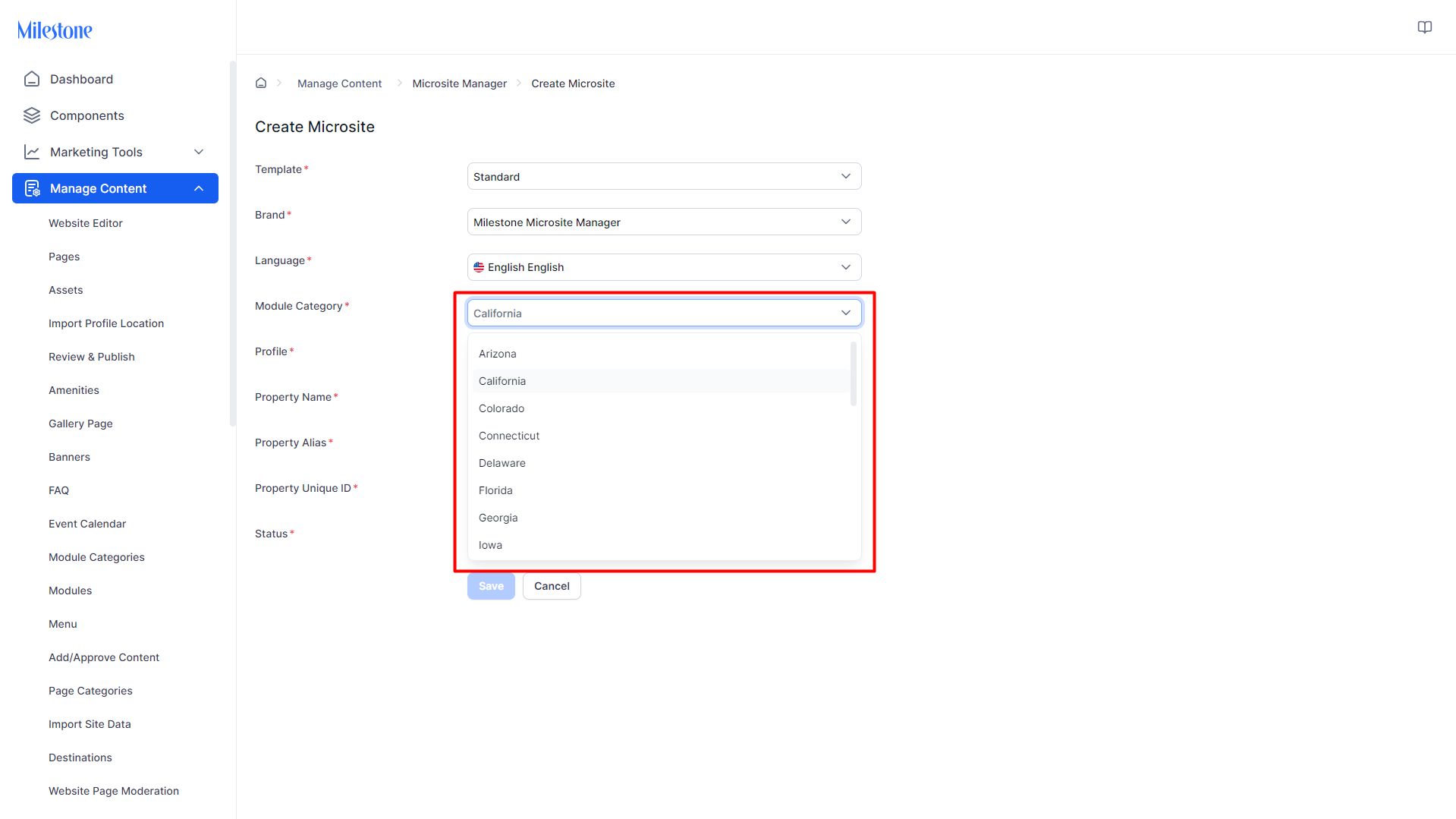
Step 5: Select the location specific module to be applied to the template.
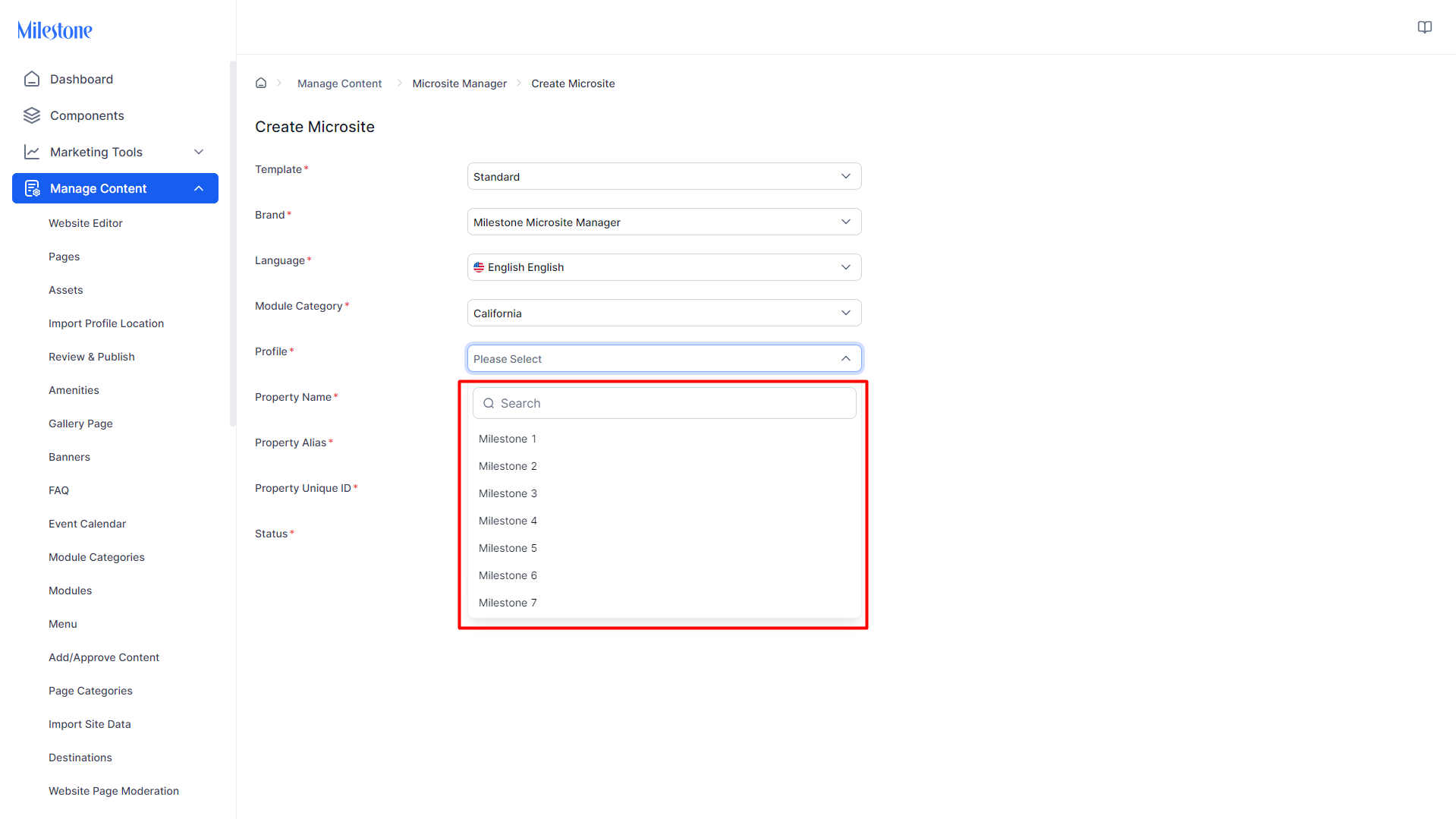
Step 6: Select the business profile to add the microsite to. Please note: Only business profiles that do not have existing microsites will populate here.
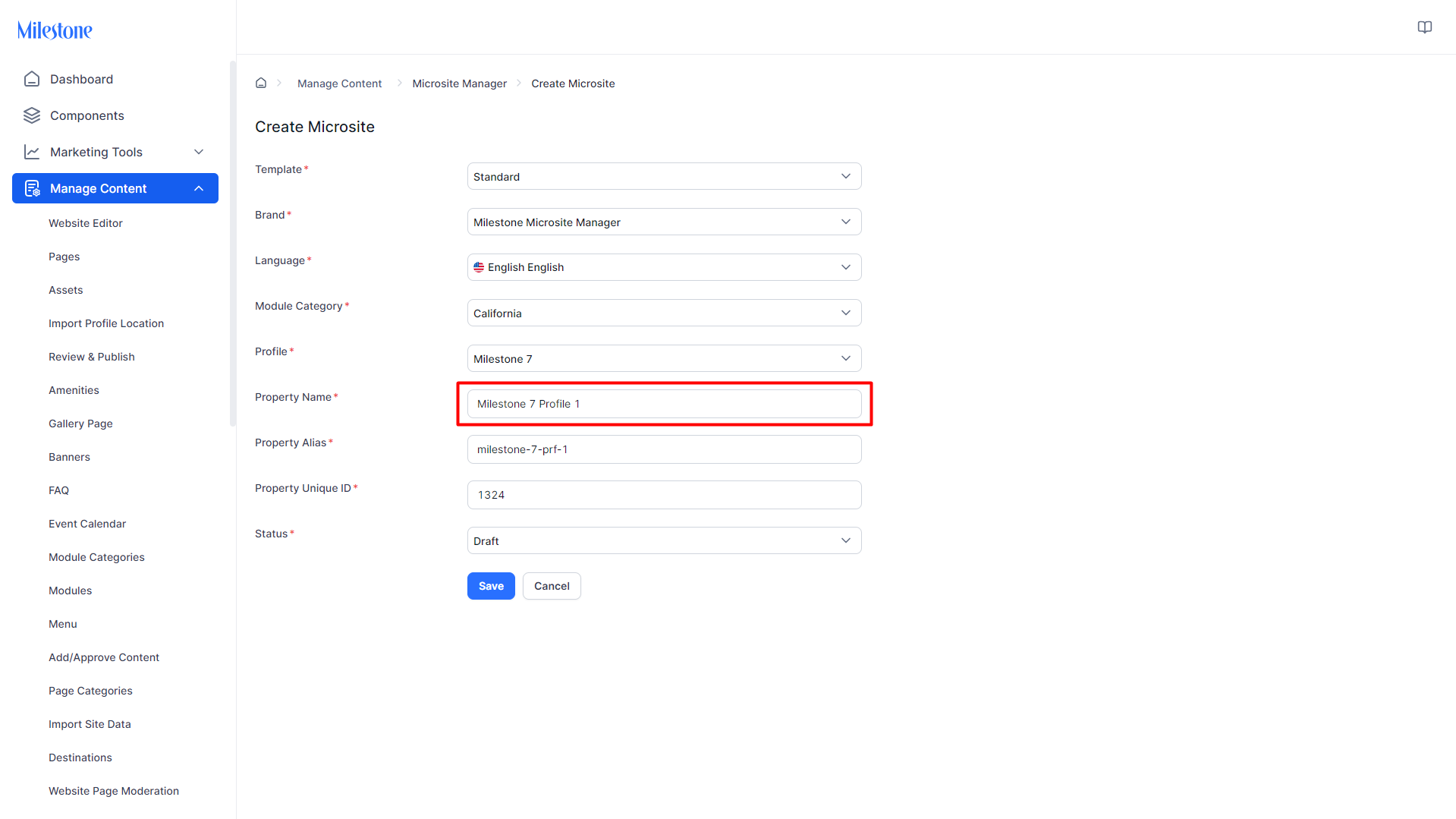
Step 7: Add a property name.
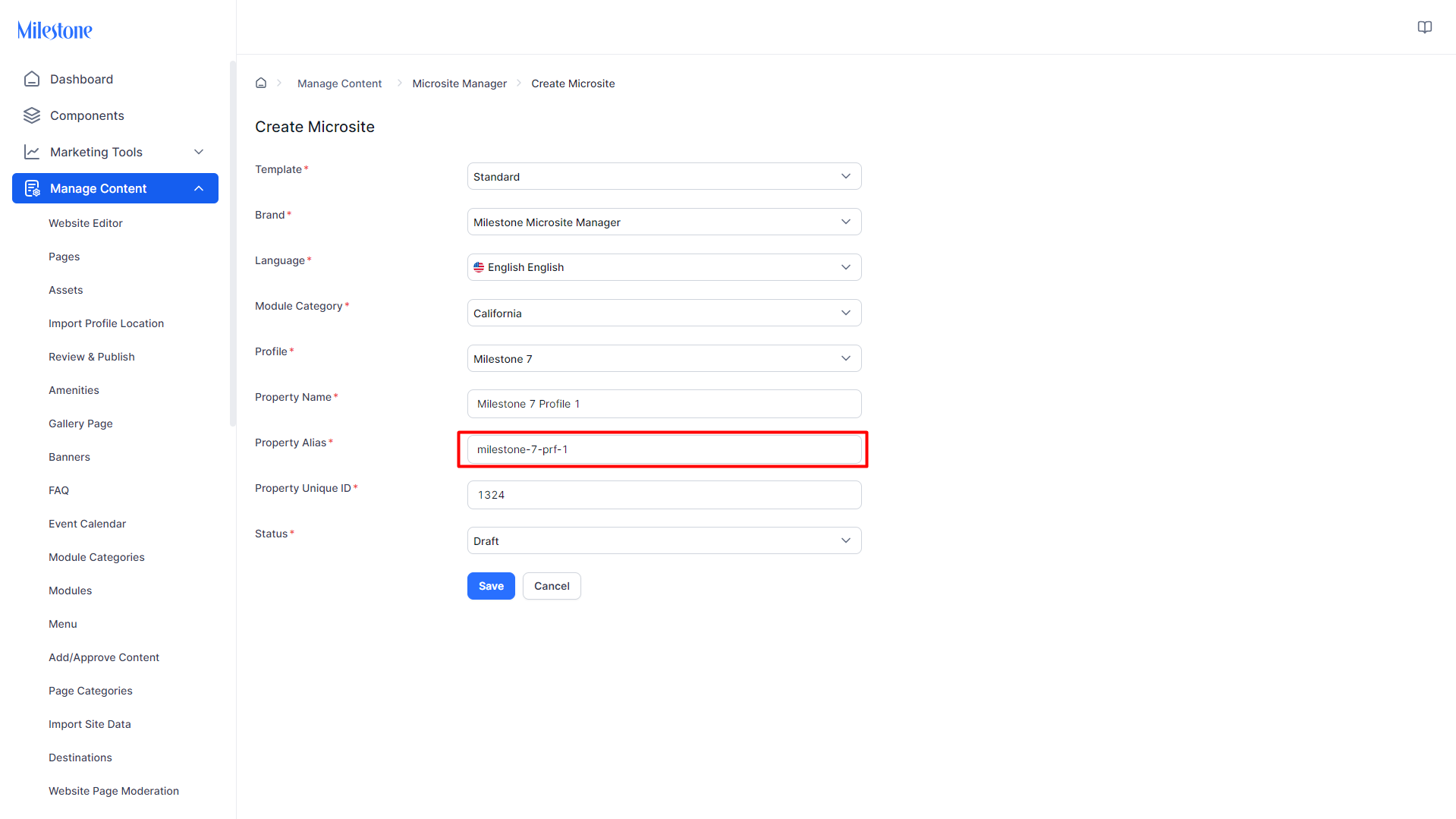
Step 8: Add a property alias.
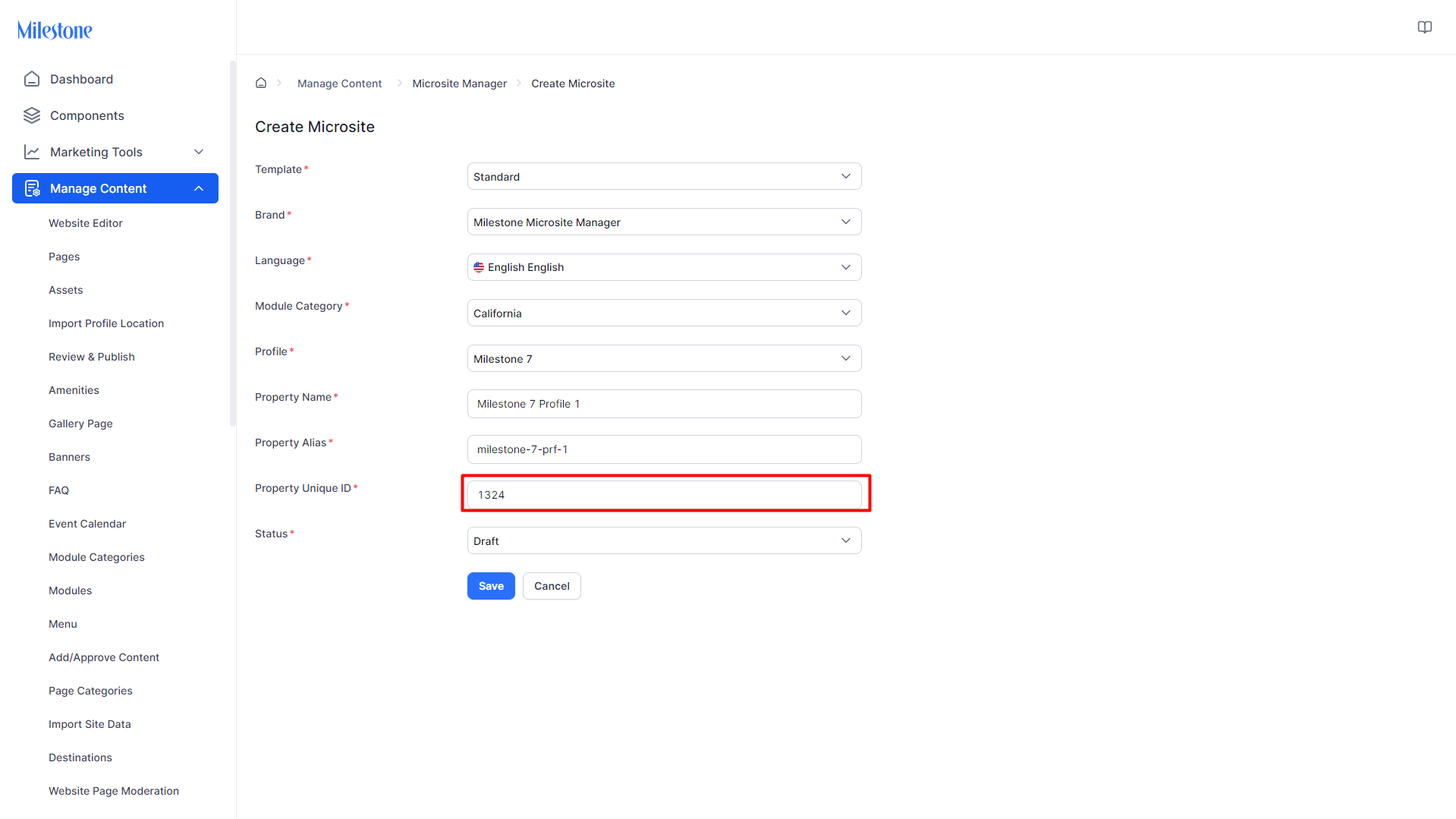
Step 9: Add the property unique ID.
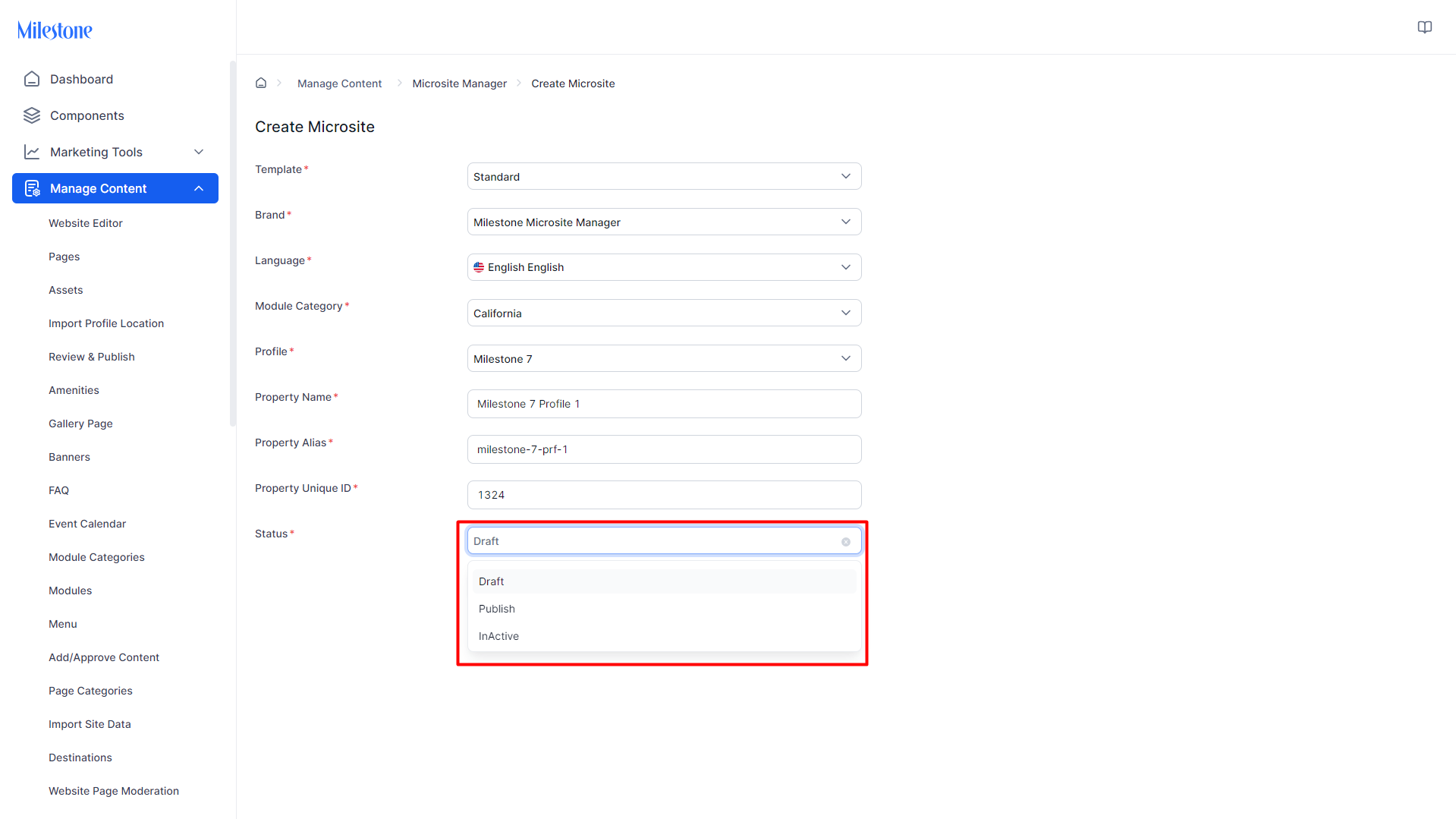
Step 10: Select the status of the Microsite.
Was this article helpful?
That’s Great!
Thank you for your feedback
Sorry! We couldn't be helpful
Thank you for your feedback
Feedback sent
We appreciate your effort and will try to fix the article