Step 1: Create or generate an article on AI ContentStudio.
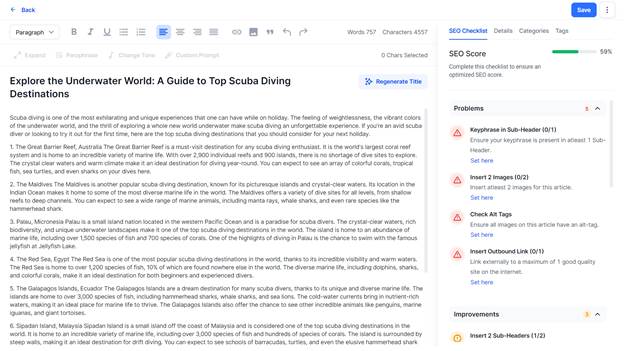
Step 2: Click on ‘Save’ to the top right of this section.
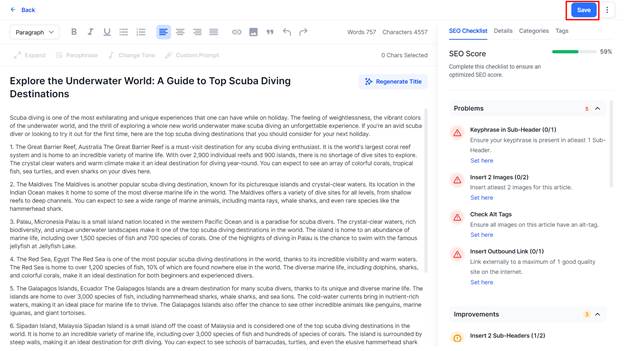
Step 3: Once you save the article you will be notified. You can click on ‘Manage’ to go to the go back to the ‘Articles’ section.
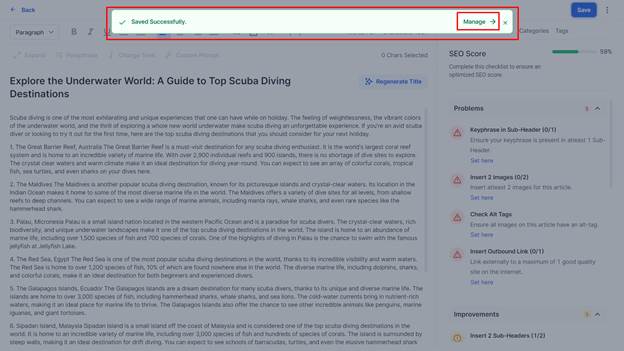
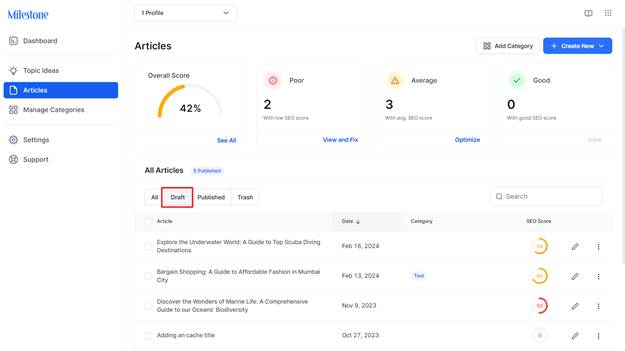
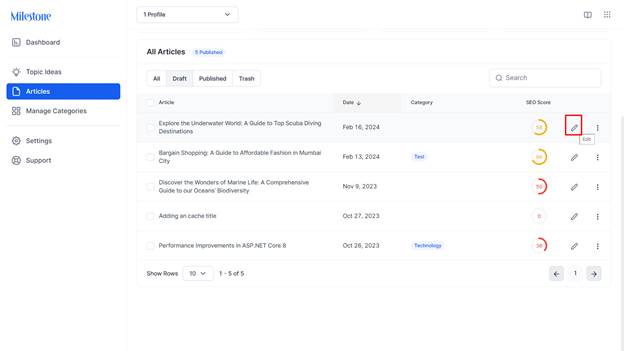
Step 4: In the Articles section click on the ‘Draft’ tab to view saved drafts.
Step 5: Here you can edit articles using the ‘Edit’ icon corresponding to them.
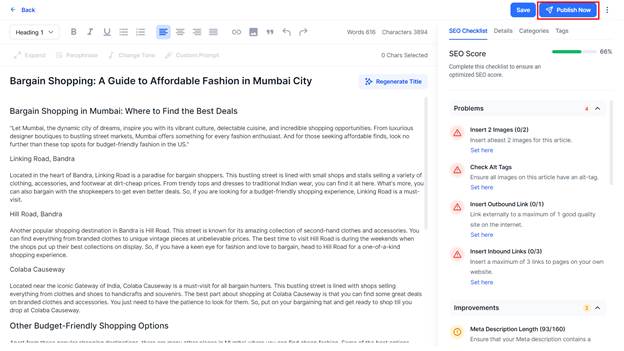
Step 6: Once you have edited the article you can click on ‘Publish Now’ to publish the article.
Was this article helpful?
That’s Great!
Thank you for your feedback
Sorry! We couldn't be helpful
Thank you for your feedback
Feedback sent
We appreciate your effort and will try to fix the article