Milestone Content Studio allows you to create categories for your content. Categories help users easily find content on your pages and also makes it discoverable on search. Here's how you can create Categories on Milestone Content Studio.
Creating a New Category
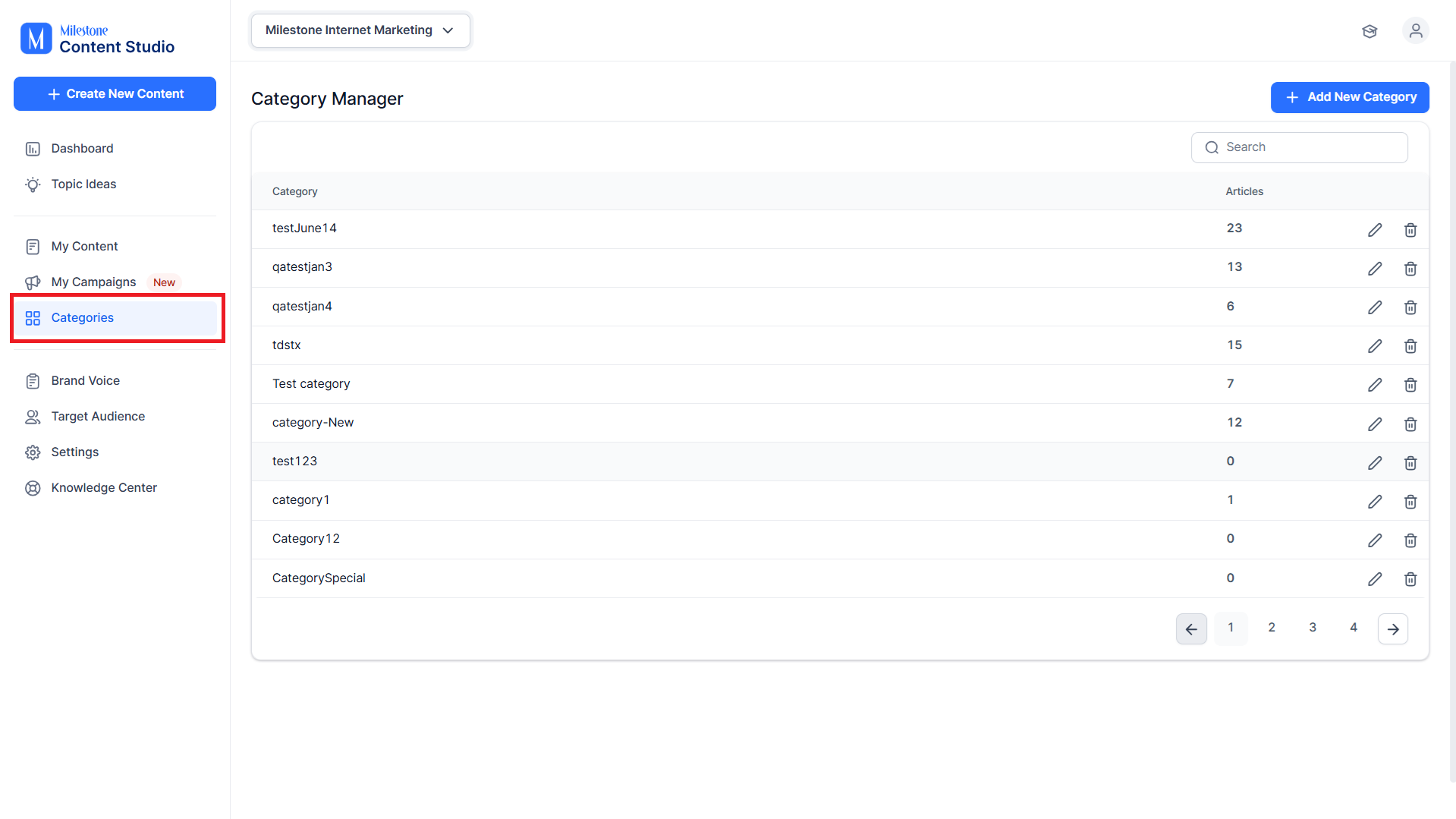
Step 1: Click on ‘Categories’ in the left navigation panel.
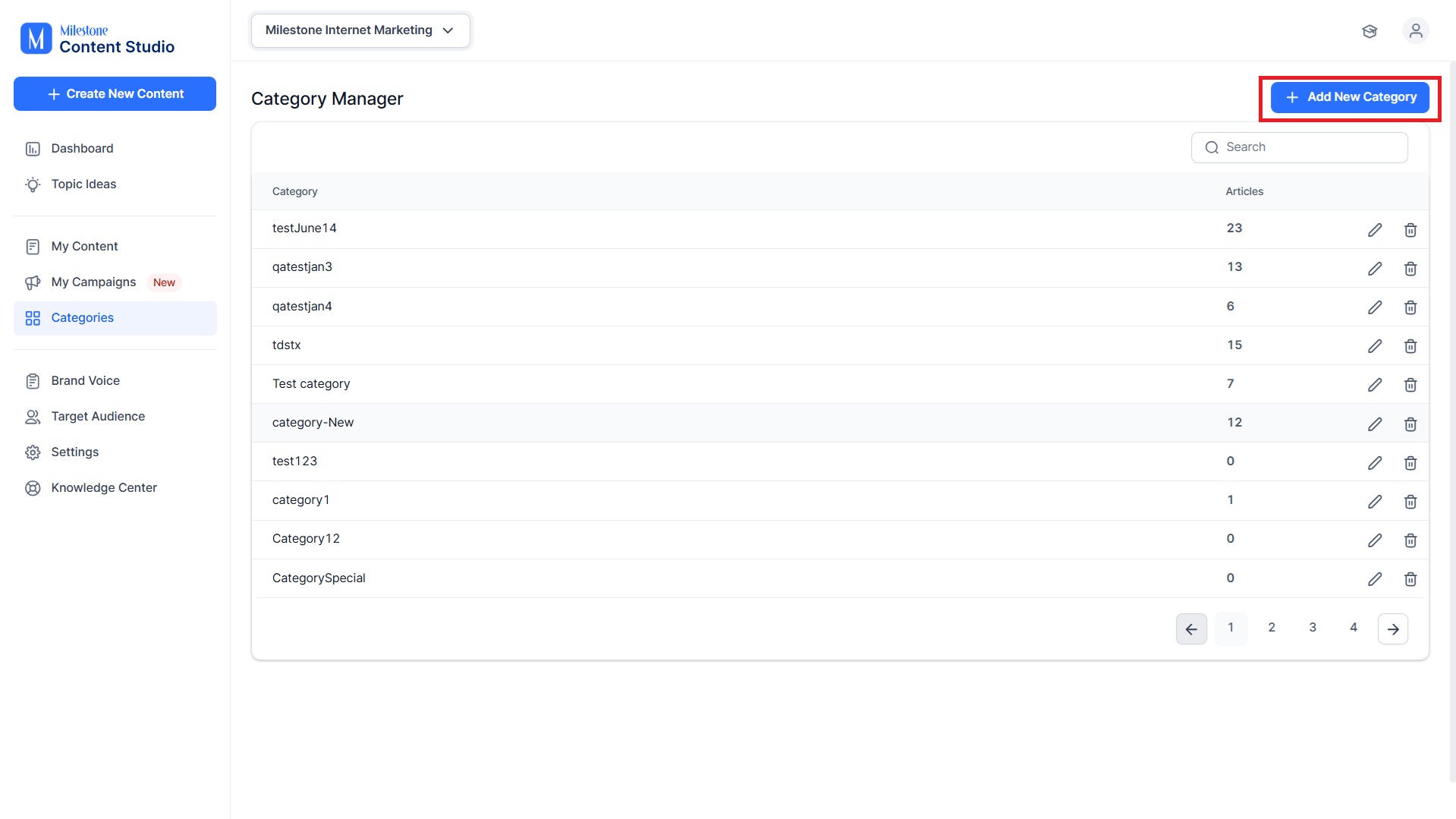
Step 2: Click on ‘Add New Category’.
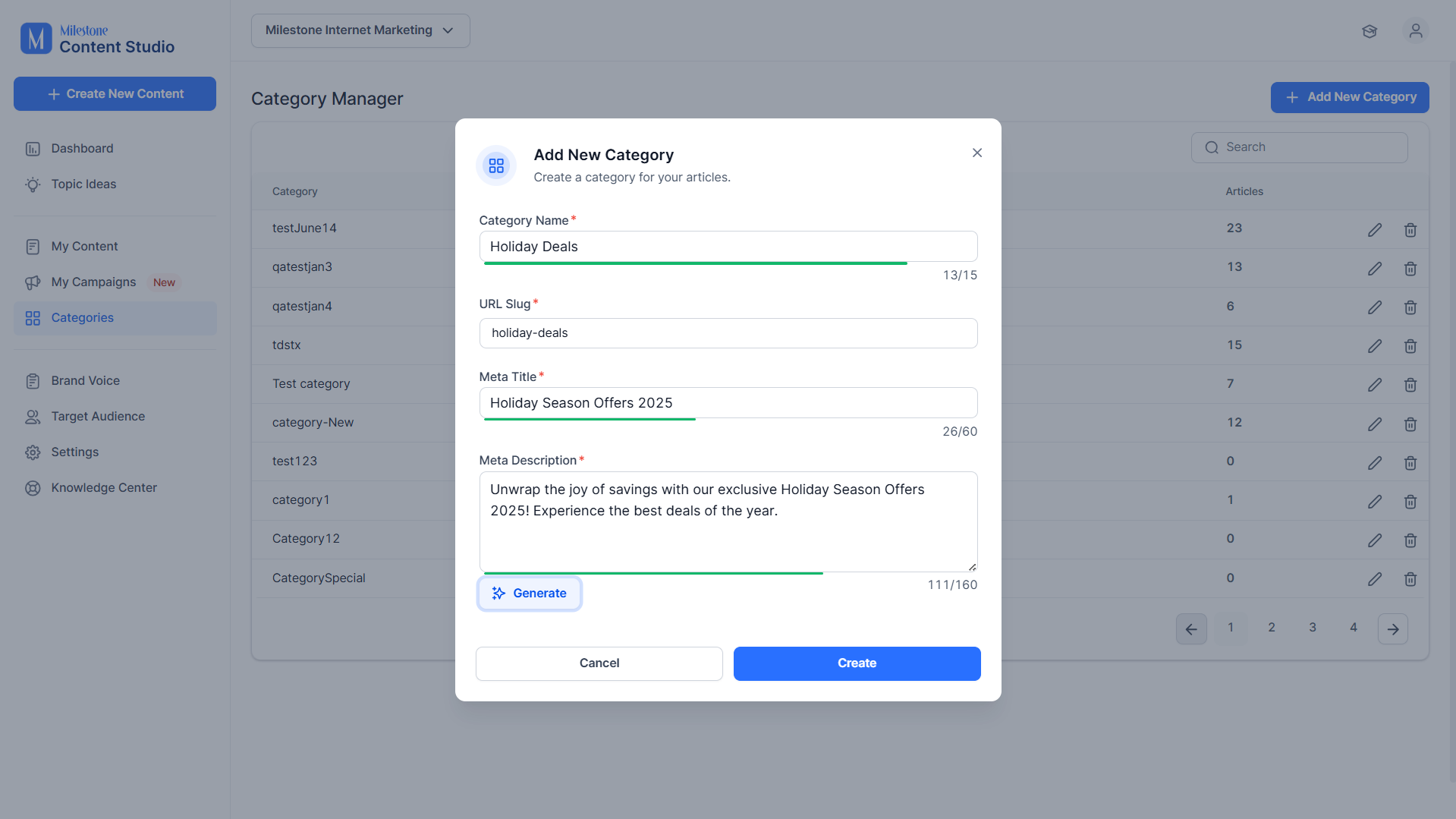
Step 3: Add details for the category you are creating. Once you have provided a category name, URL slug and meta title you can use the ‘Generate’ option to generate a meta description for the Category.
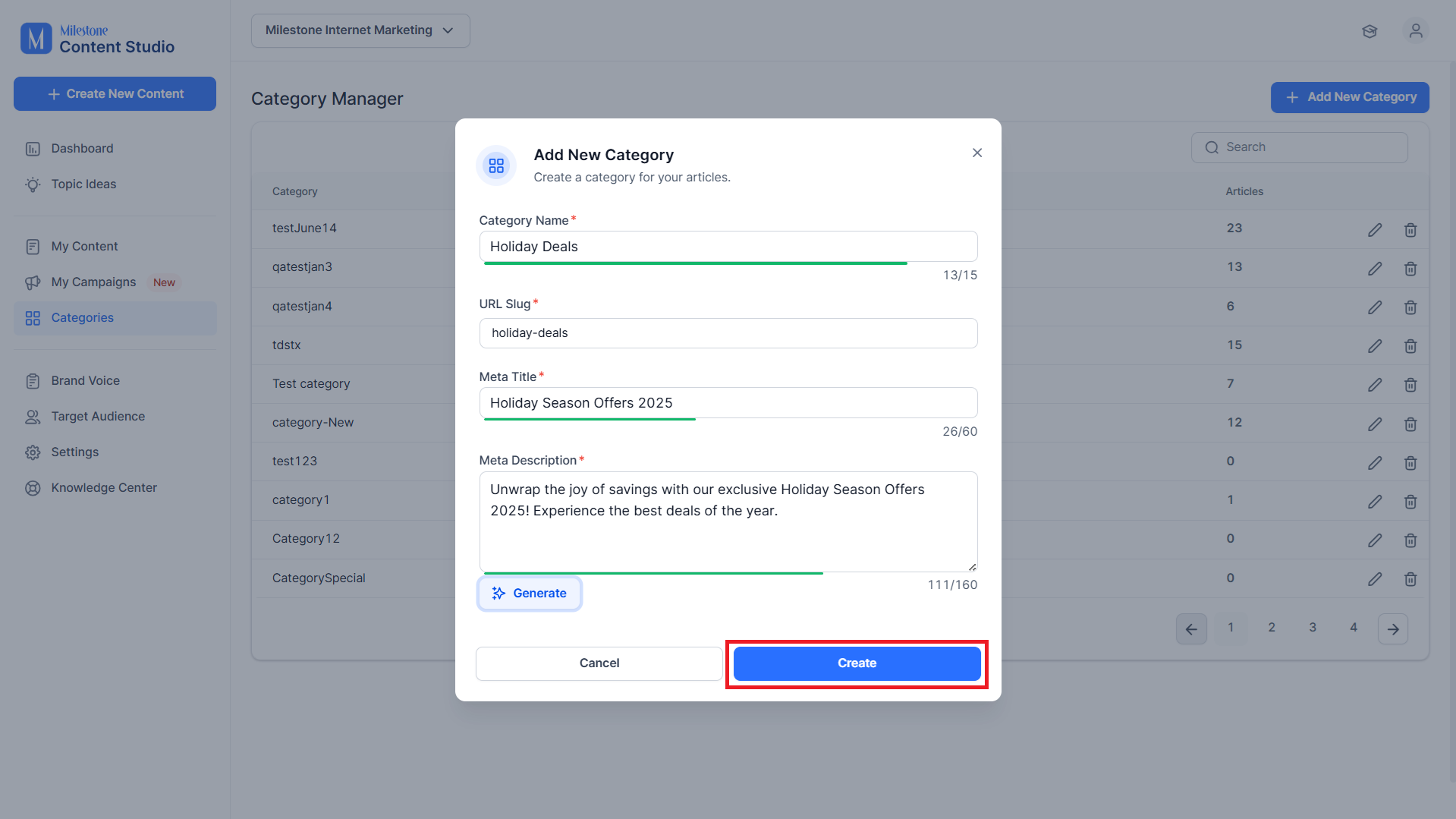
Step 4: Once you have added the details, click on ‘Create’.
Category Manager
The Category Manager displays all the categories available for the profile.
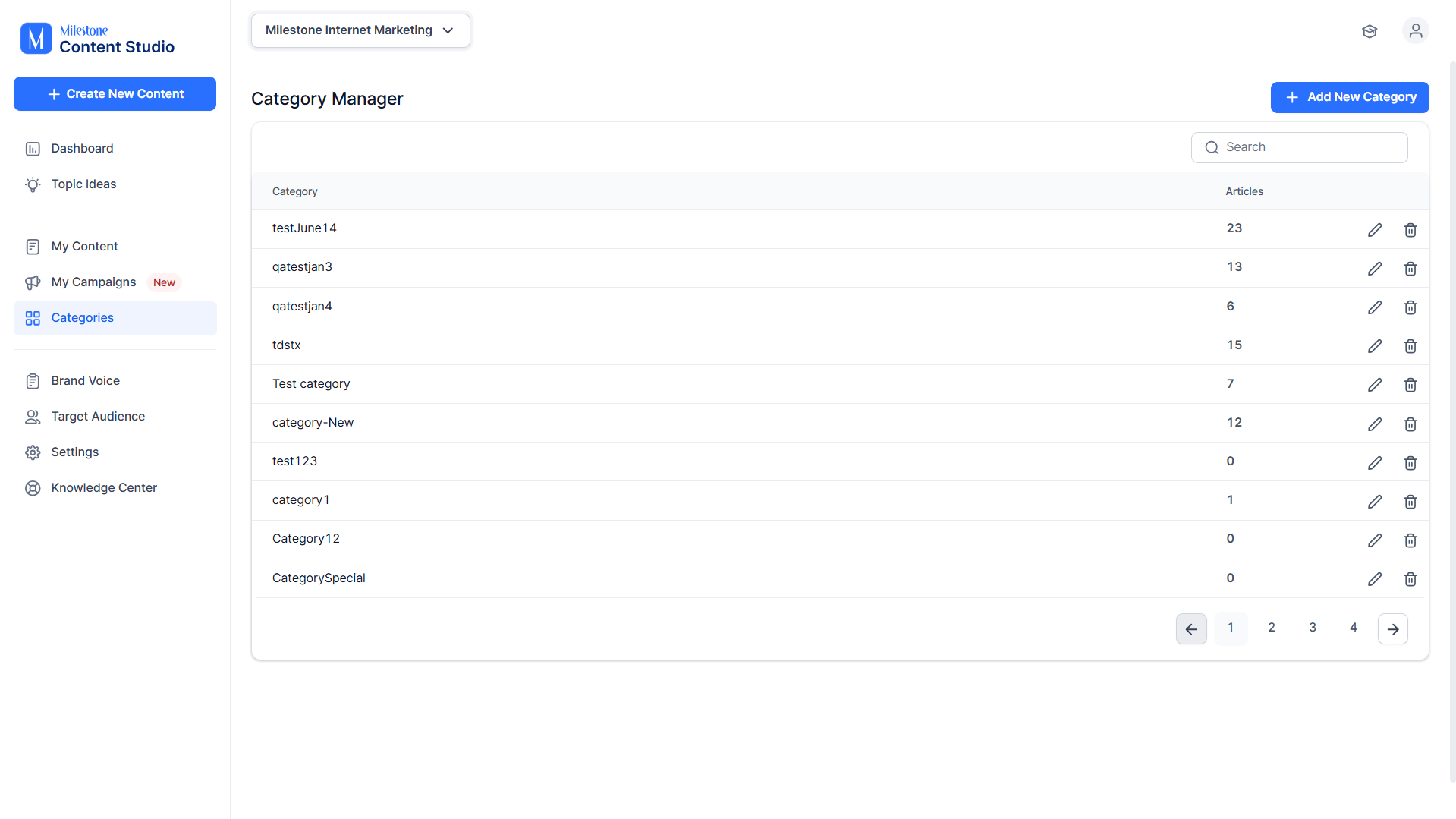
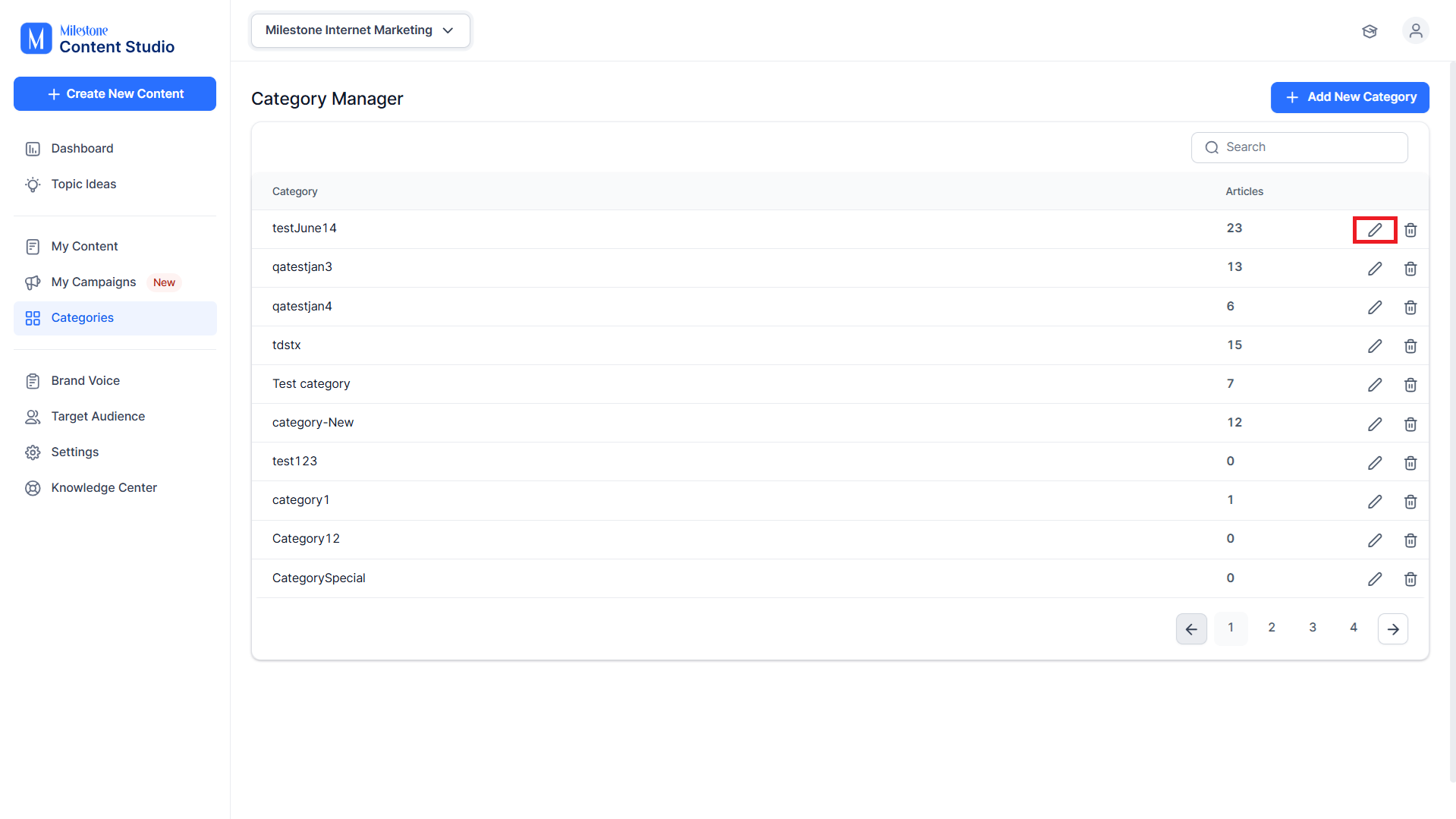
You can edit an existing category by clicking on the edit icon corresponding to it.
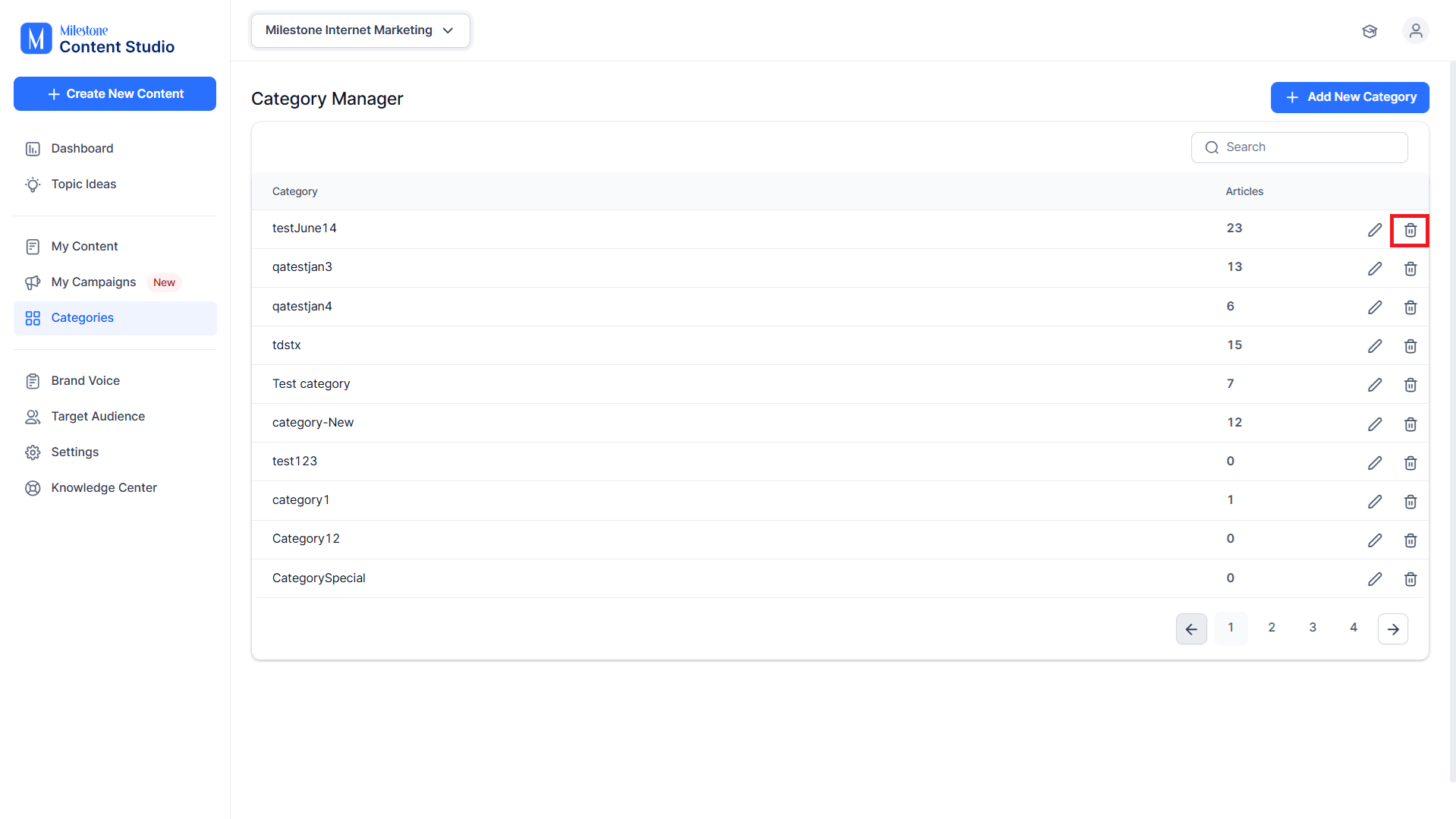
You can delete a category by clicking on the delete icon corresponding to it.
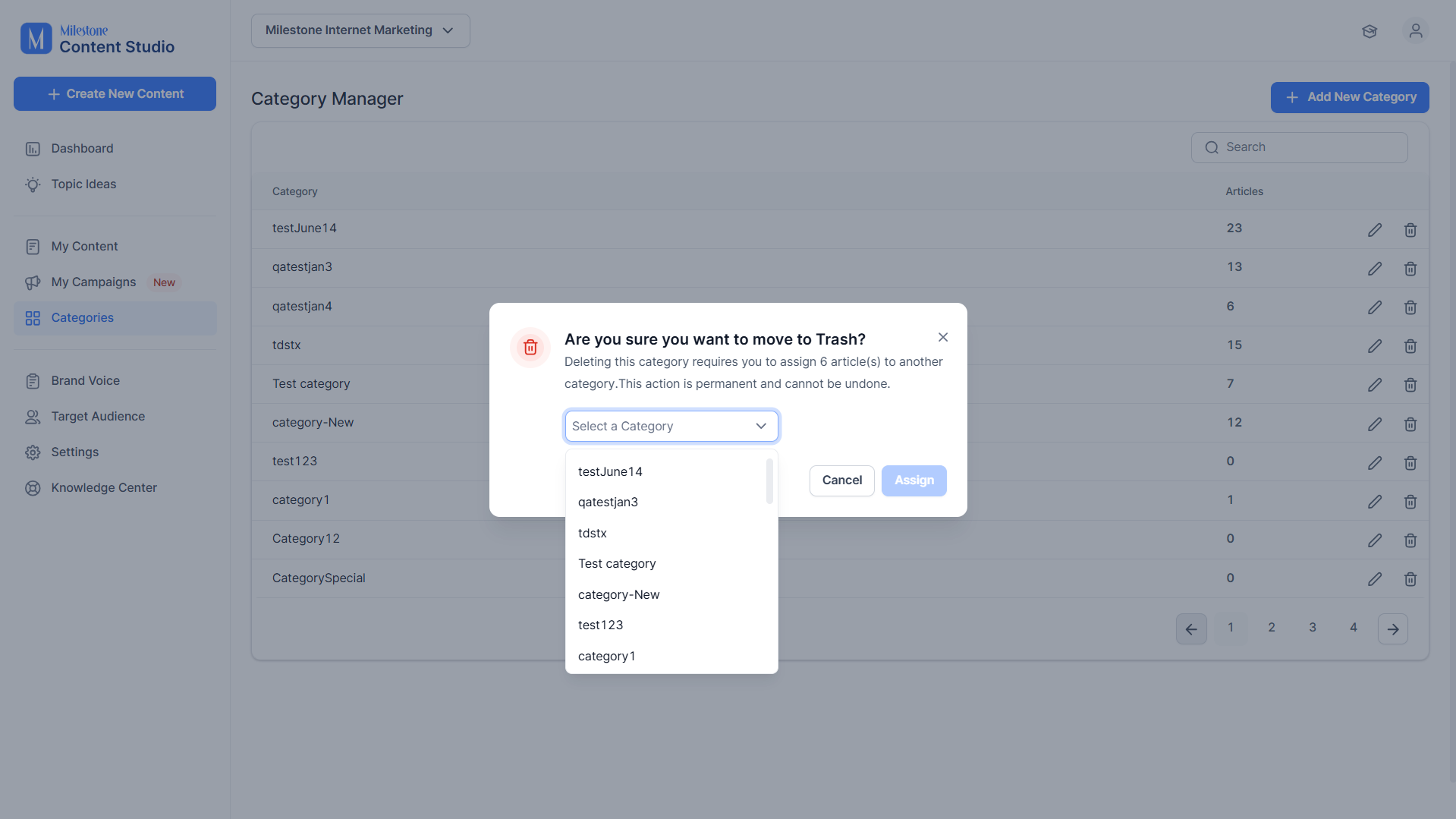
If you delete a category that has articles within it, the articles will need to be assigned to another category.
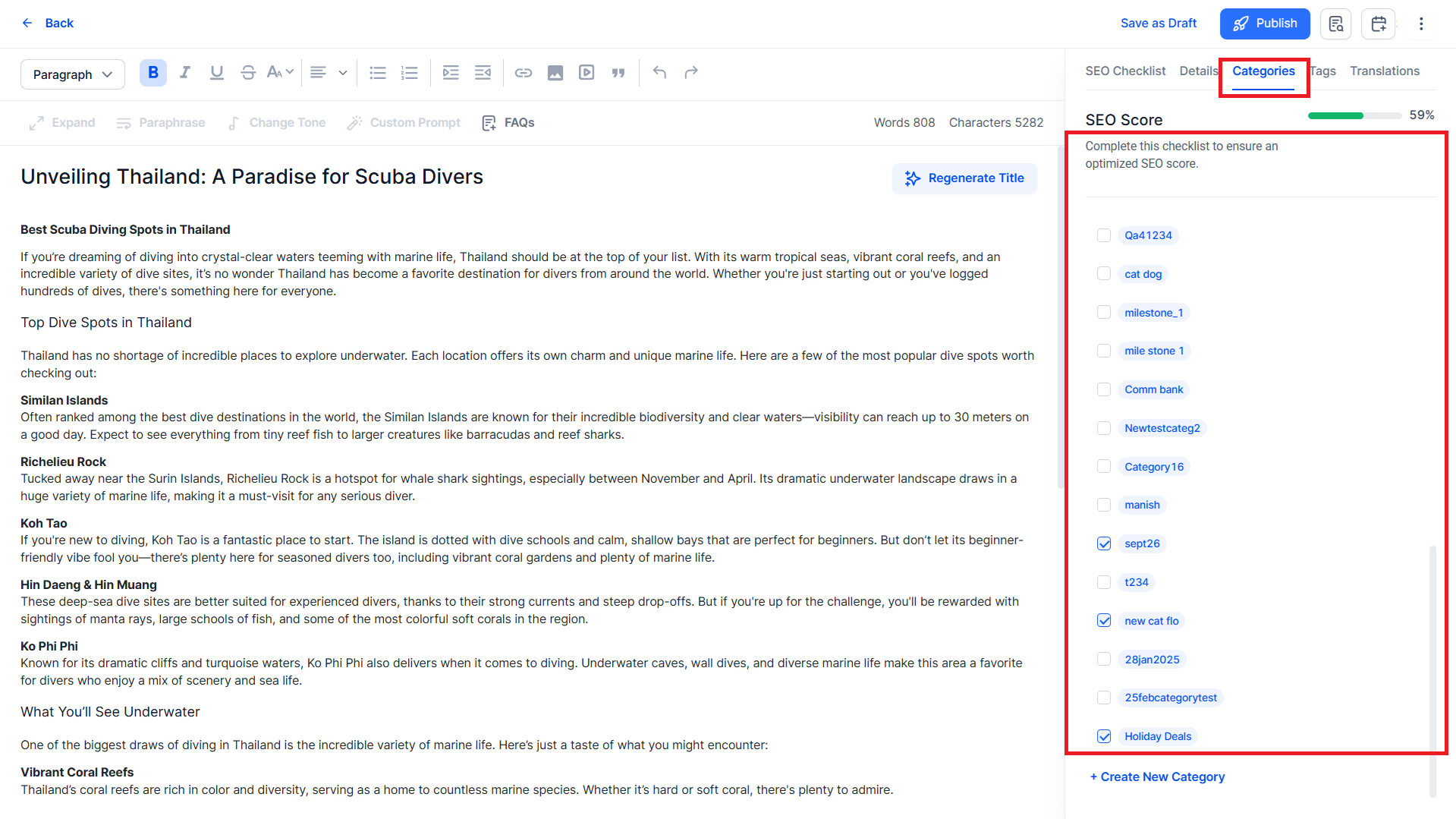
You can assign content to a category from the ‘Categories’ section in the editor.
Was this article helpful?
That’s Great!
Thank you for your feedback
Sorry! We couldn't be helpful
Thank you for your feedback
Feedback sent
We appreciate your effort and will try to fix the article