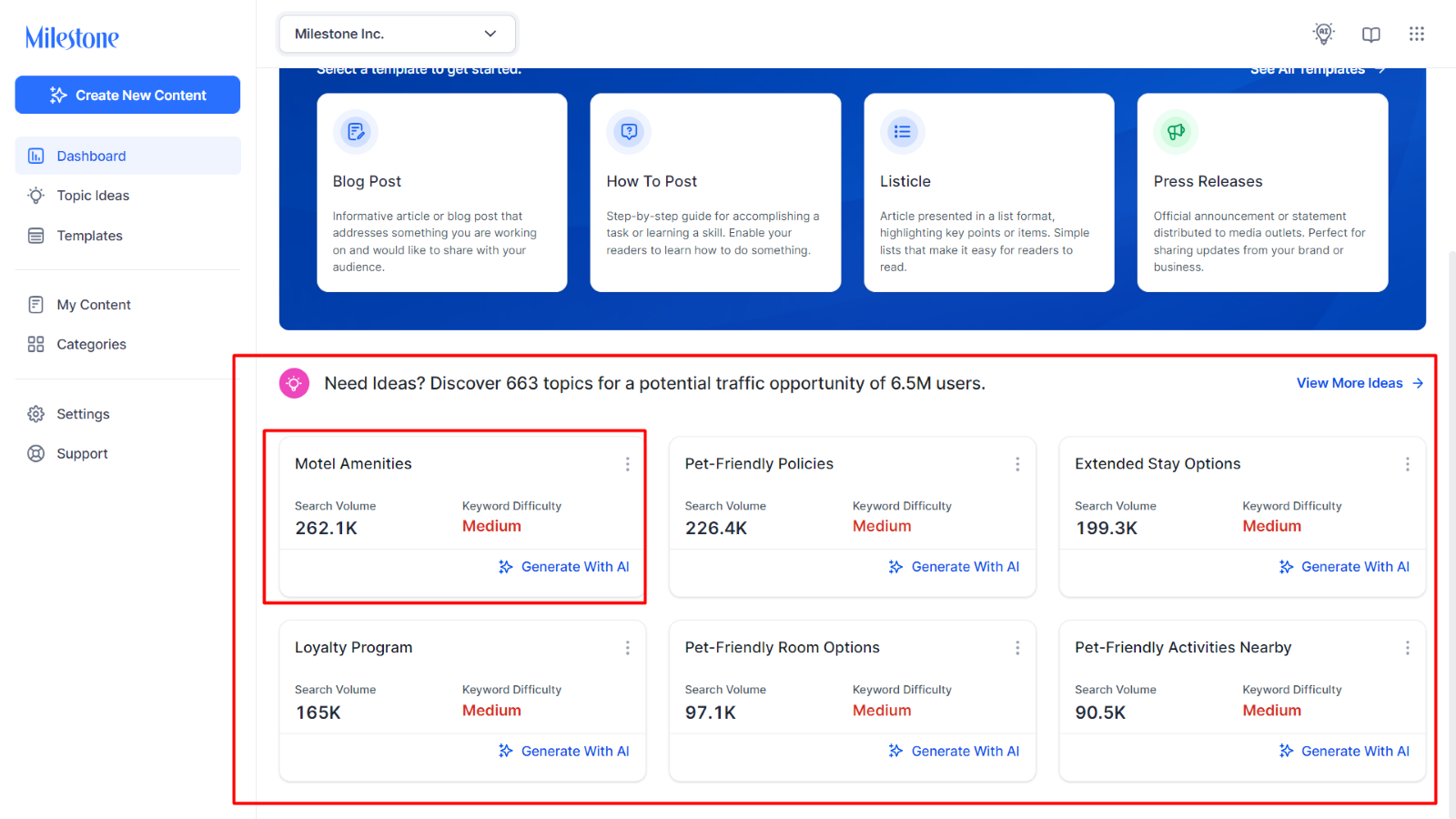
Are you feeling a bit uninspired? Below the content generator is the Content Intelligence section, which provides ideas for content creation.
Each data tile displays the core topic at the top, the search volume for the targeted keyword, and the difficulty of ranking number 1 on SERPs.
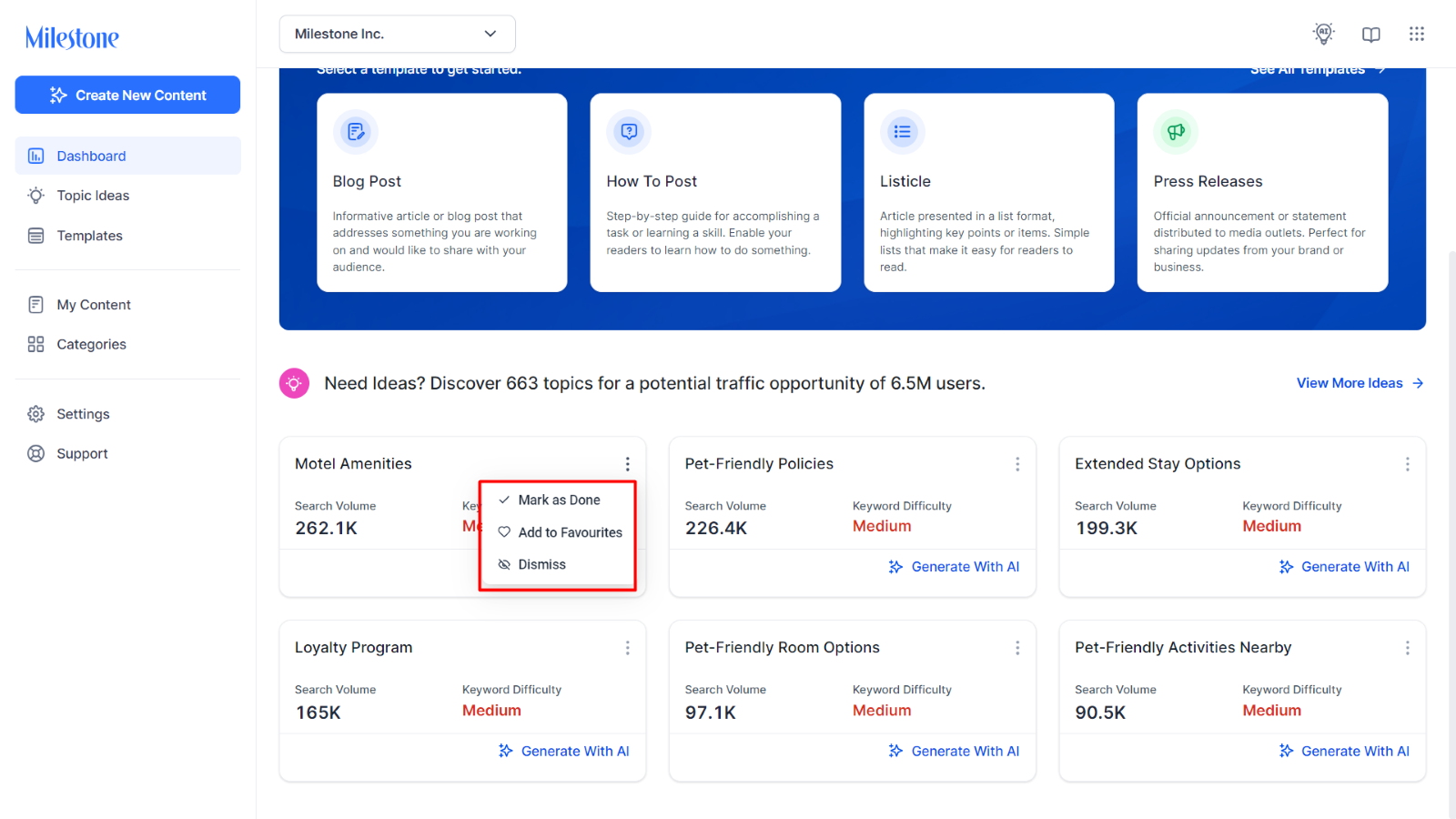
Use the three-dot menu to mark the content as done, add to favorites or dismiss the topic idea.
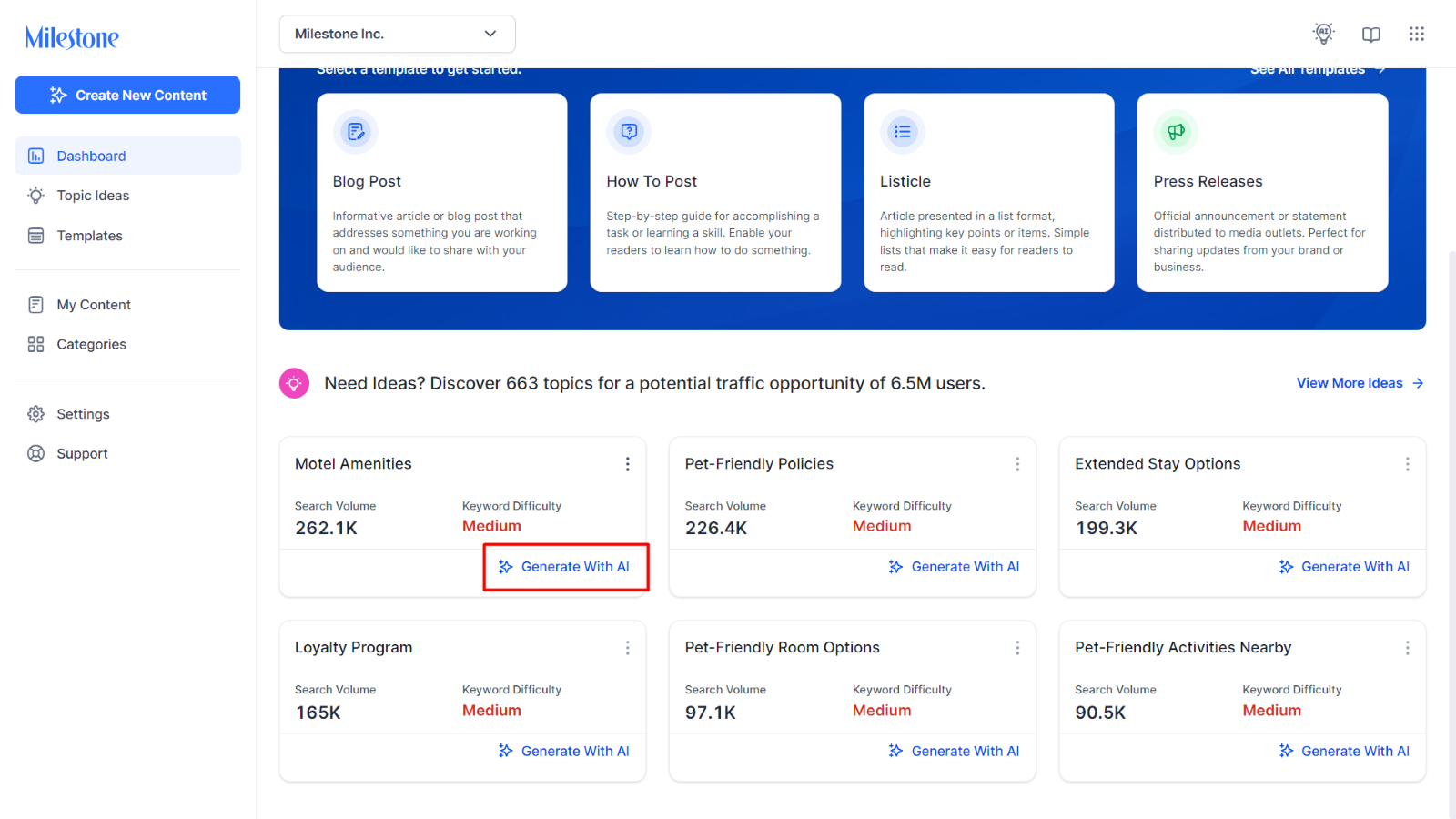
Click on ‘Generate with AI’ to generate content for the topic idea.
To view all topic suggestions, click on ‘View more Ideas’.
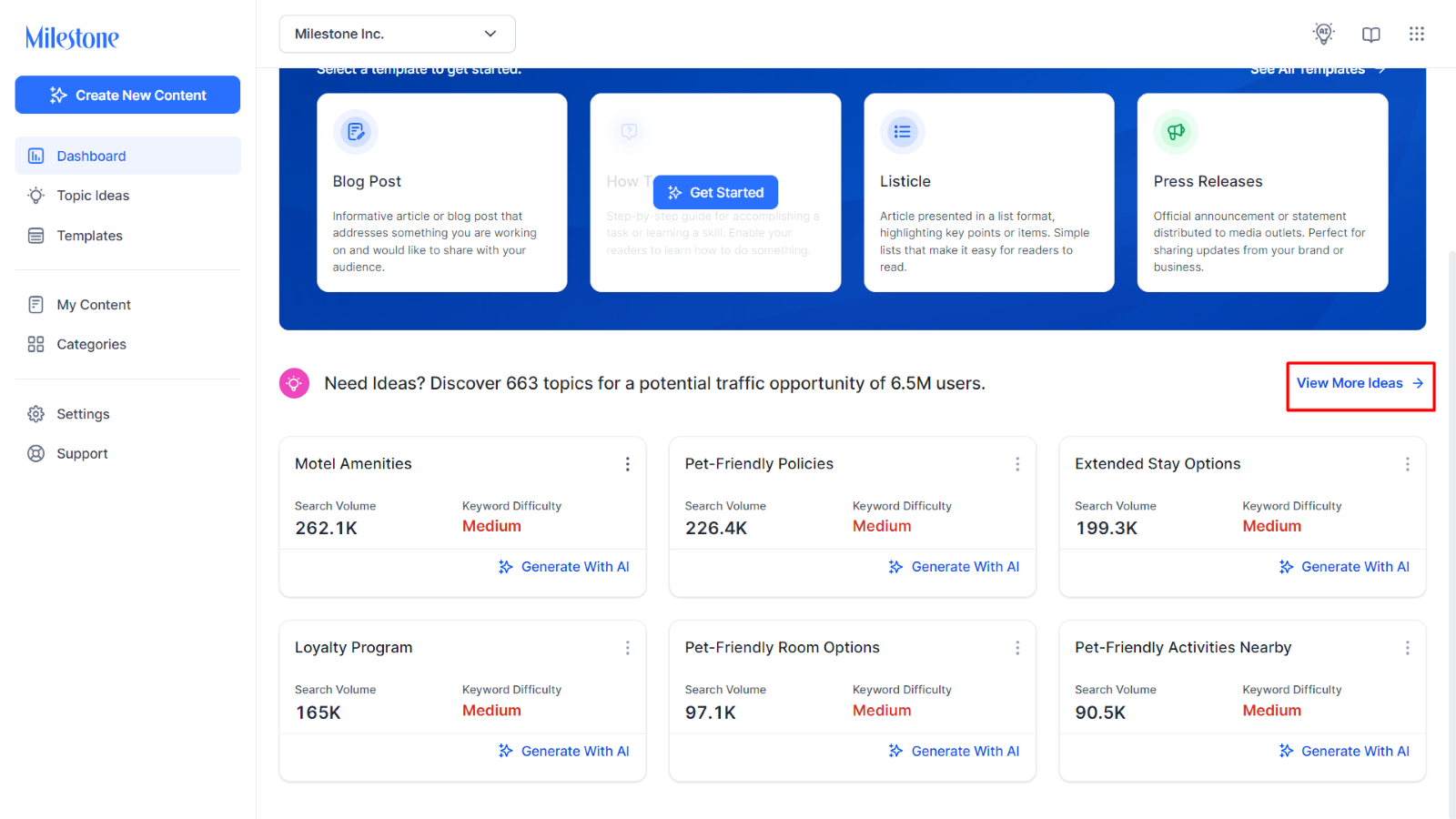
You will be redirected to the ‘Topic Ideas’ section.
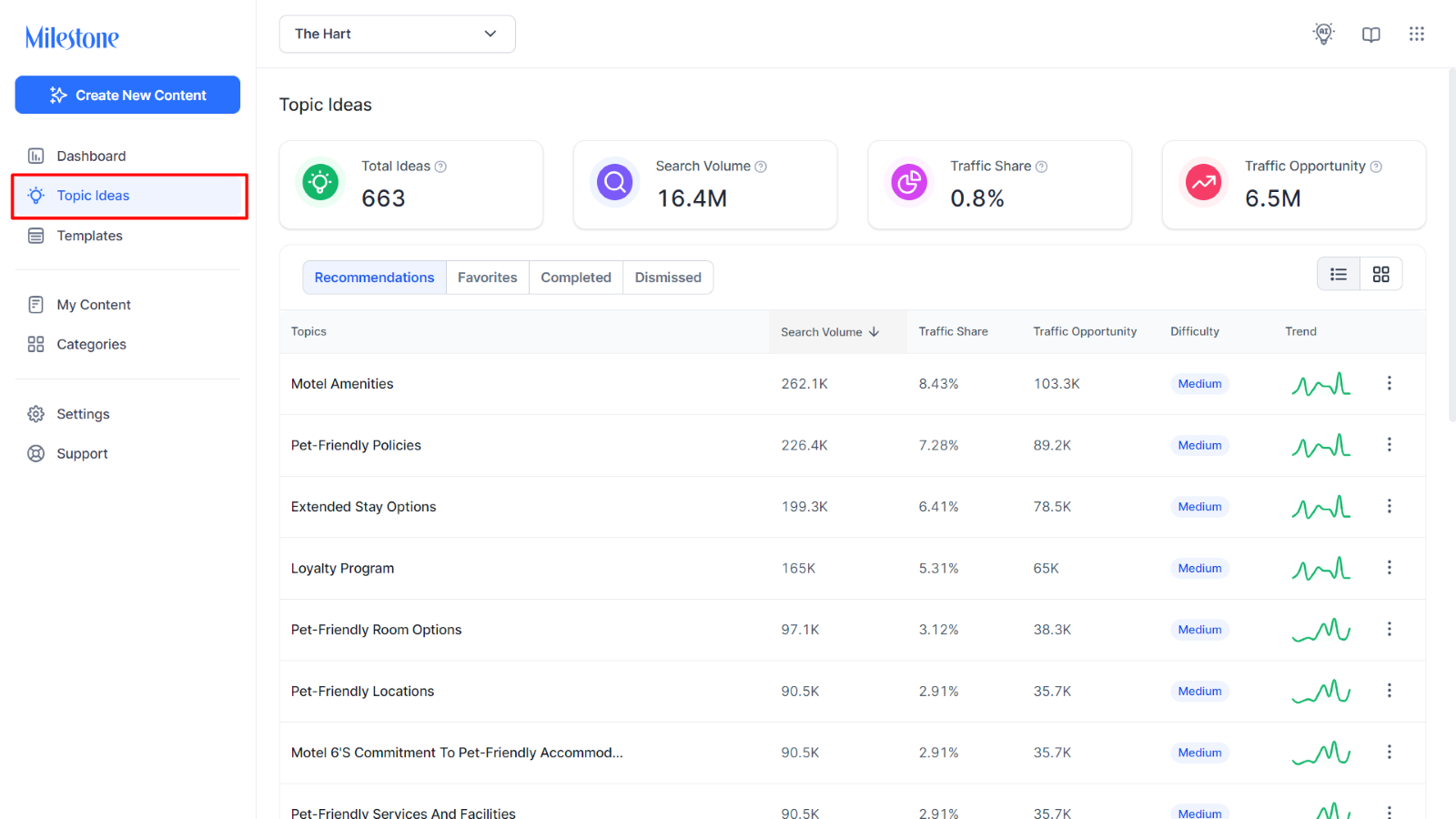
Topic Ideas
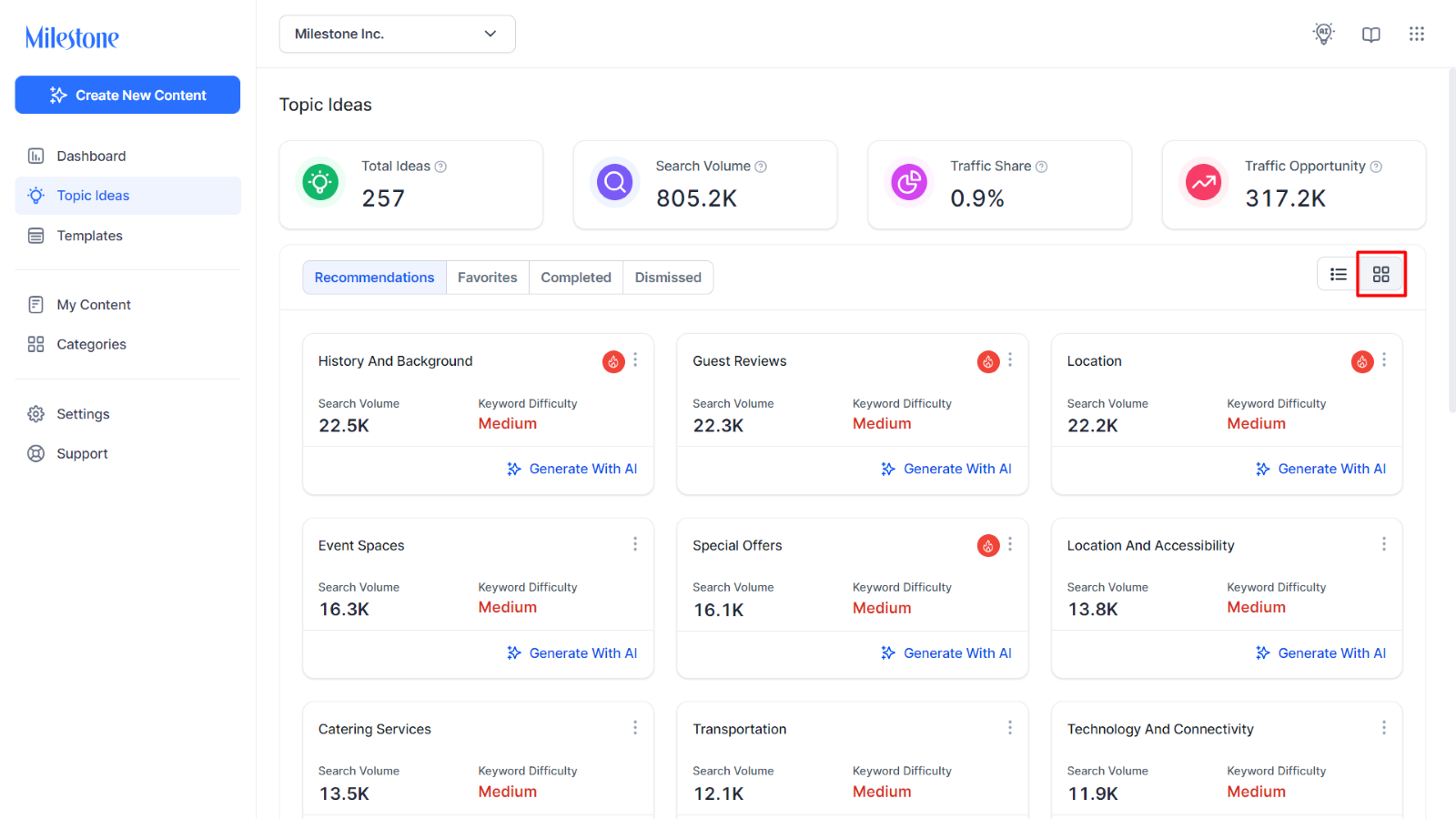
The Topic Ideas section displays data for the topics that are relevant to your business at the top.
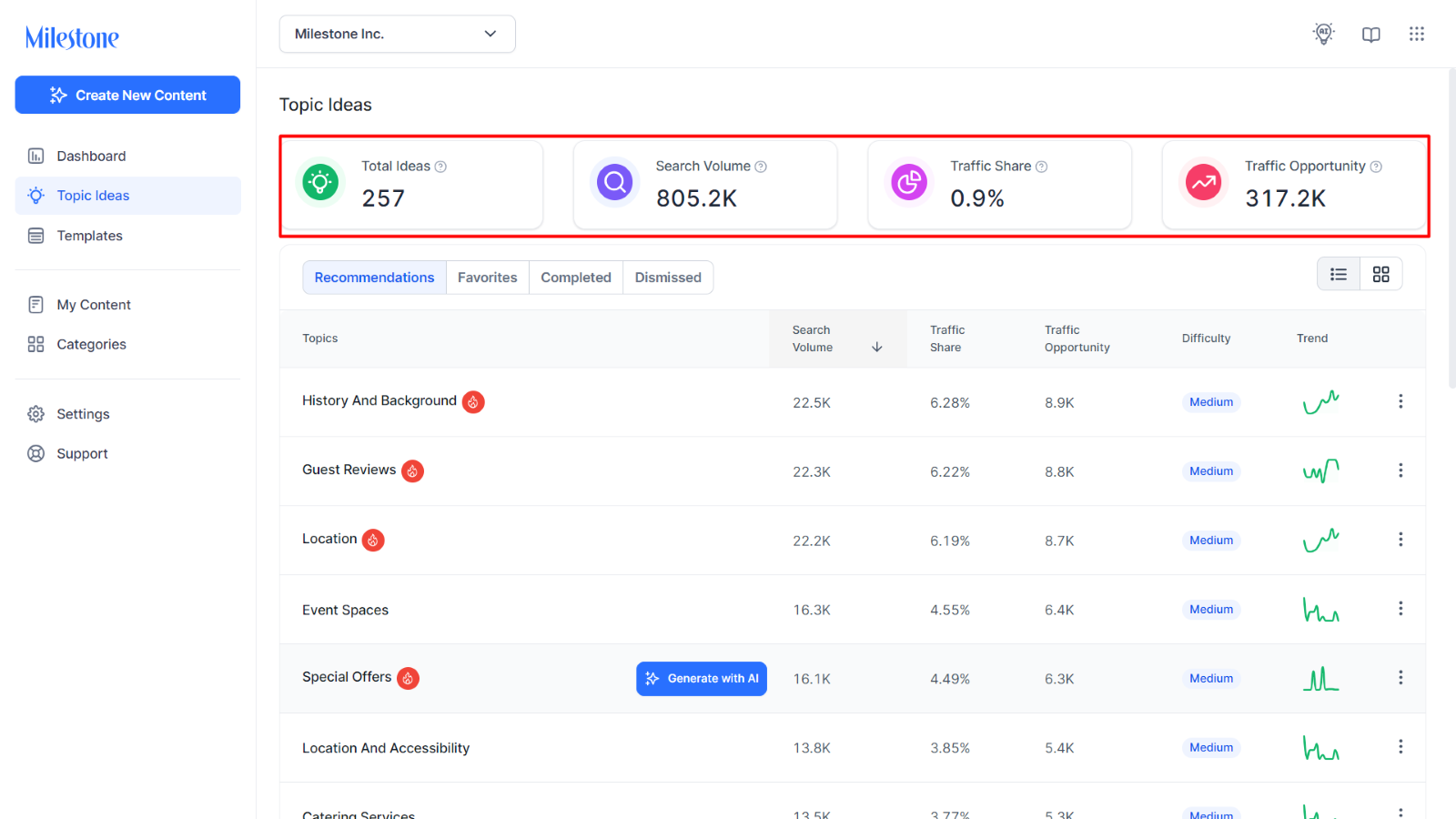
- Total Ideas: The total number of topics you can choose from to generate content around.
- Search Volume: The total monthly search volume of keywords across all topics. This will give you a gauge of the total search volume you can capture by covering all the topics here.
- Traffic Share: Taking into consideration the visits to your competitor websites, this metric shows the percentage of traffic share your website can capture from these topics.
- Traffic Opportunity: The potential reach of all topics for your business considering the reach your competitors have for these topics.
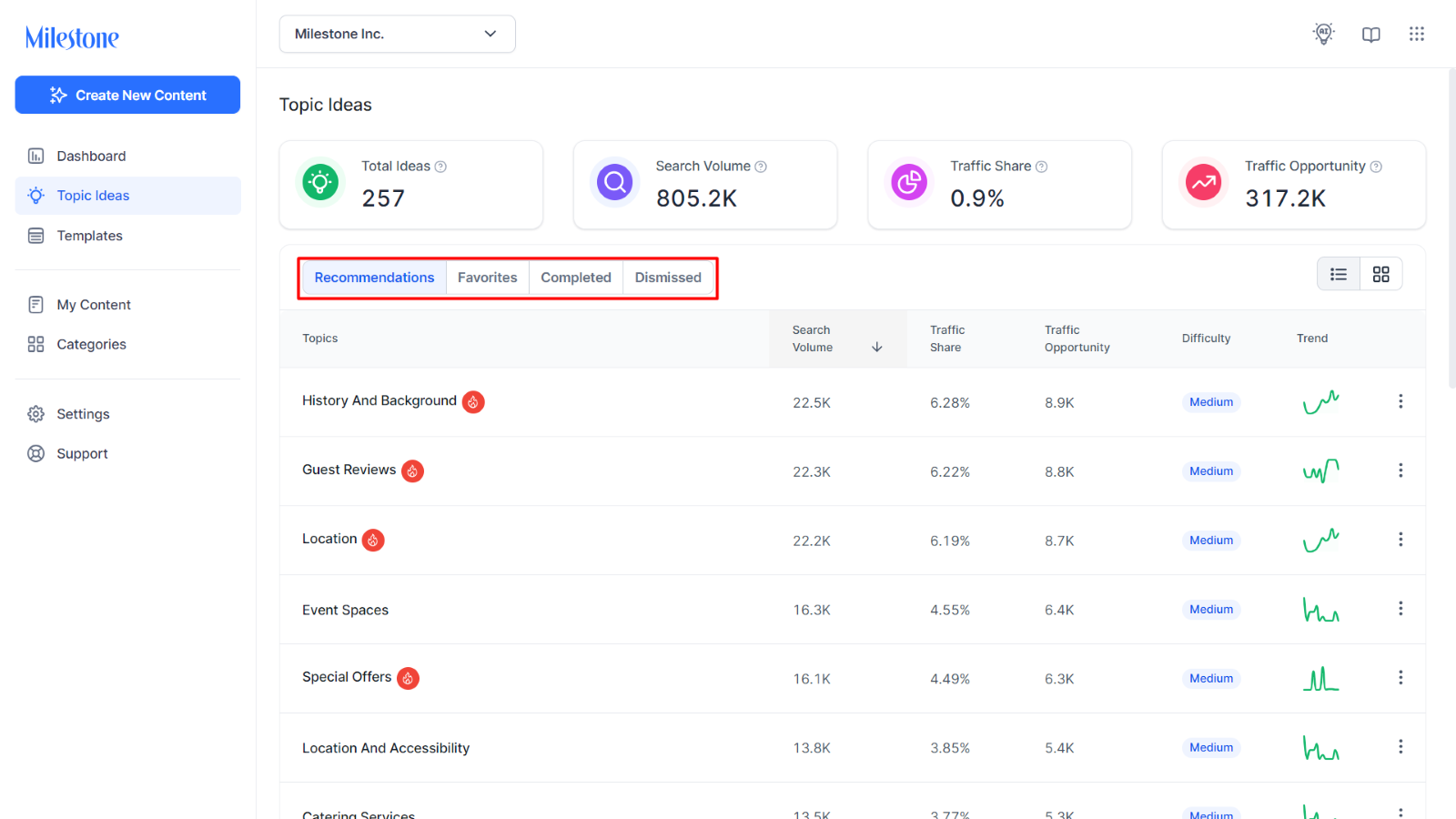
The Topics Table displays topics under 4 categories;
- Recommendations: These are topics that you can generate content for and are relevant to your business.
- Favorites: These topics have been added to this folder by marking them are ‘Add to Favorites’.
- Complete: These are topics that you have generated content for using Milestone Content Studio.
- Dismissed: These are topics that you have dismissed in the past. You can revisit them and generate content for them from here.
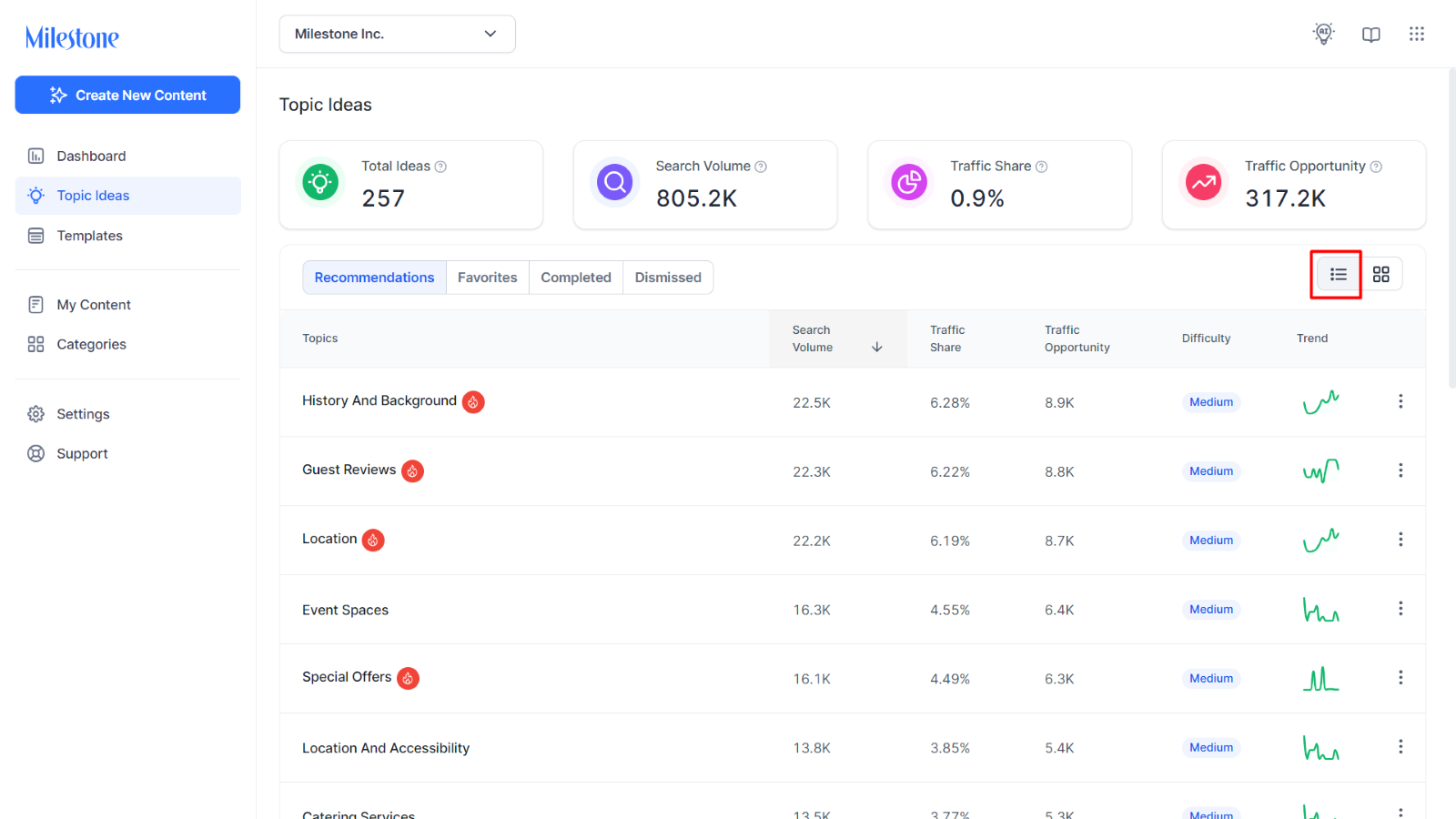
Gird vs Table View
You can use the options at the top right of this section to see the topics in either a Grid View or a Table View.
Table View:
Grid View:
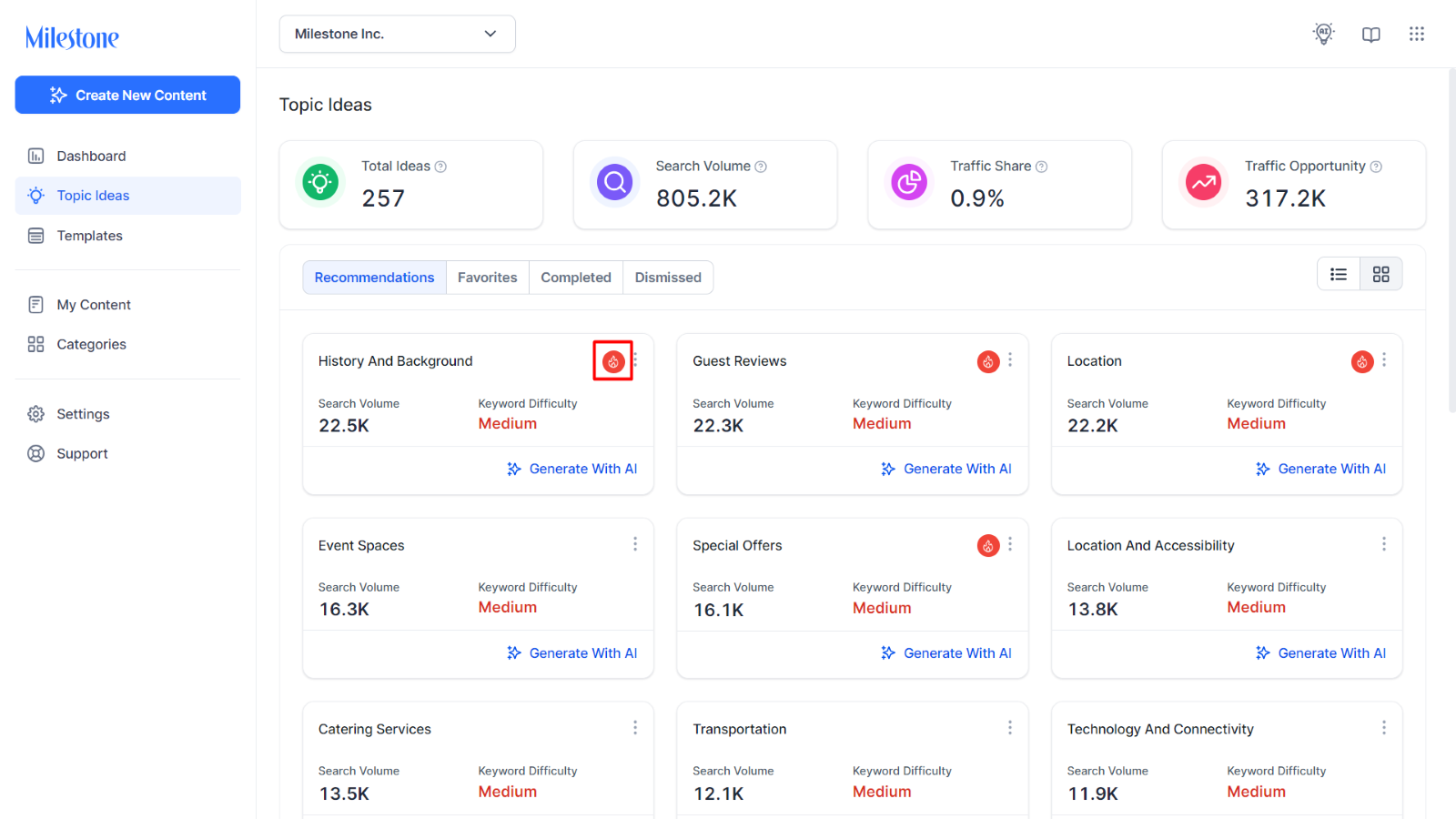
Topics that have the red fire icon on them denote that they are hot topics that are currently trending.
Was this article helpful?
That’s Great!
Thank you for your feedback
Sorry! We couldn't be helpful
Thank you for your feedback
Feedback sent
We appreciate your effort and will try to fix the article