The Schema Navigator provides a visual representation of the schema deployed and their referring schema or schema properties.
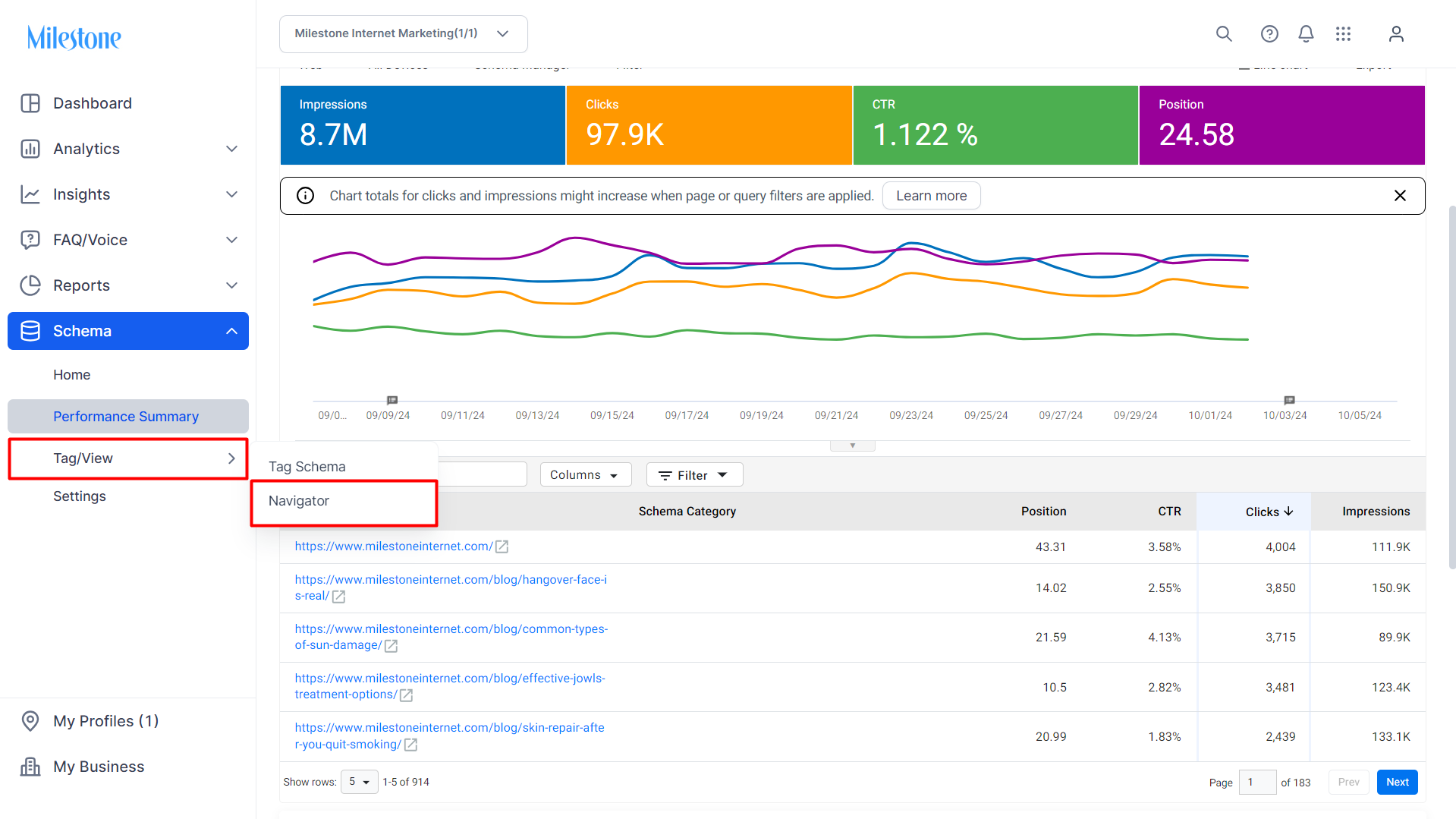
Click on ‘Navigator’ in the left navigation panel under the 'Tag / View' option.
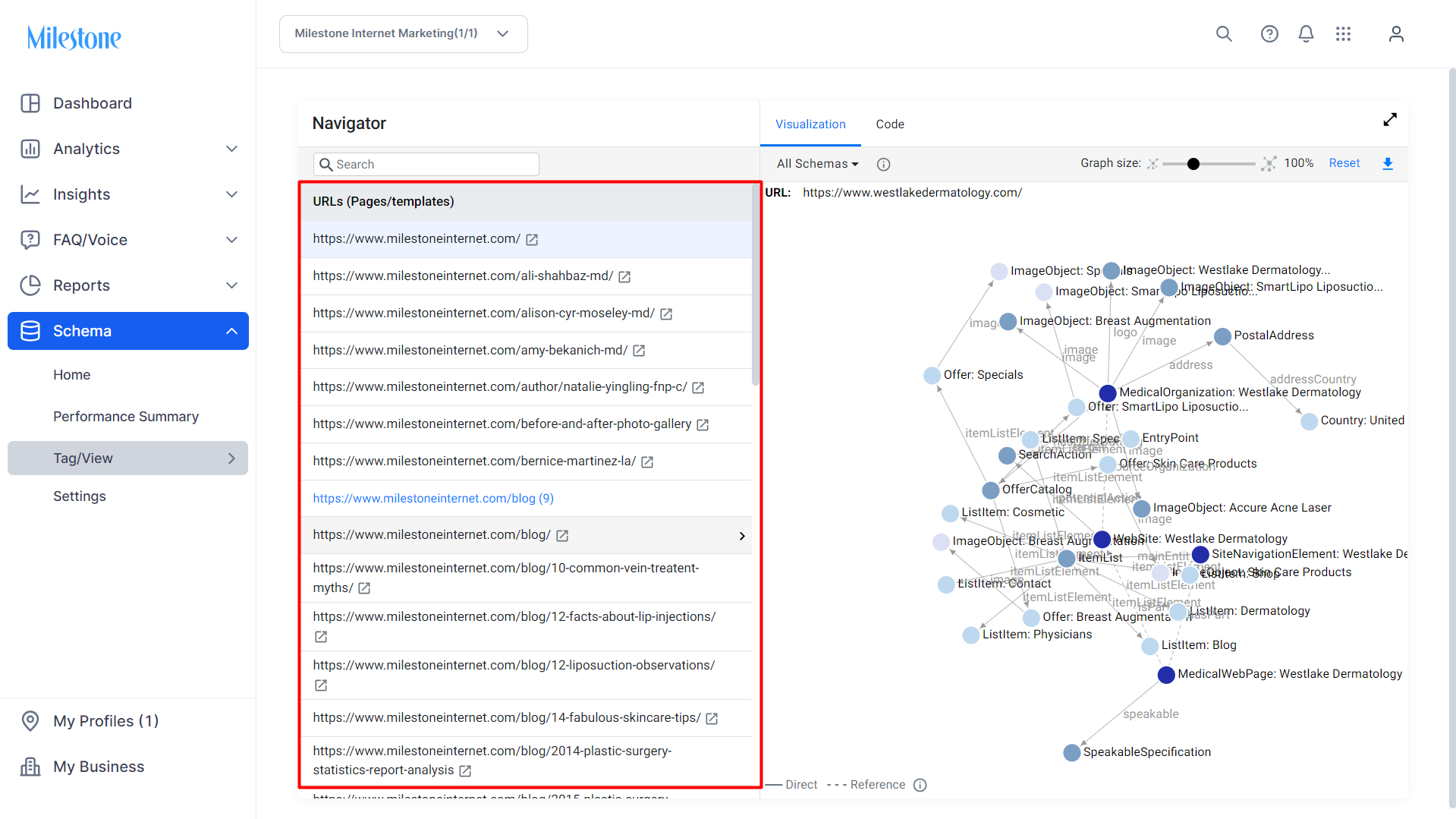
Click on the URL for which you wish to view the schema navigator visualization and code.
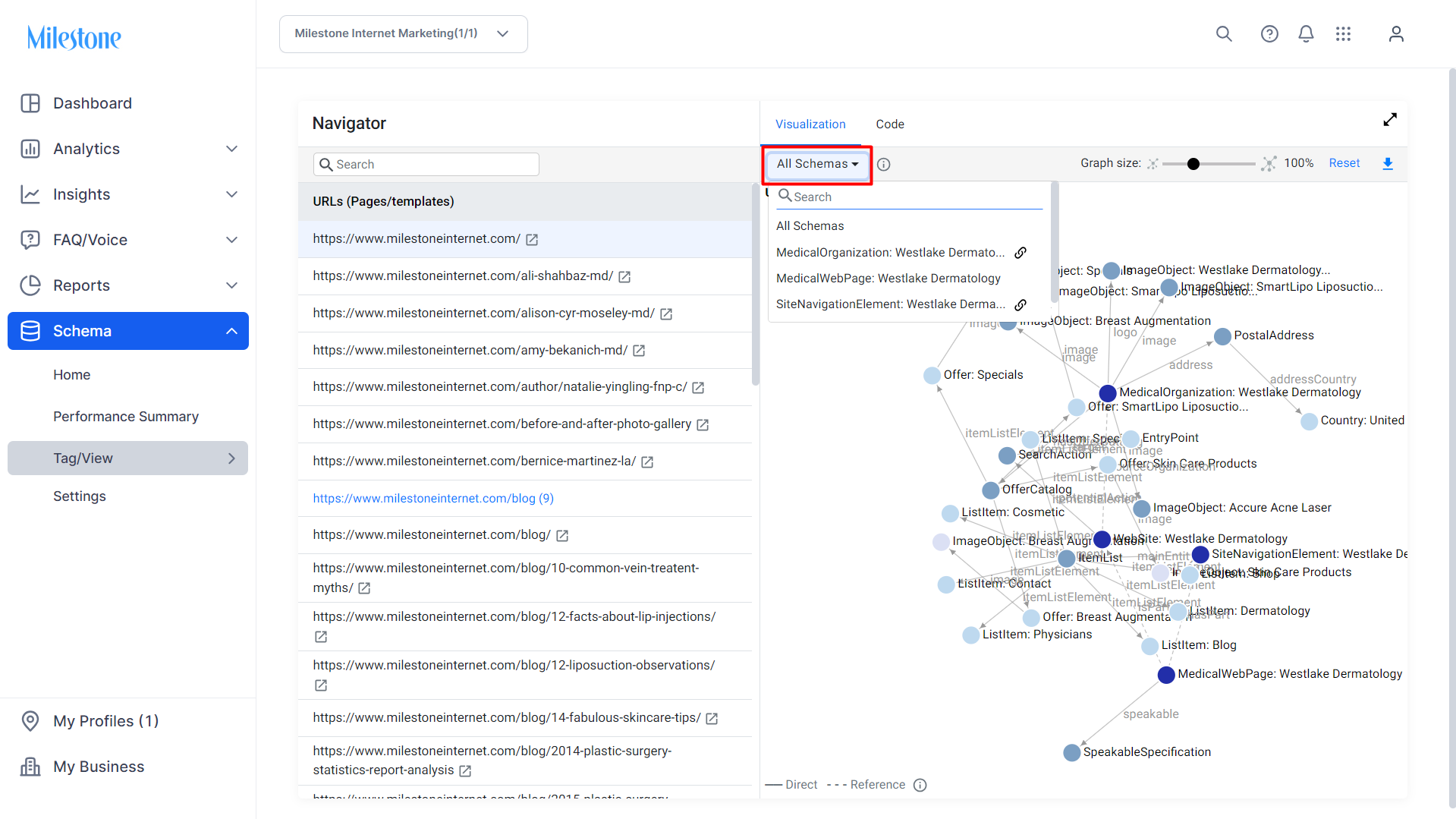
The dropdown menu allows you to toggle between schemas in the visualization.
You can zoom in and out of the visualization using the ‘Graph Size’ slider to the top right.
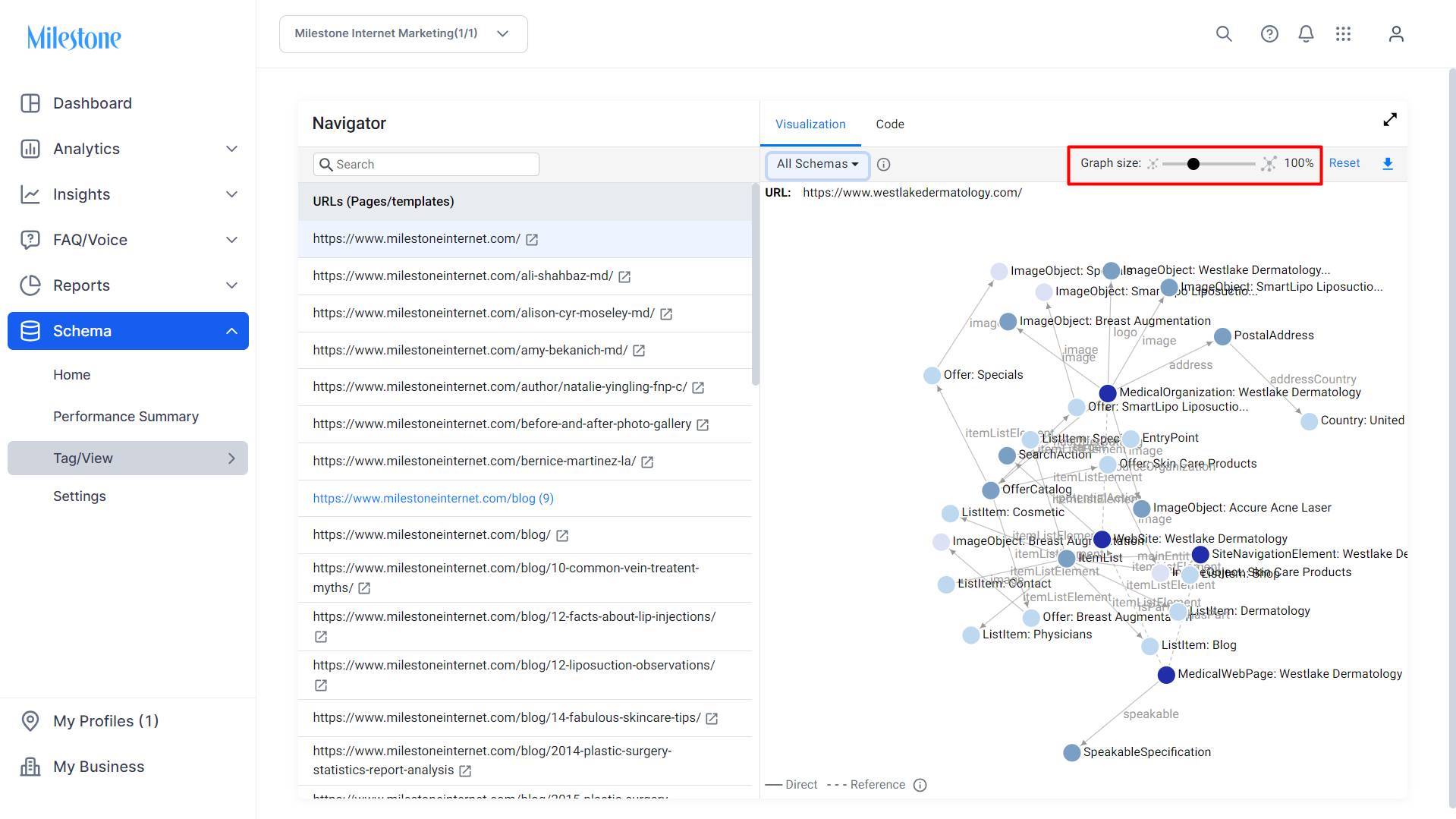
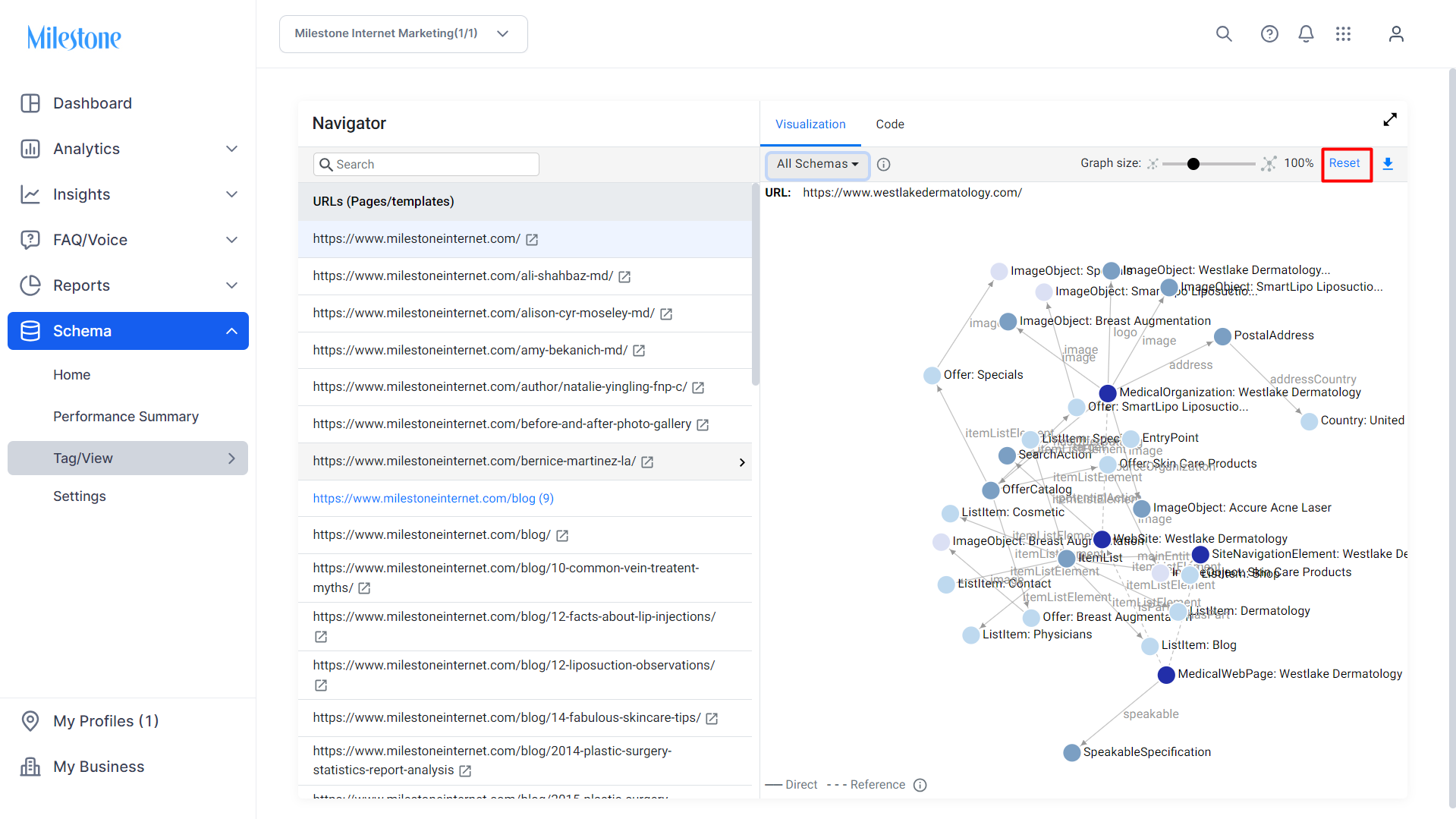
The ‘Reset’ button returns the graph to its original size.
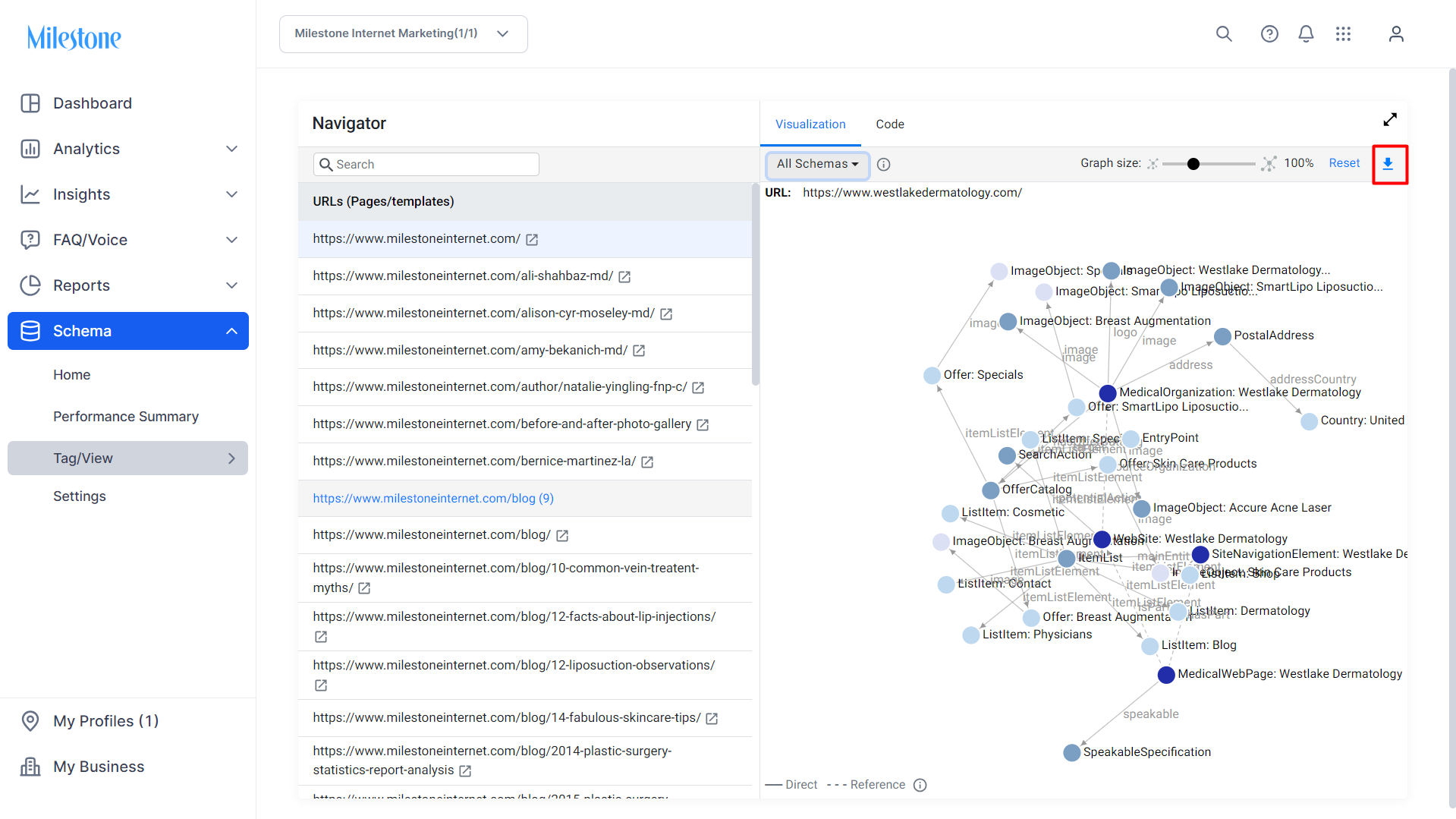
You can download an image PNG file of the visualization for easy reuse and sharing.
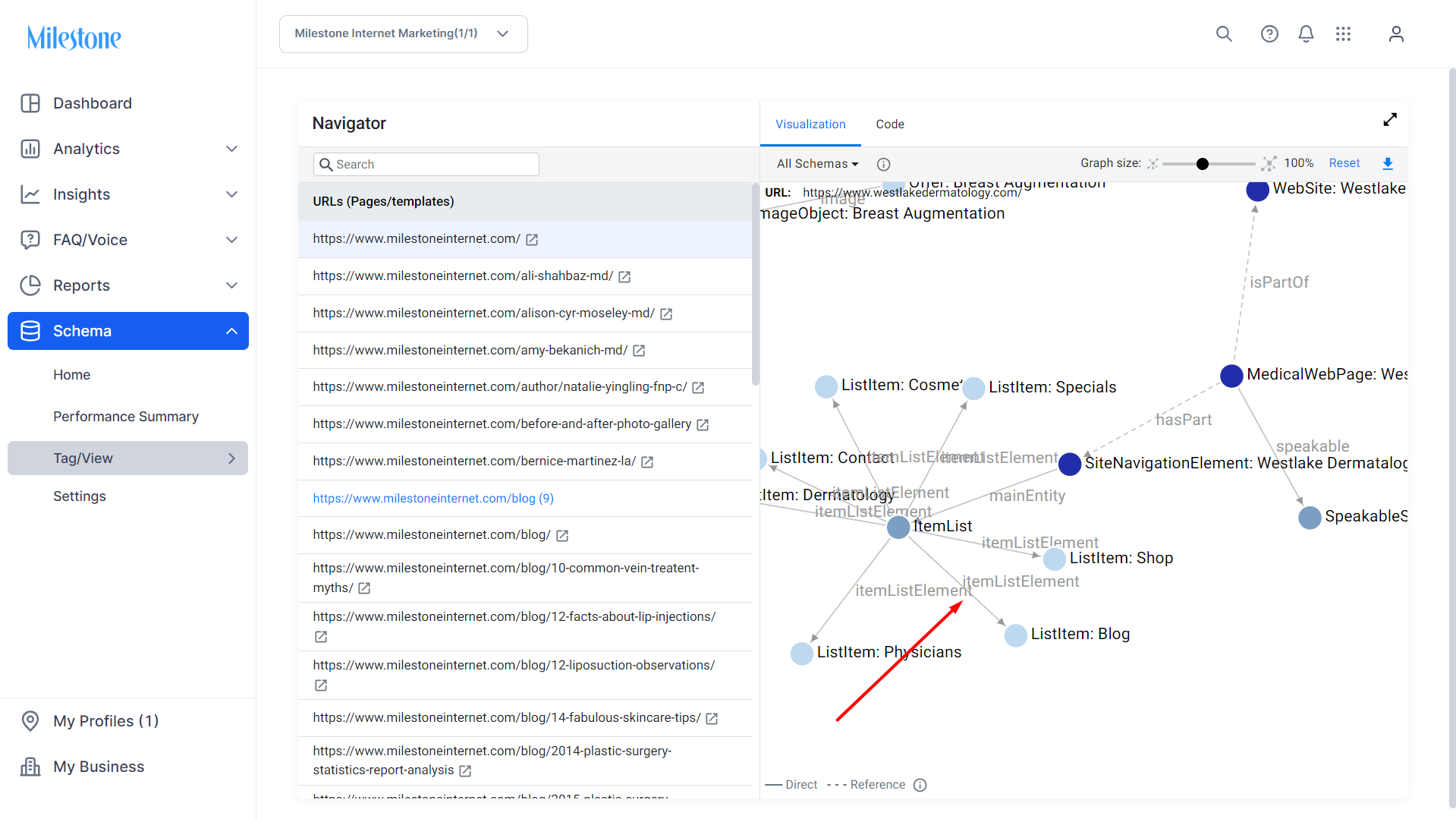
Schemas that are part of a larger schema structure are directly connected to each other and denoted by a 
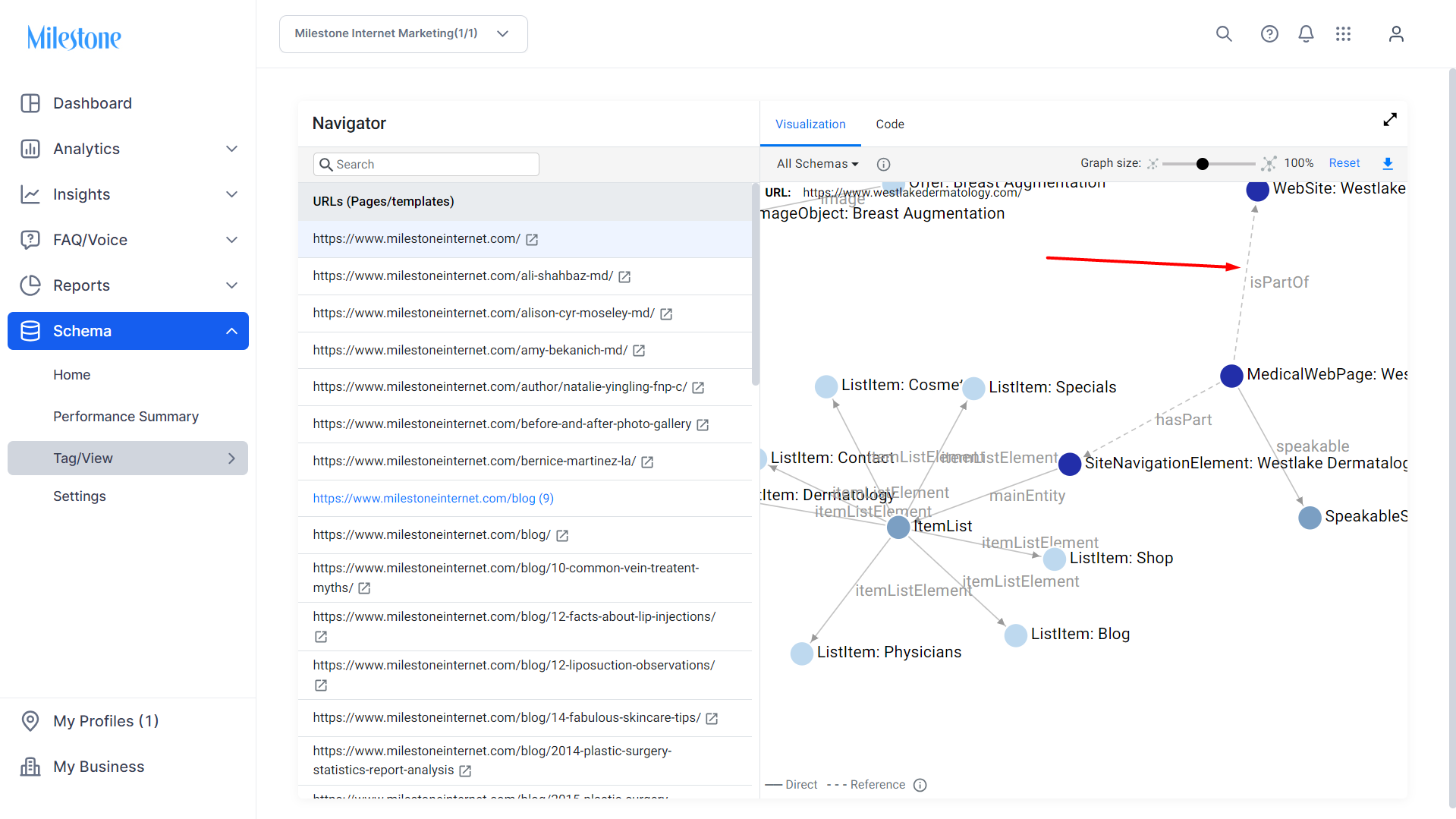
Schemas that are referencing each other using an @id will are denoted by a -------------->
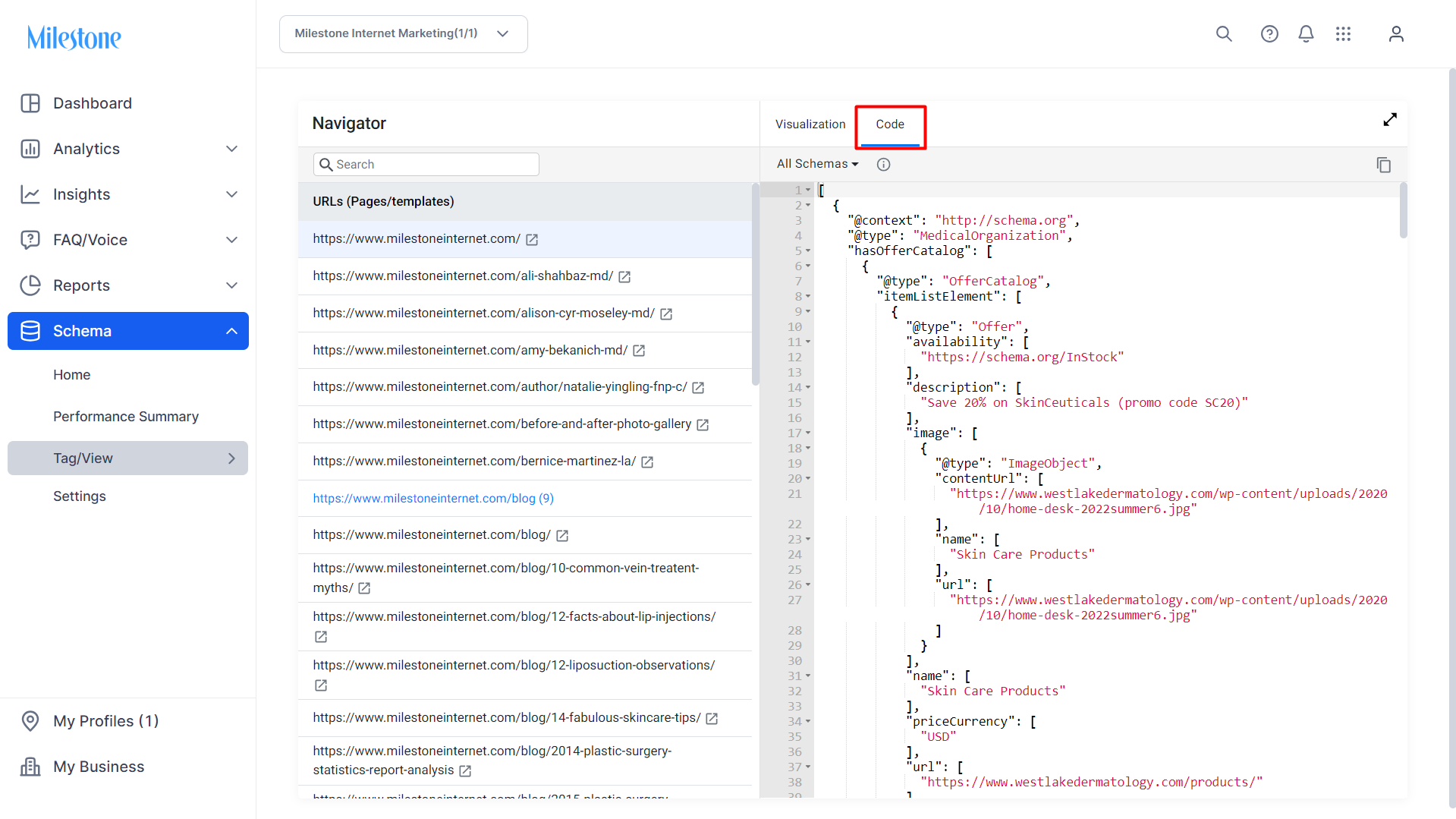
You can view the code used for the schema deployment by clicking on ‘Code’ at the top of the screen.
Was this article helpful?
That’s Great!
Thank you for your feedback
Sorry! We couldn't be helpful
Thank you for your feedback
Feedback sent
We appreciate your effort and will try to fix the article