To customize the list of modules and features on a profile or business location level, profile users have the option of keeping the features enabled on the business level or disable features not required for the profile or location. Of course, the modules and features are inherited based on what has been enabled on the business level and hence a profile cannot have a module or feature enabled which is not enabled on the business level.
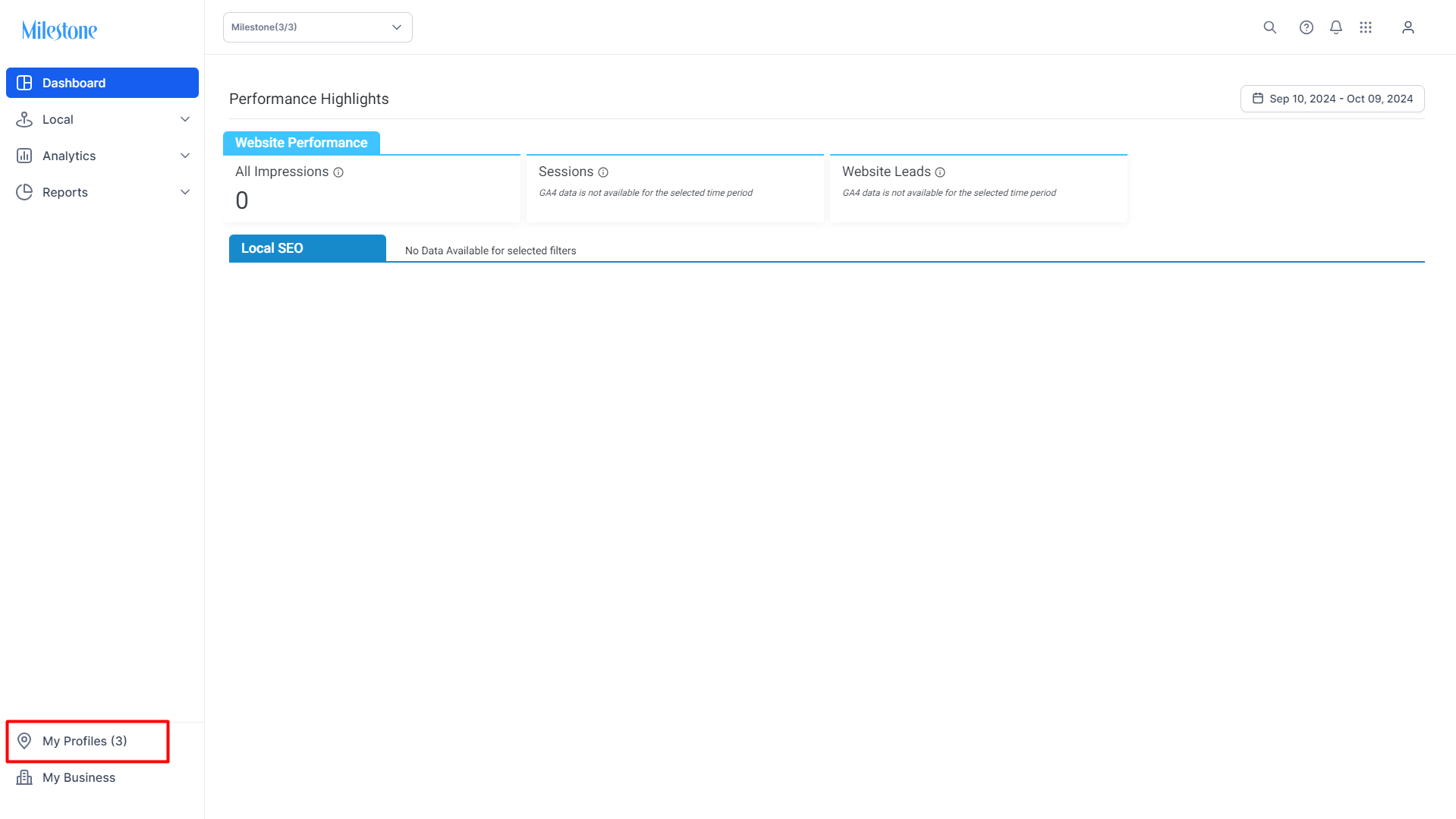
To go to profile level settings click on 'My Profiles' in the left navigation panel.
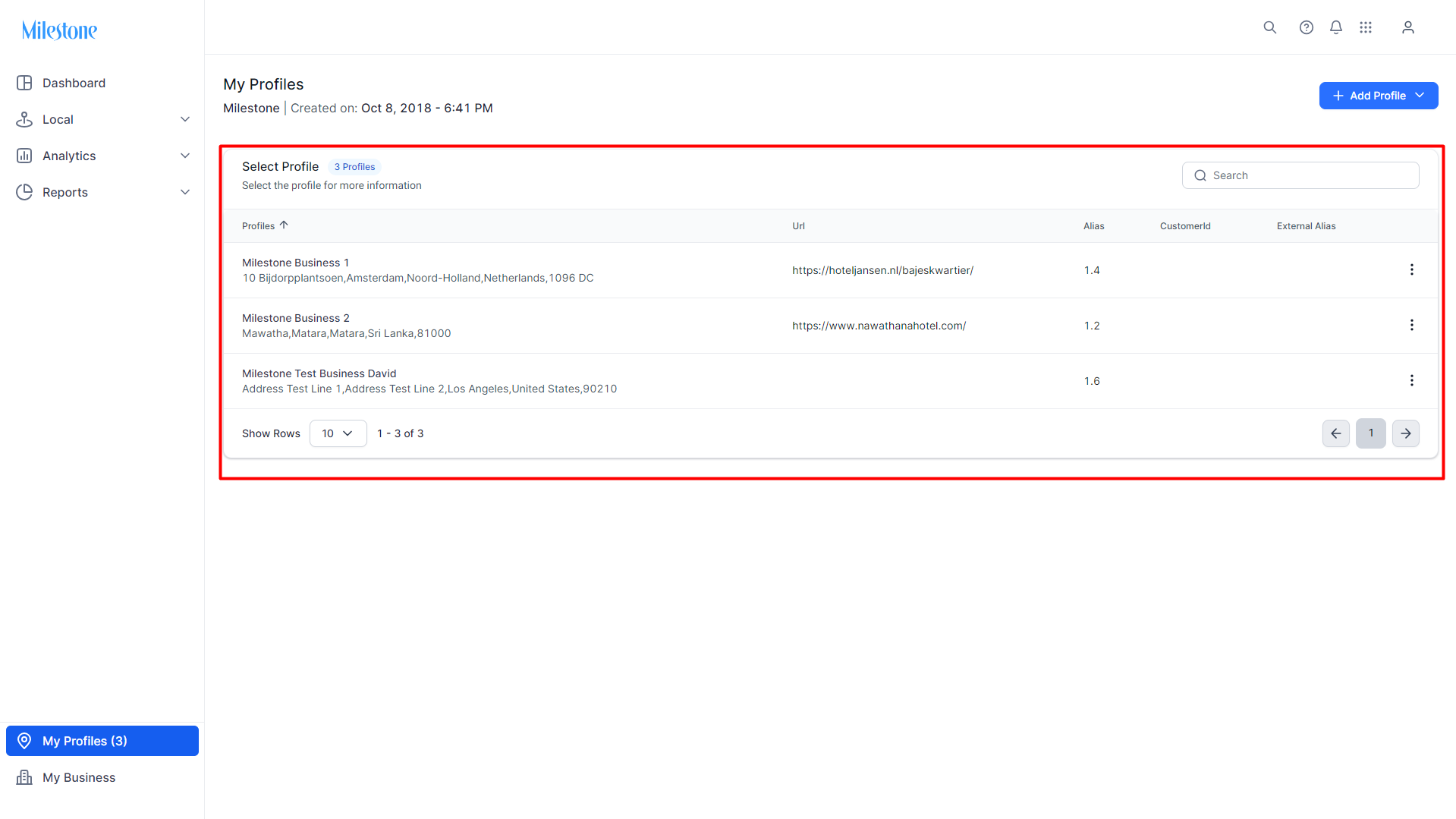
 Select the profile you wish to update settings for.
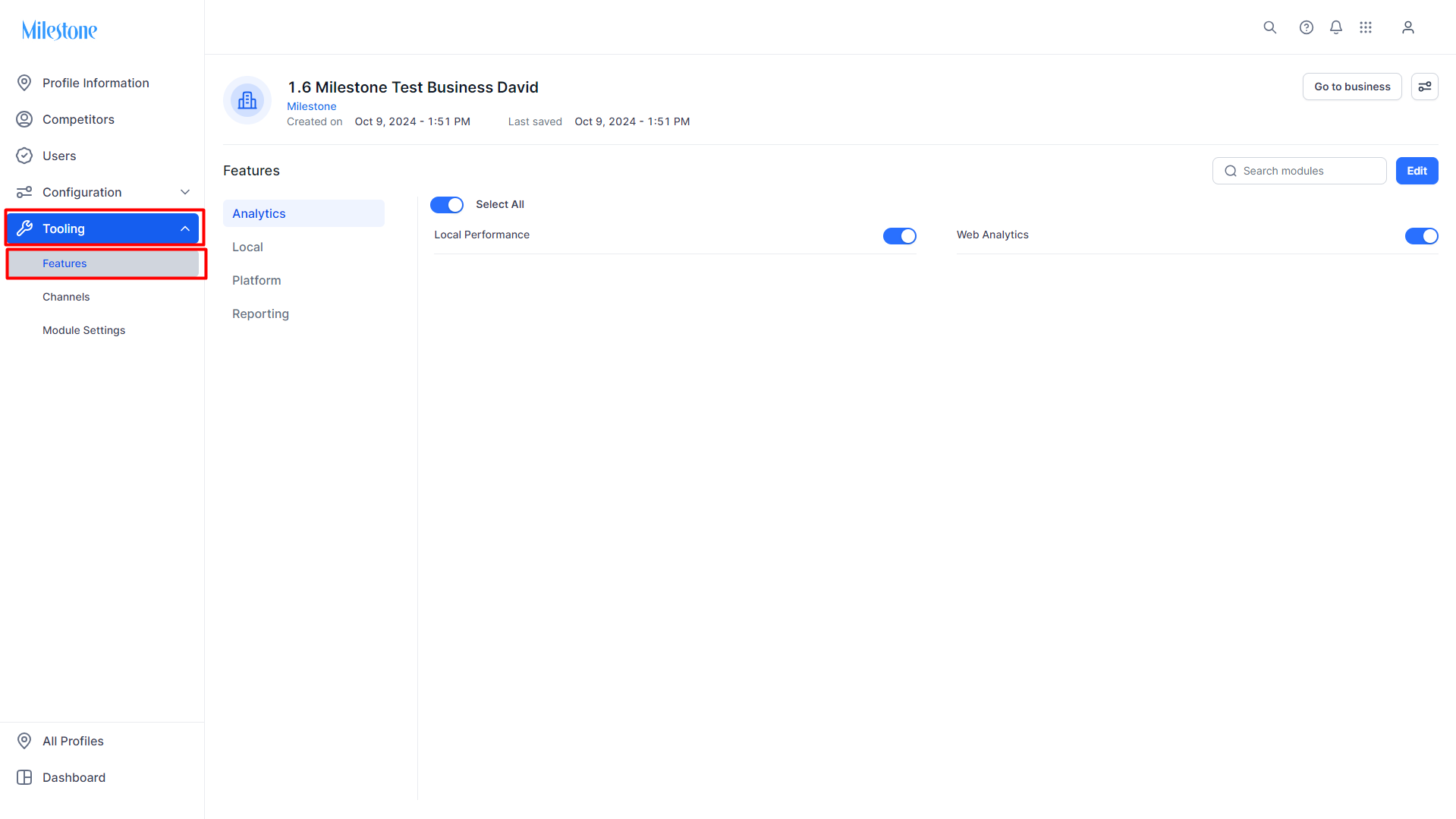
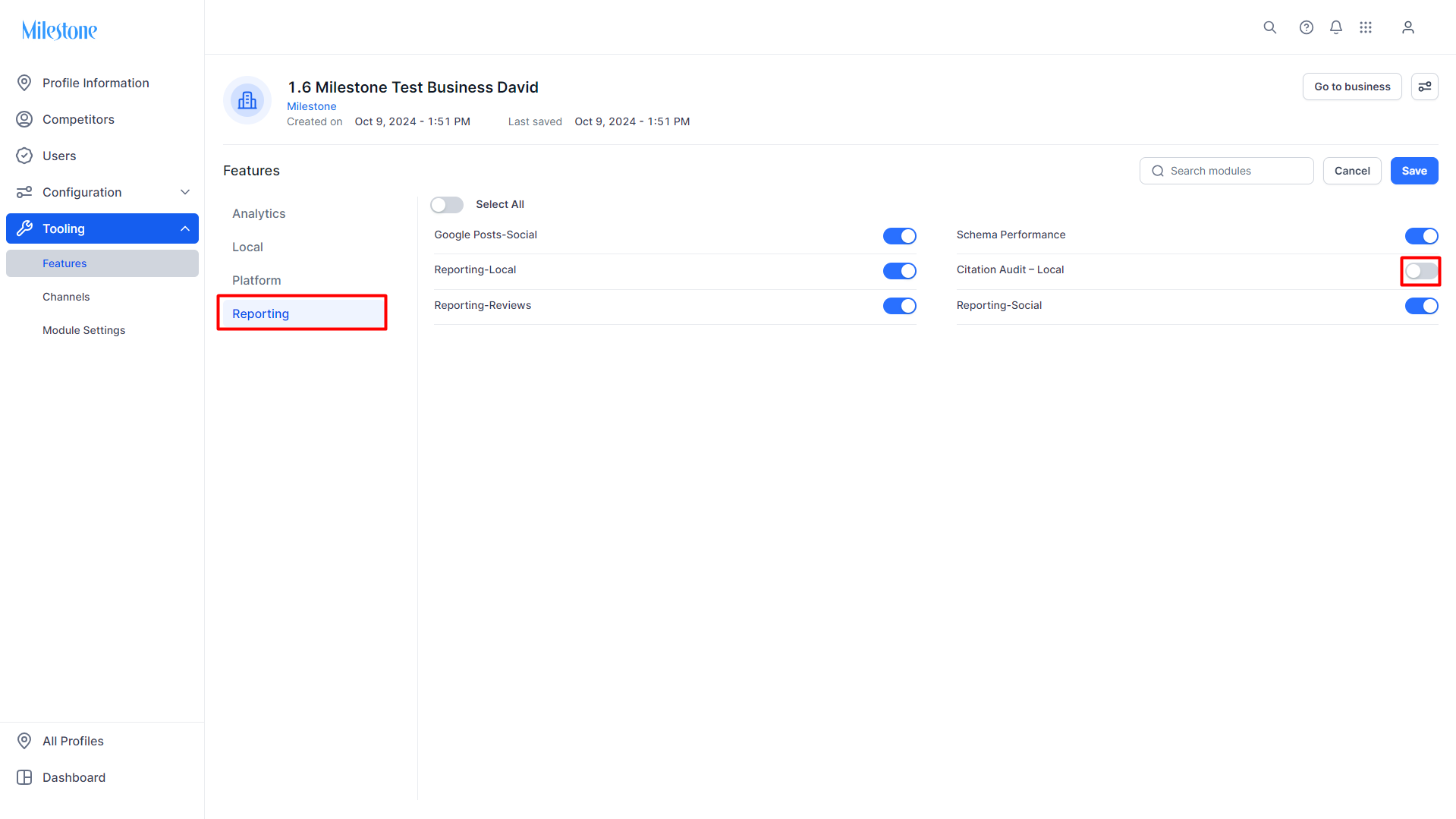
Go to 'Tooling' and then 'Features' in the left navigation panel of the Profile Settings section.
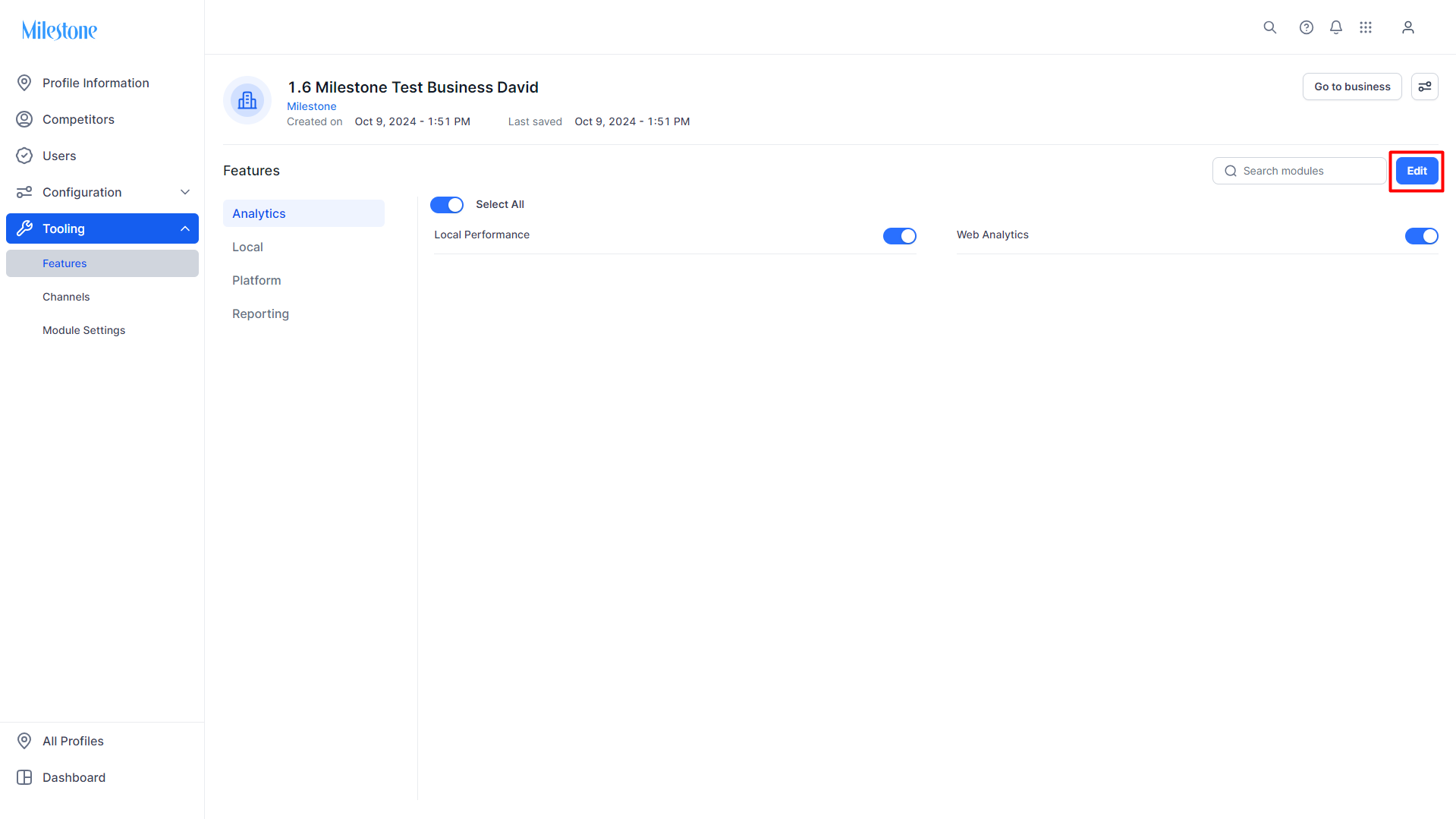
To remove features, click on 'Edit'.
Select a module to disable a feature that has been inherited from the business settings.
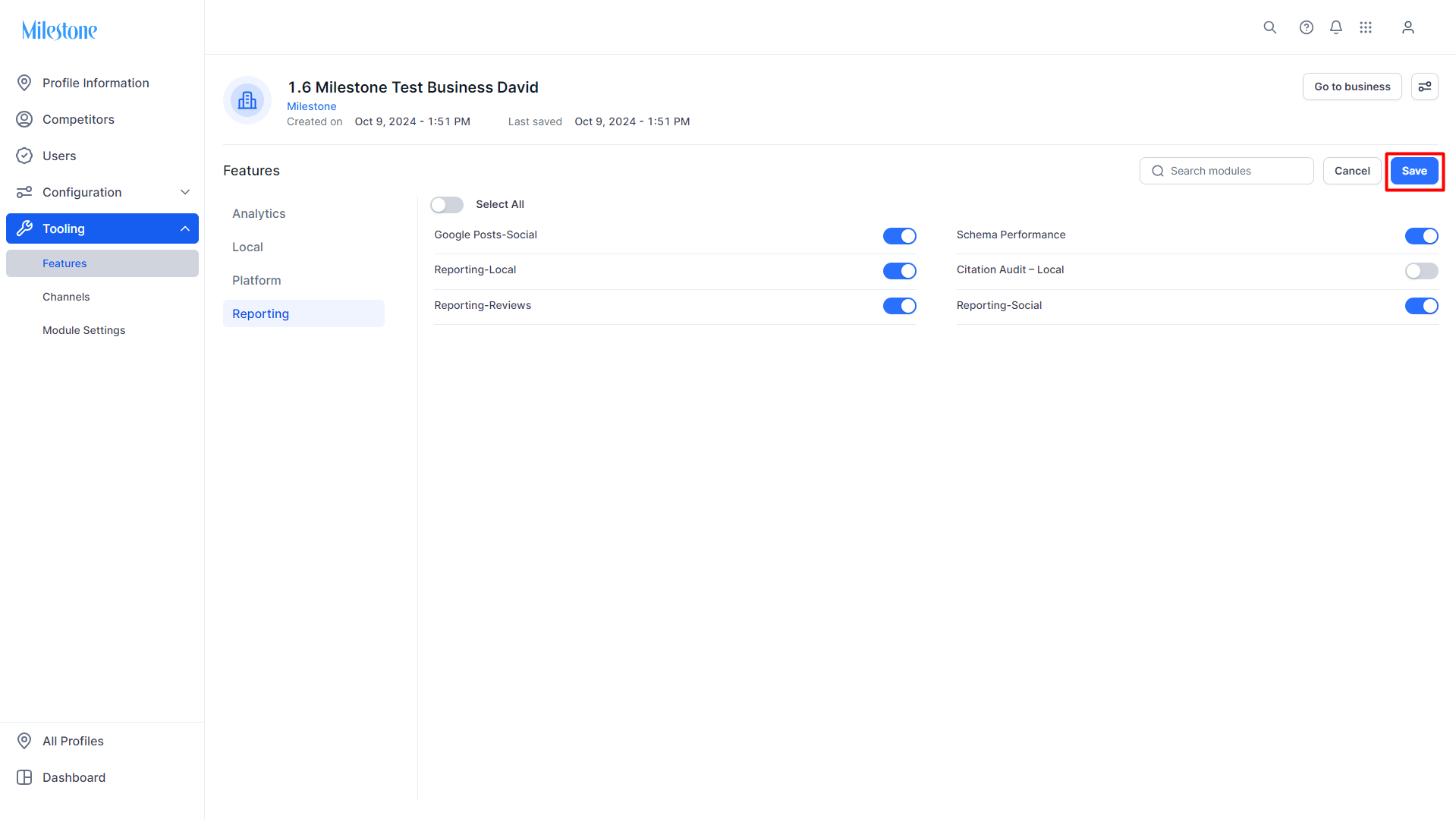
Click on 'Save' to save the changes made.
Was this article helpful?
That’s Great!
Thank you for your feedback
Sorry! We couldn't be helpful
Thank you for your feedback
Feedback sent
We appreciate your effort and will try to fix the article