Content Studio gives you the ability to create short-form content like social media posts with titles, content, and relevant hashtags in seconds. Here's how it works.
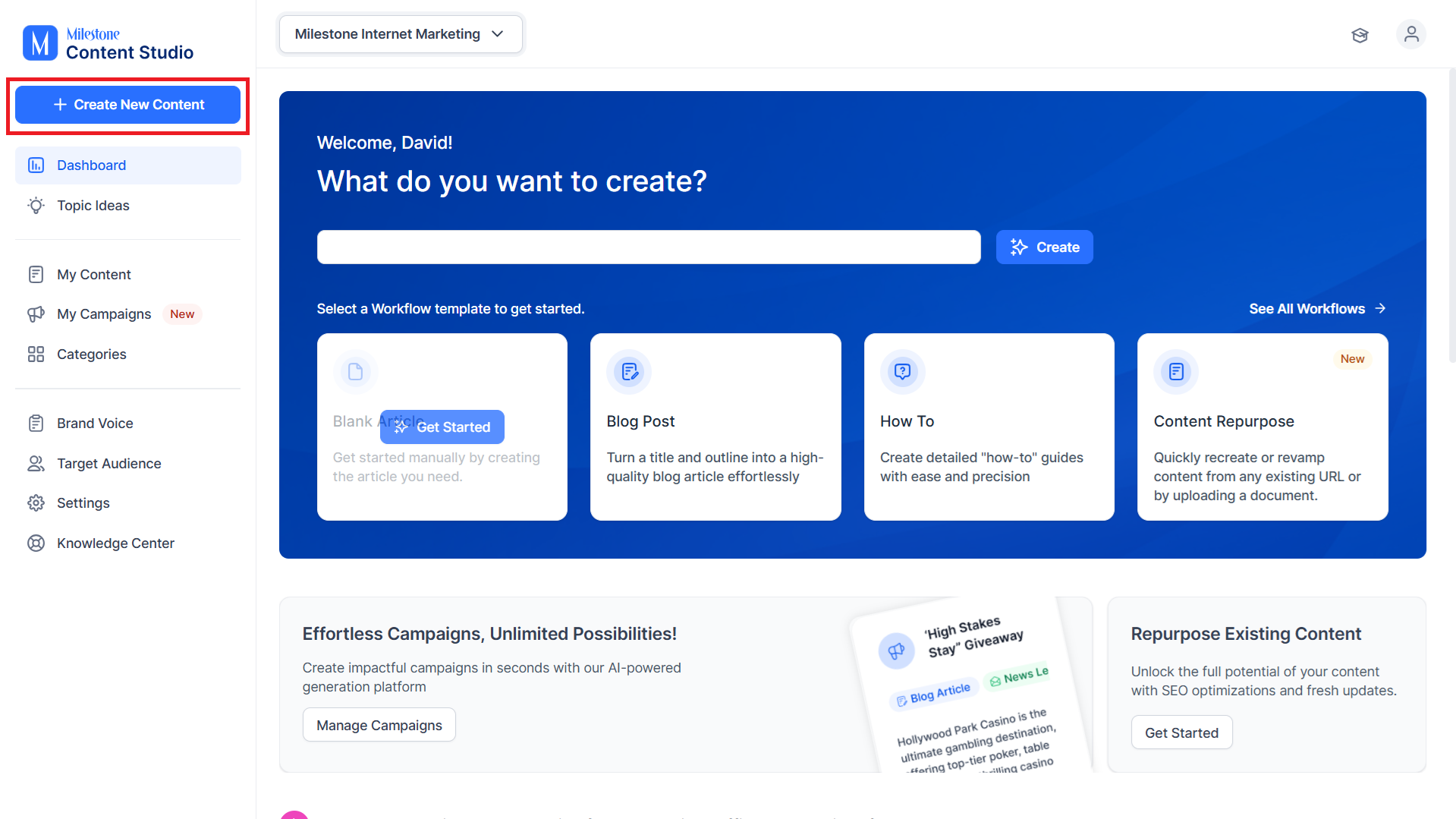
Step 1: To start off, click on ‘Create New Content’.
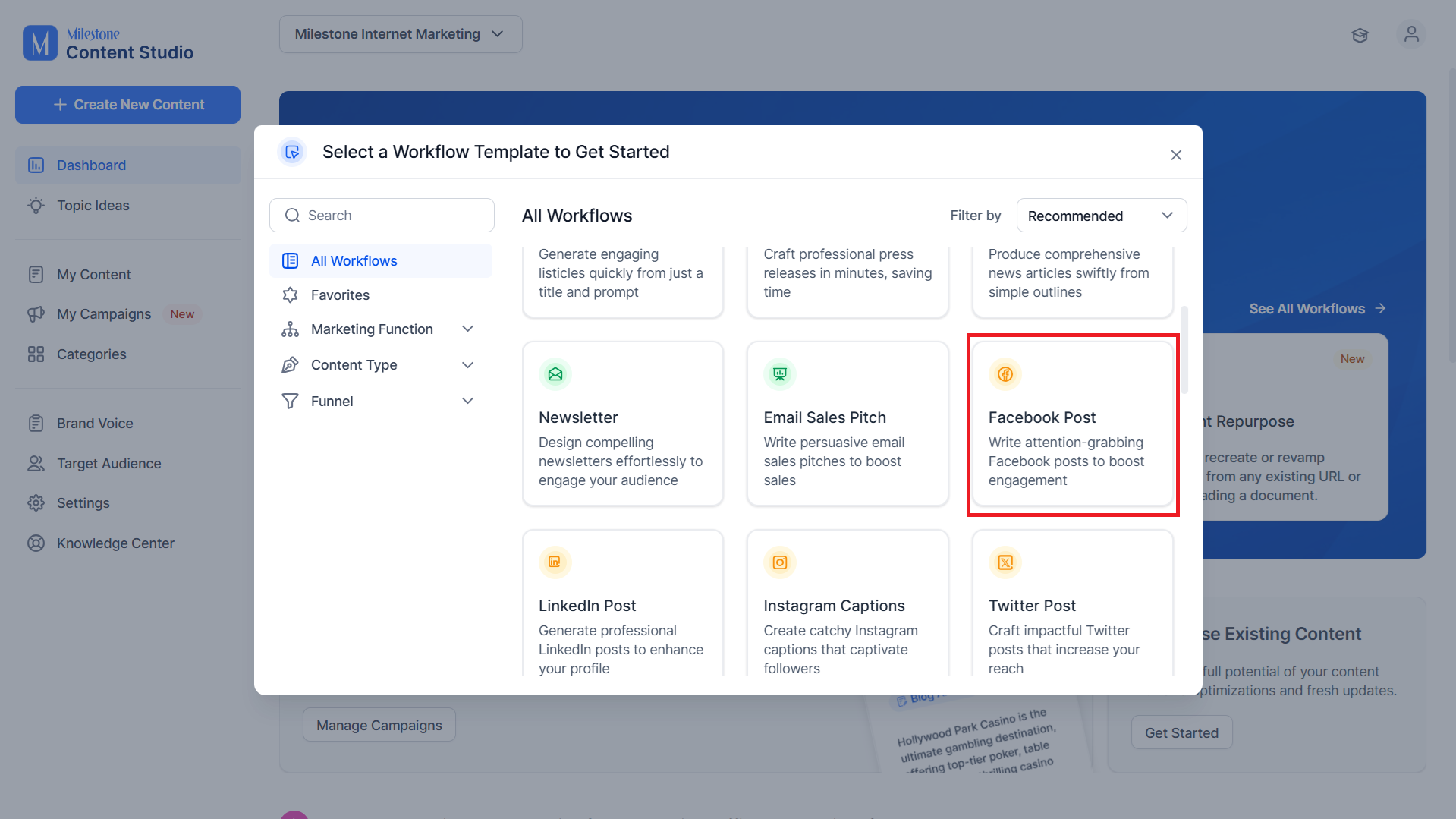
Step 2: Select a template that uses short form content (Facebook Post, LinkedIn Post, Instagram Captions, Twitter Post, Google GBP Post, Apple Post, Quora Answers).
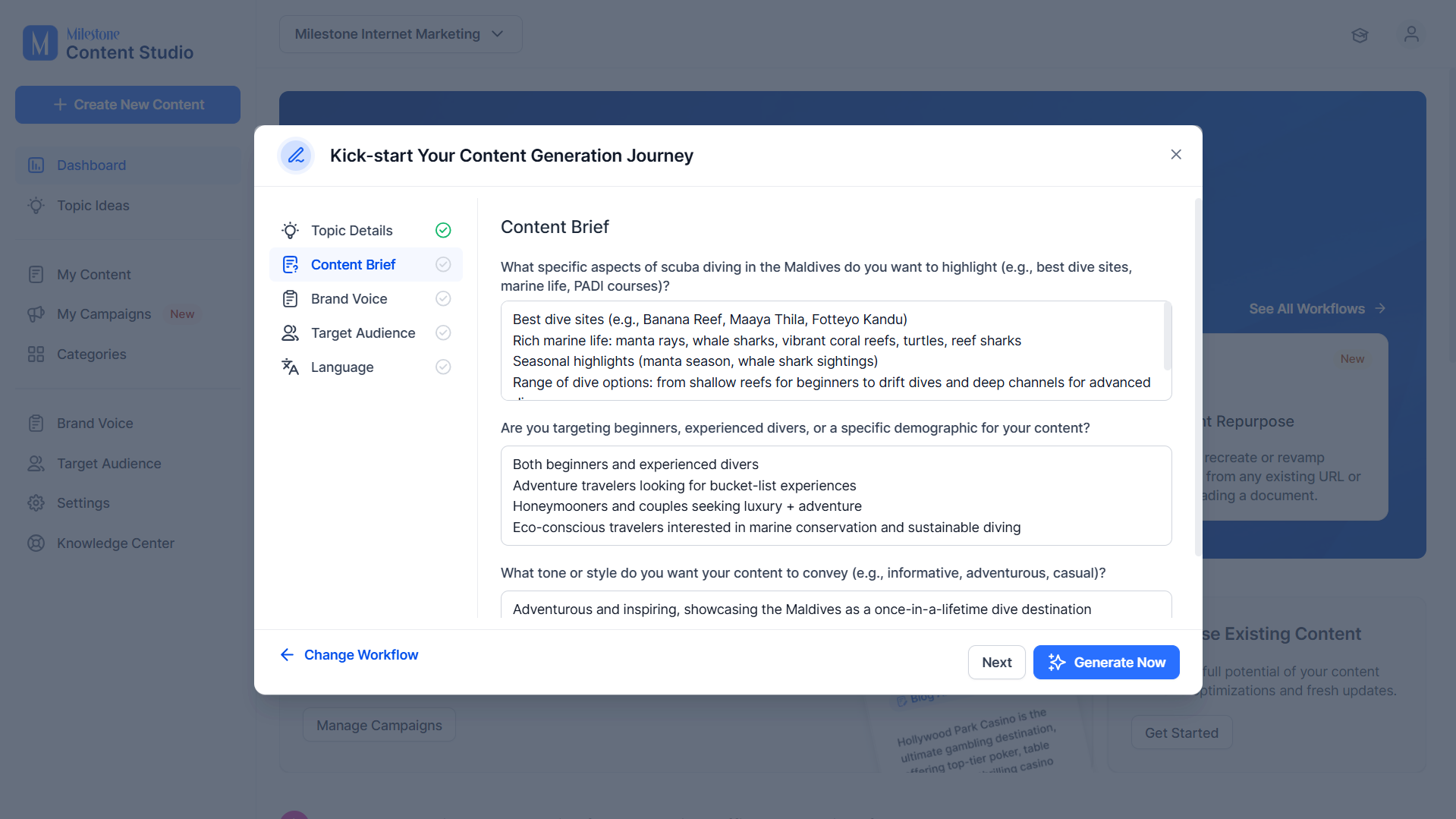
Step 3: Add a topic and keywords for your post.
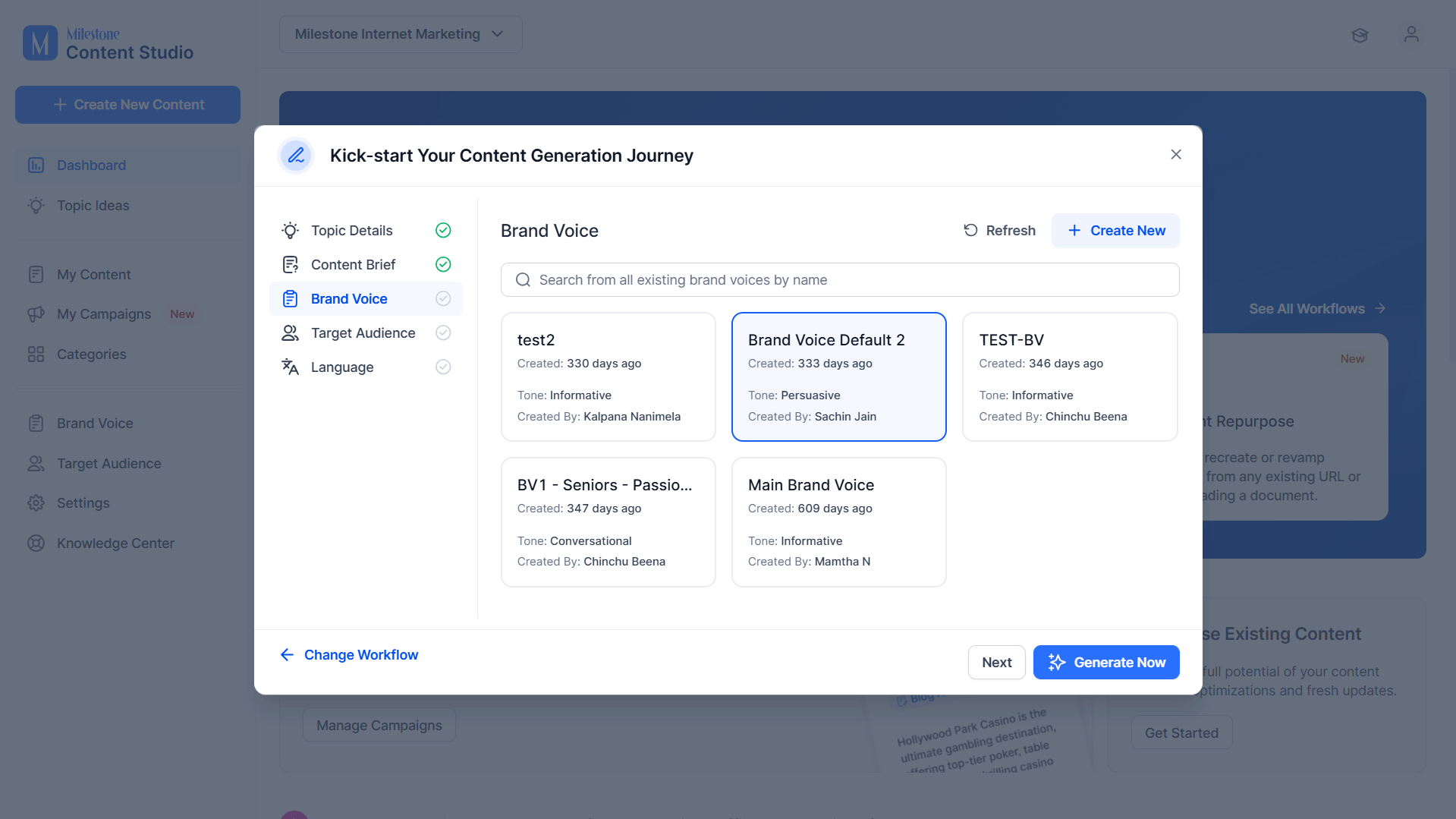
Step 4: Now select a Brand Voice for the post.
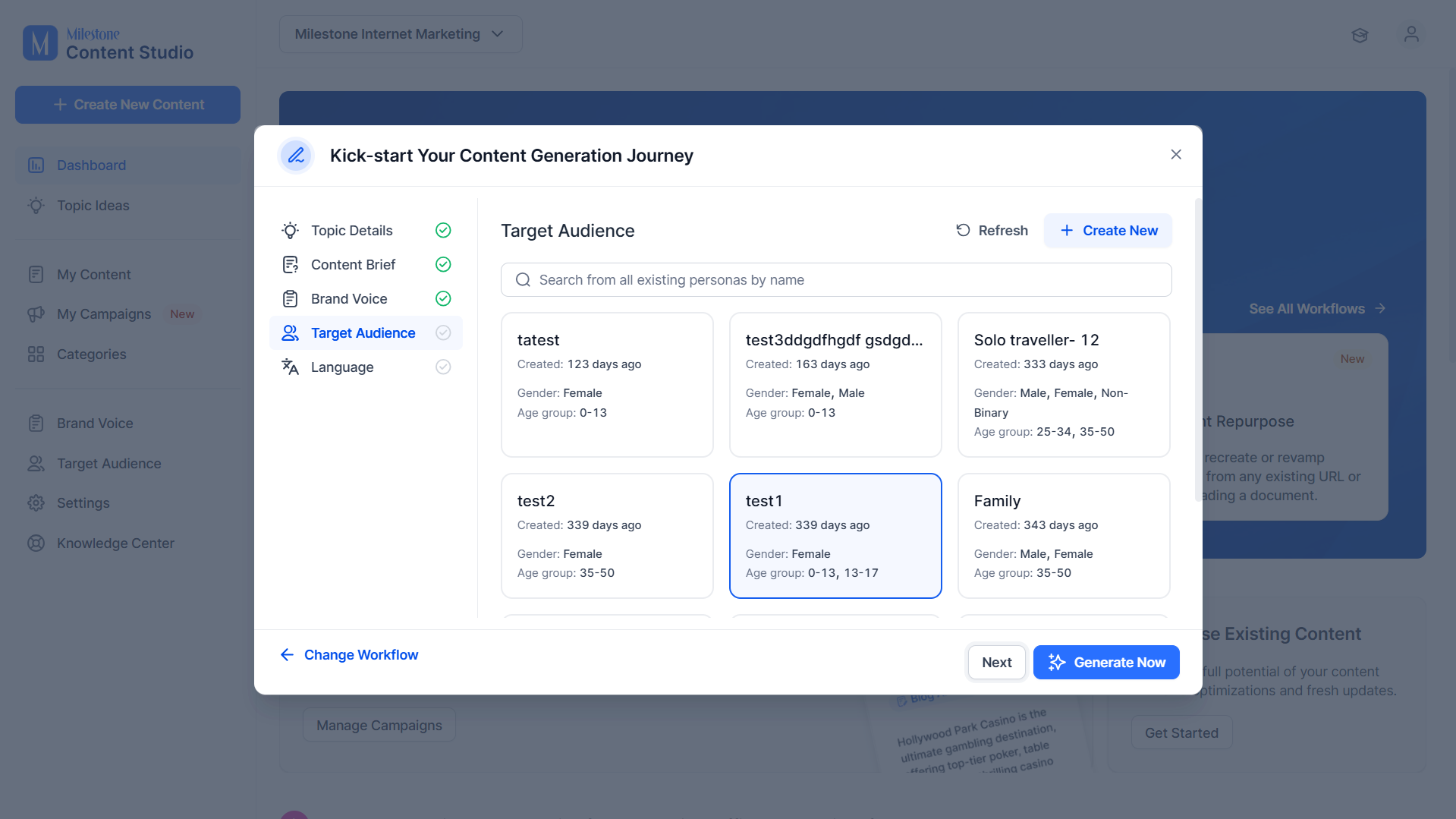
Step 5: Select a Target Audience for the post.
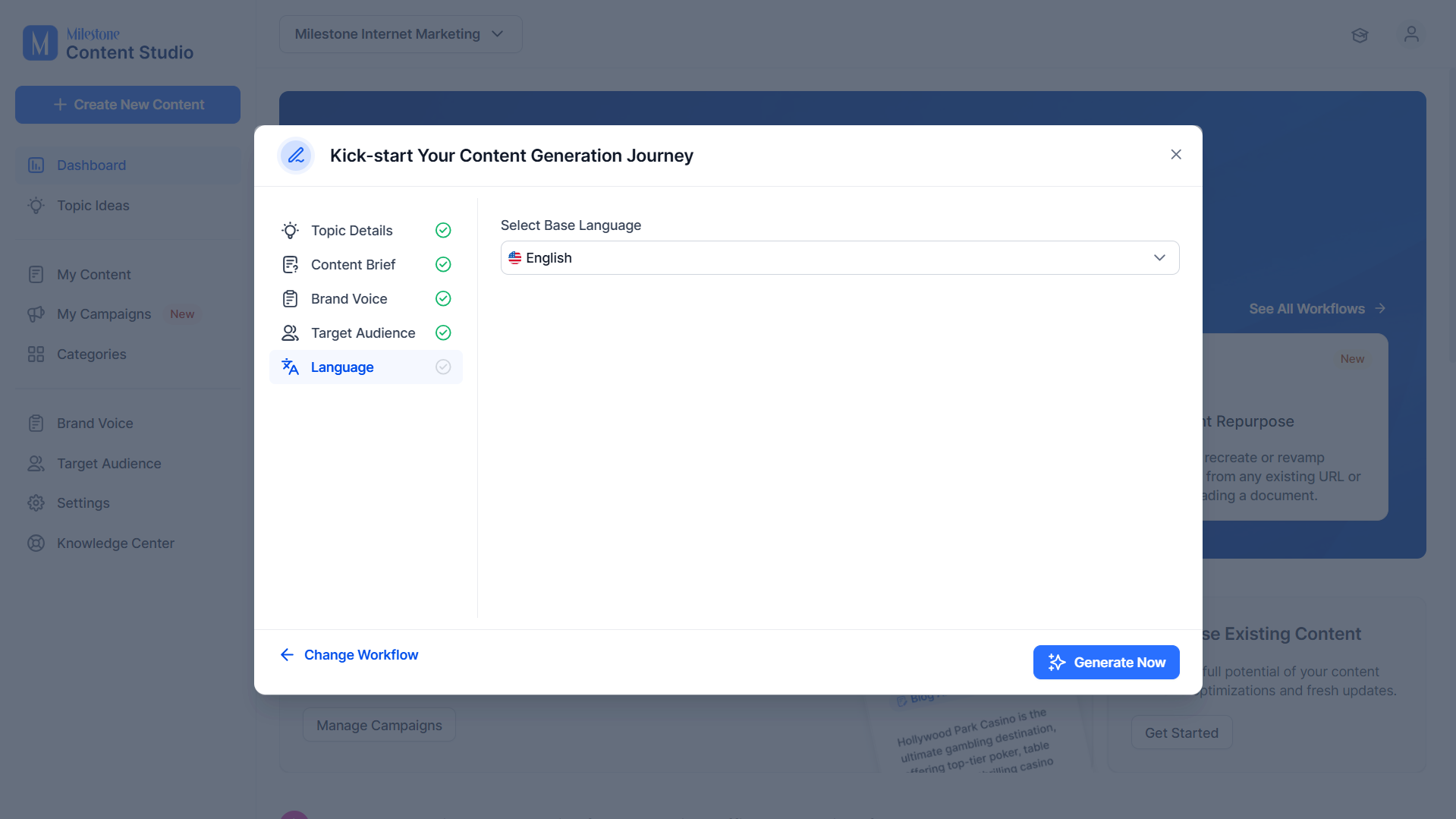
Step 6: Select the language you want to generate the post in.
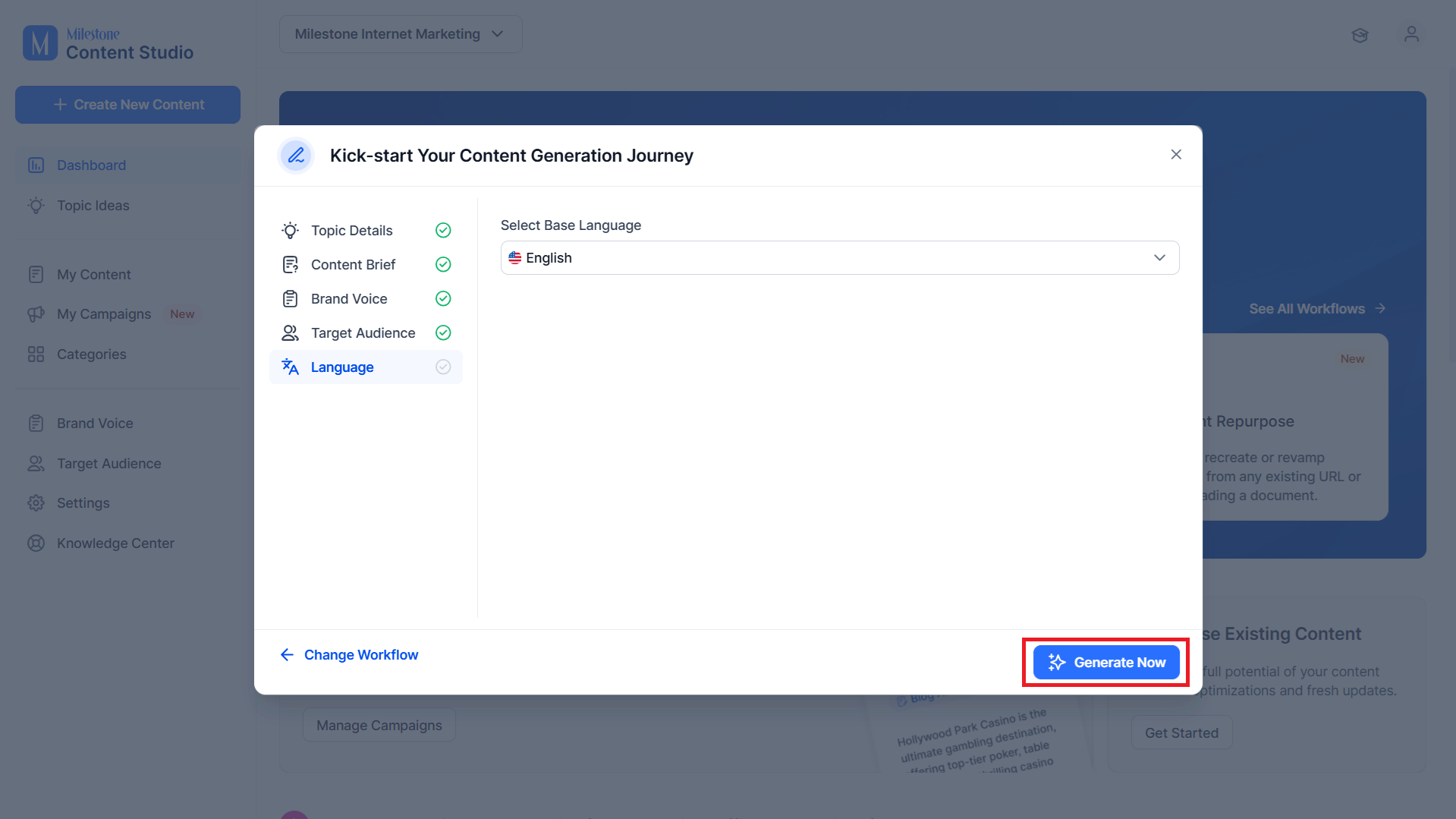
Step 7: Click on ‘Generate Now’ to start generating the content.
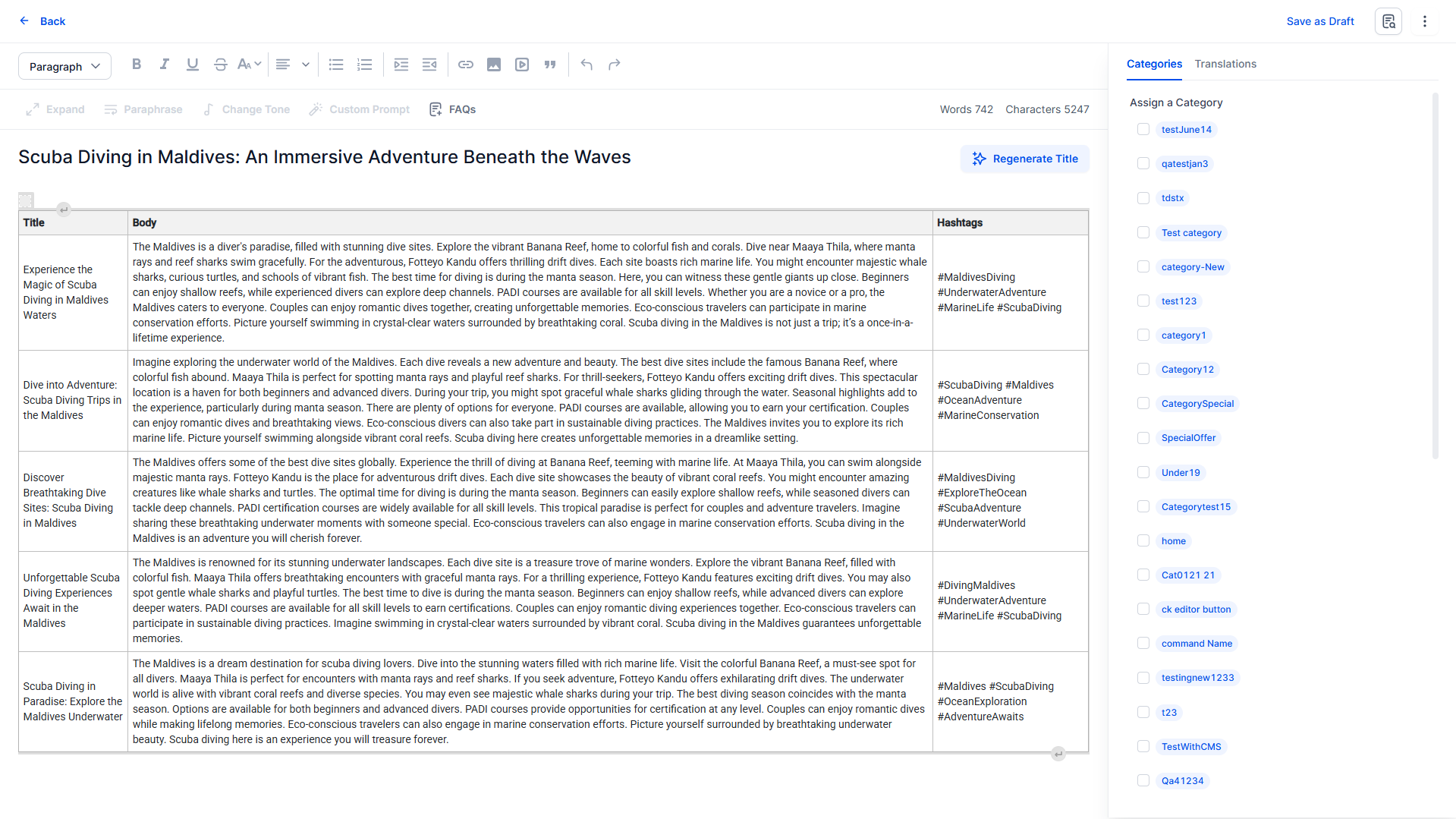
The generated posts will be presented in a tabular form with the title, body and hashtags.
Was this article helpful?
That’s Great!
Thank you for your feedback
Sorry! We couldn't be helpful
Thank you for your feedback
Feedback sent
We appreciate your effort and will try to fix the article