You can now add a CTA button to your Google Posts and quickly add a URL to various pages on your website.
Path: Milestone Local > Post Summary
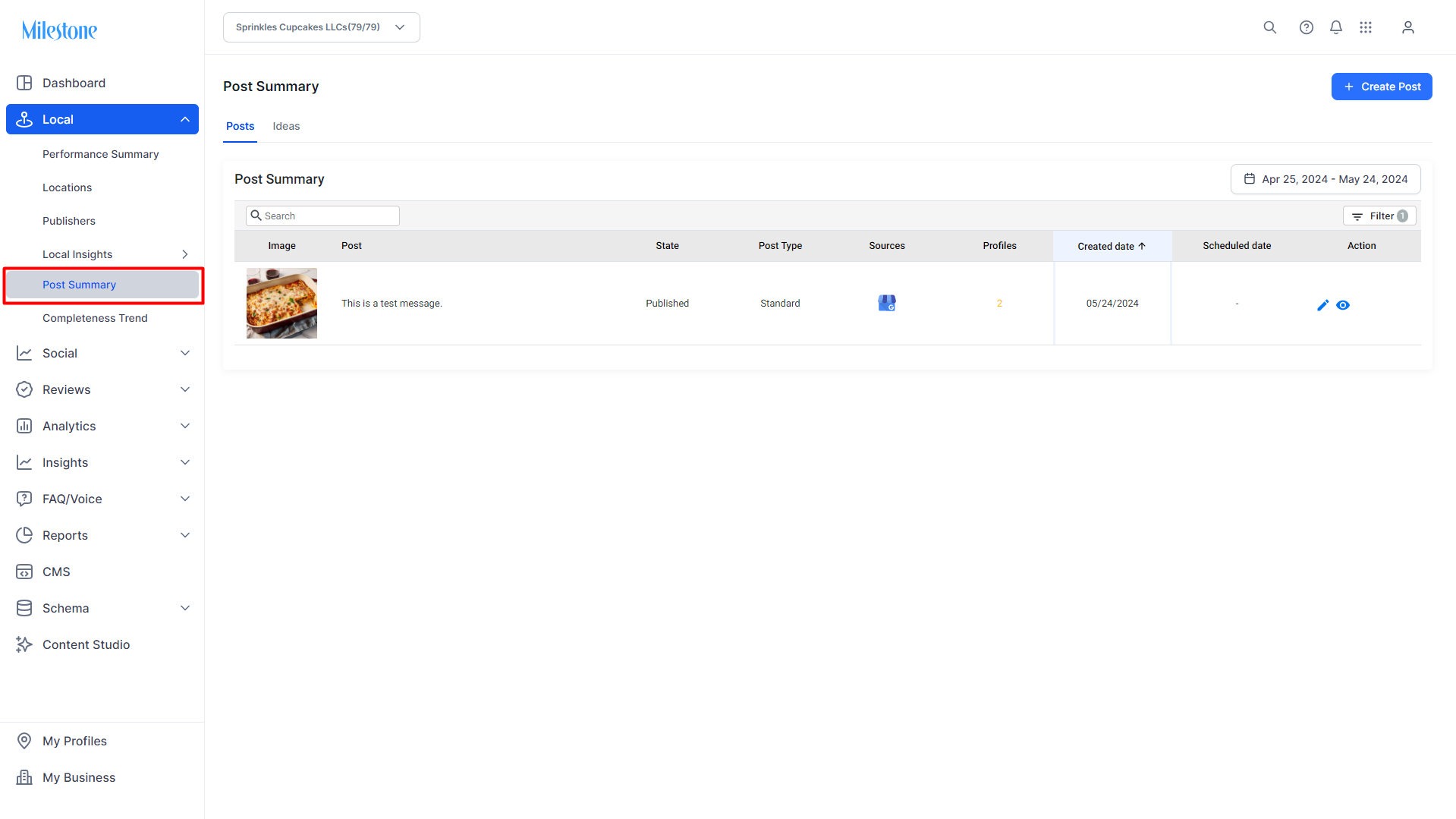
Step 1: Click on ‘Post Summary’ in the left navigation panel of Milestone Local.
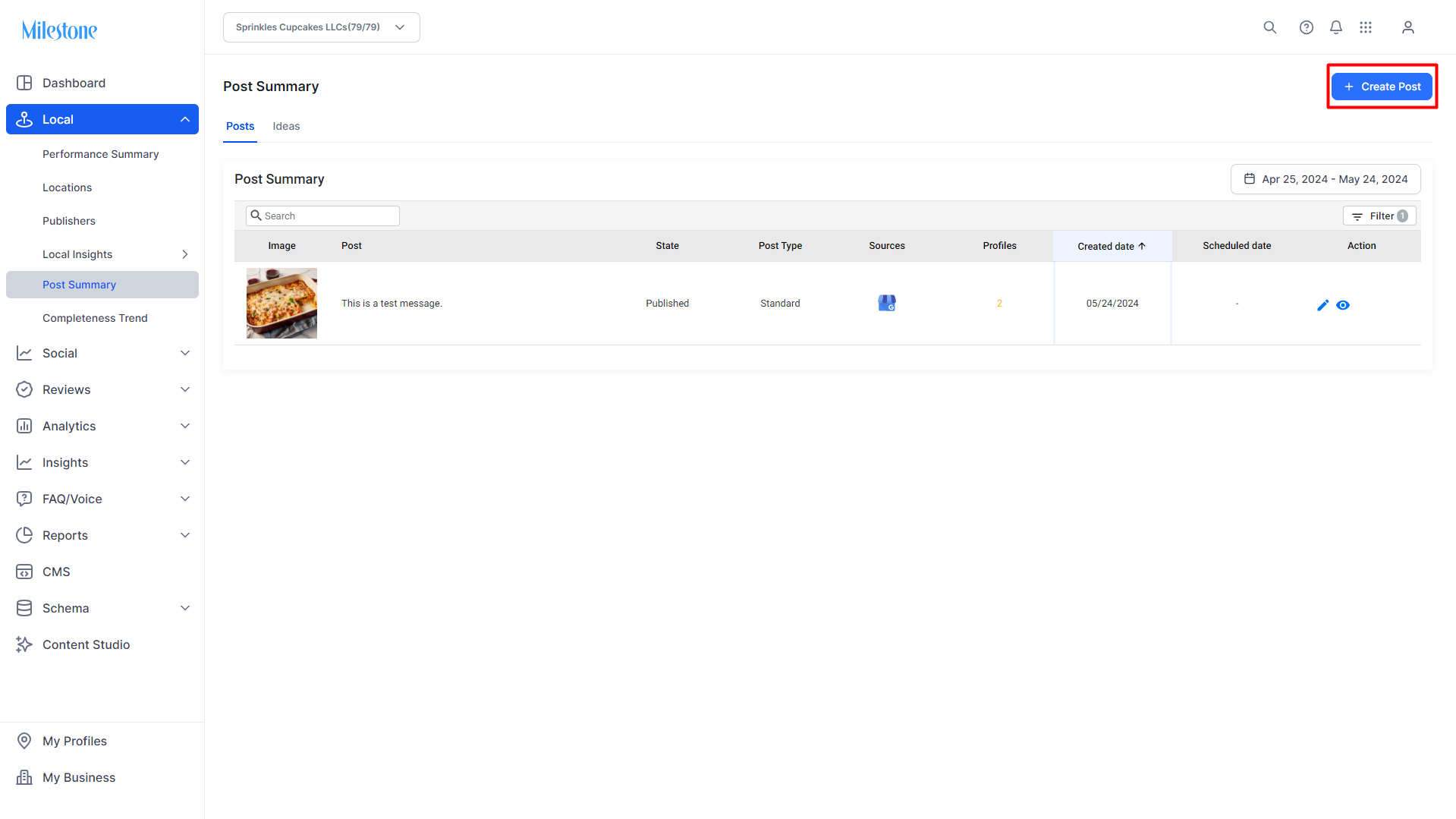
Step 2: Click on the ‘Create Post’ button to create a new post to the top right.
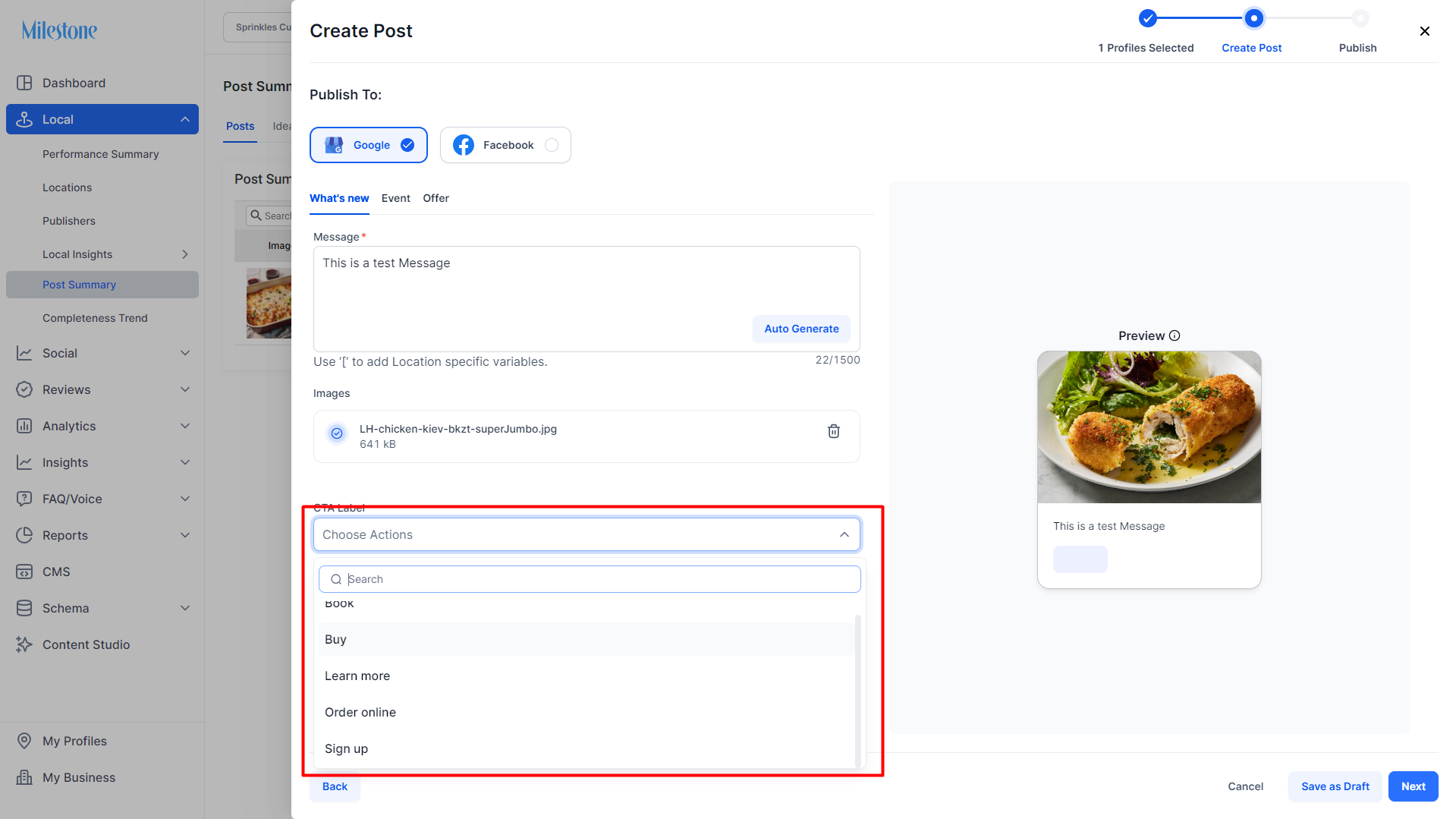
Step 3: Select a button from the ‘Add Button’ dropdown menu to the bottom of the ‘Create Post’ section.
Step 4: Enter the URL you wish to connect the button to or select a URL from the dropdown menu.
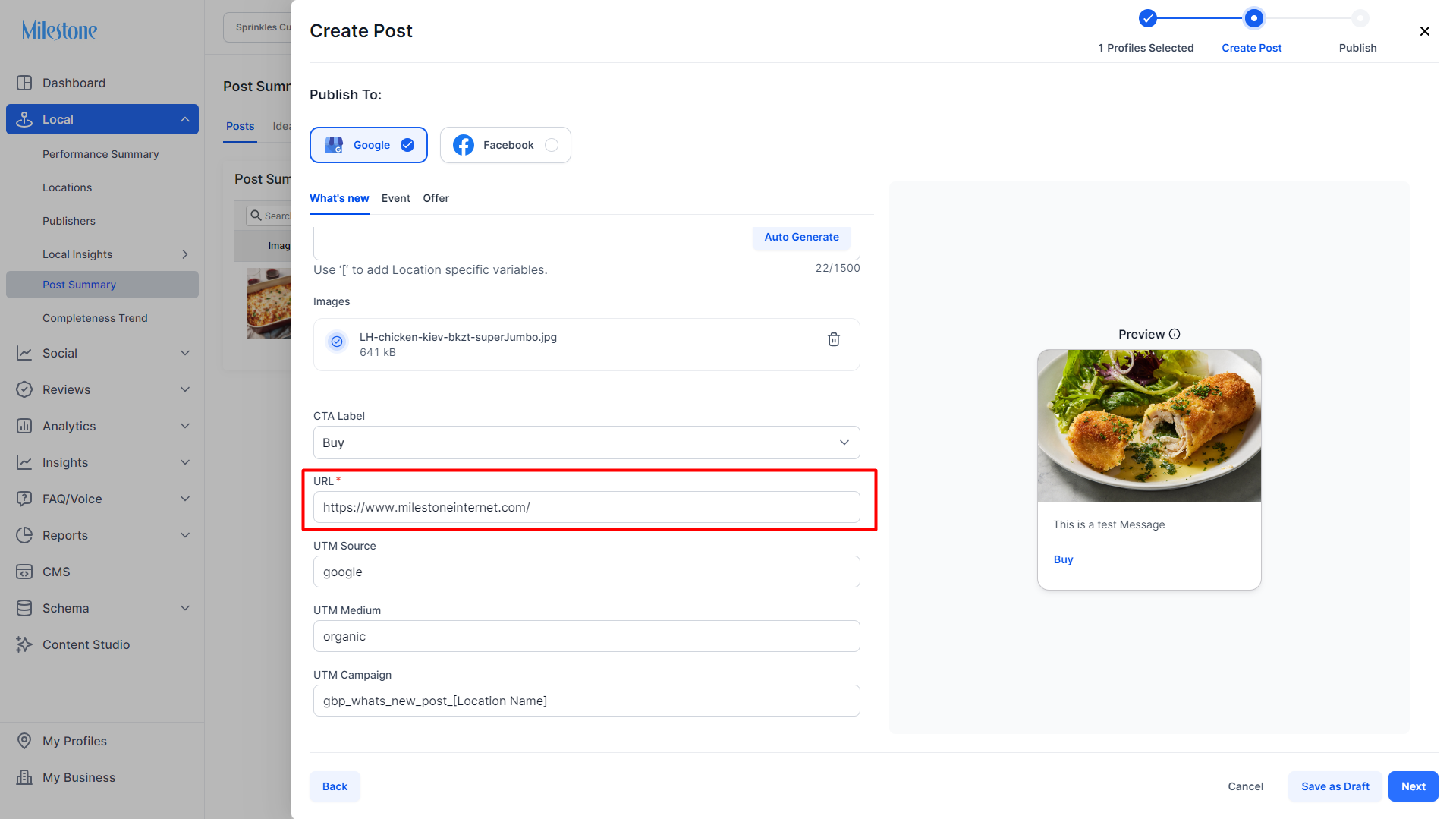
If the respective URL is not found for a location, then the post would "error" status for that location
Was this article helpful?
That’s Great!
Thank you for your feedback
Sorry! We couldn't be helpful
Thank you for your feedback
Feedback sent
We appreciate your effort and will try to fix the article