Step 1: Click "Create New" in the Content Library.
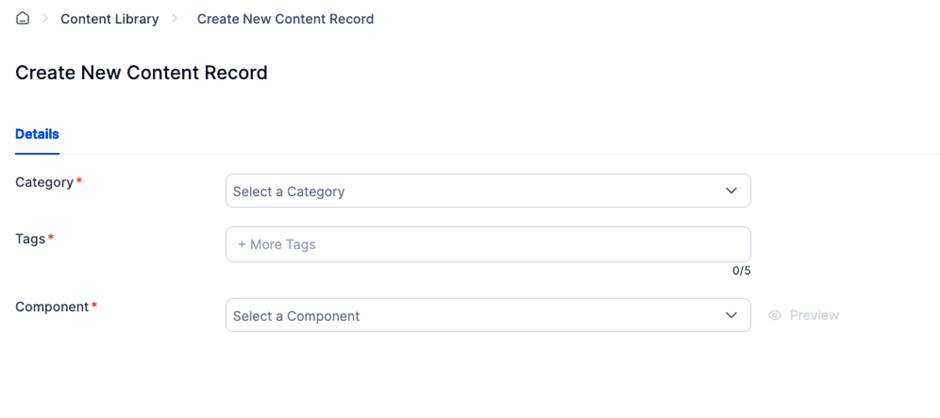
Step 2: Choose a category, tags, and content component to define the content structure.
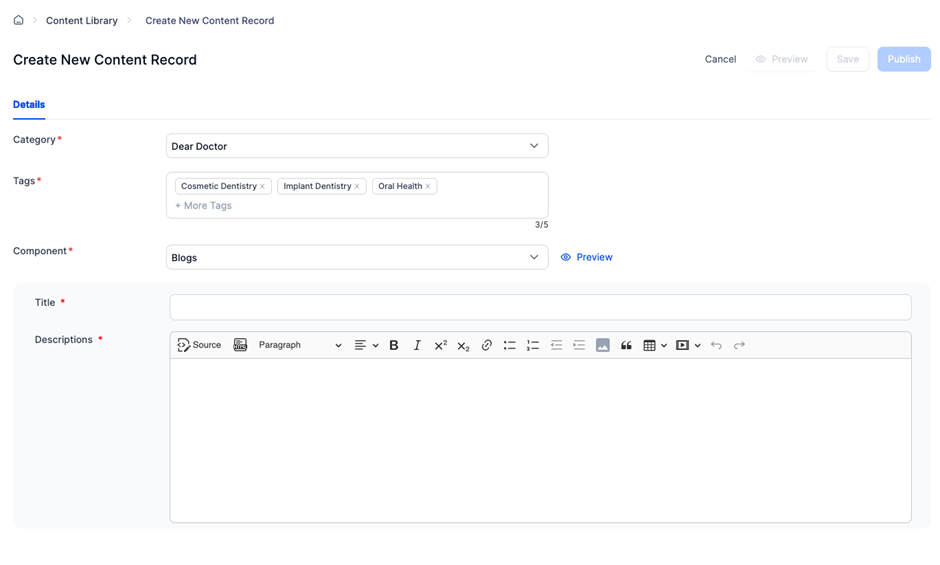
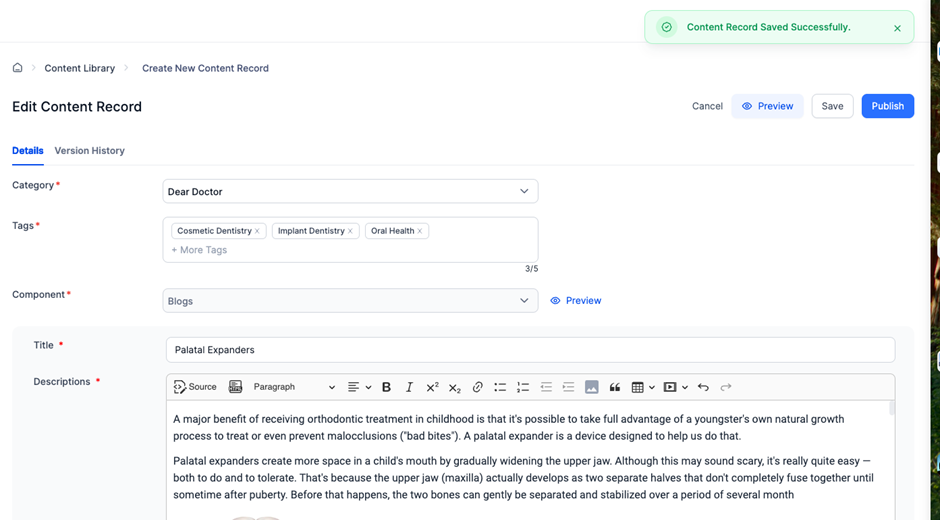
Step 3: Enter the content details and save the record.
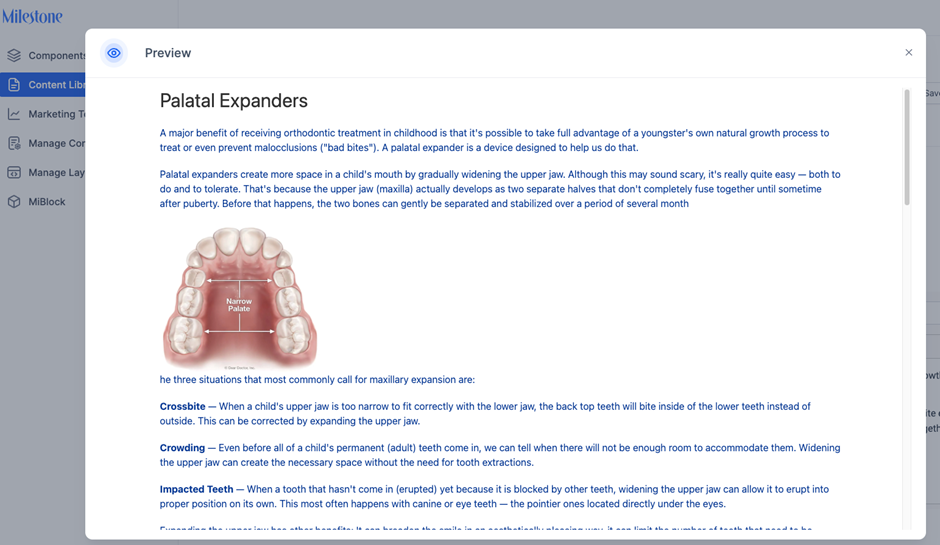
Step 4: Preview the content to ensure accuracy.
Step 5: Choose to either:
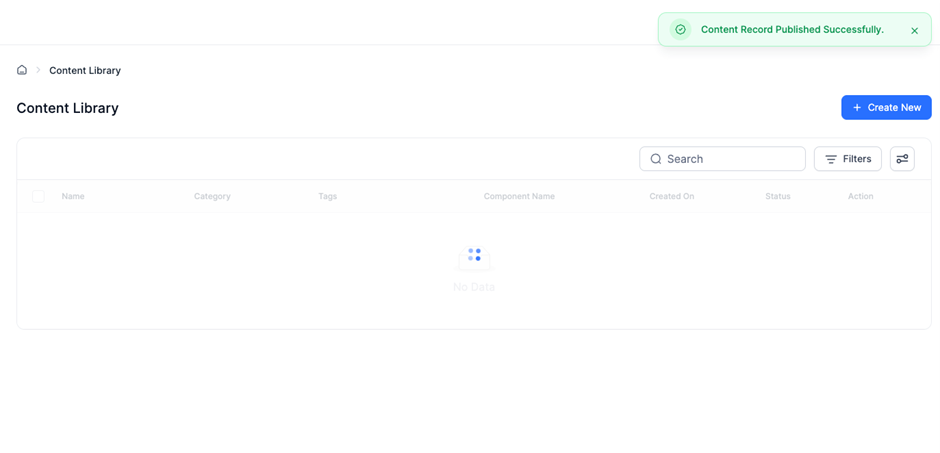
- Publish the content immediately, or
- Save as Draft for future editing and publishing.
Was this article helpful?
That’s Great!
Thank you for your feedback
Sorry! We couldn't be helpful
Thank you for your feedback
Feedback sent
We appreciate your effort and will try to fix the article