Login to Milestone CMS 6.5 using your credentials or via MPC and you will see the new dashboard.

What’s Changed?
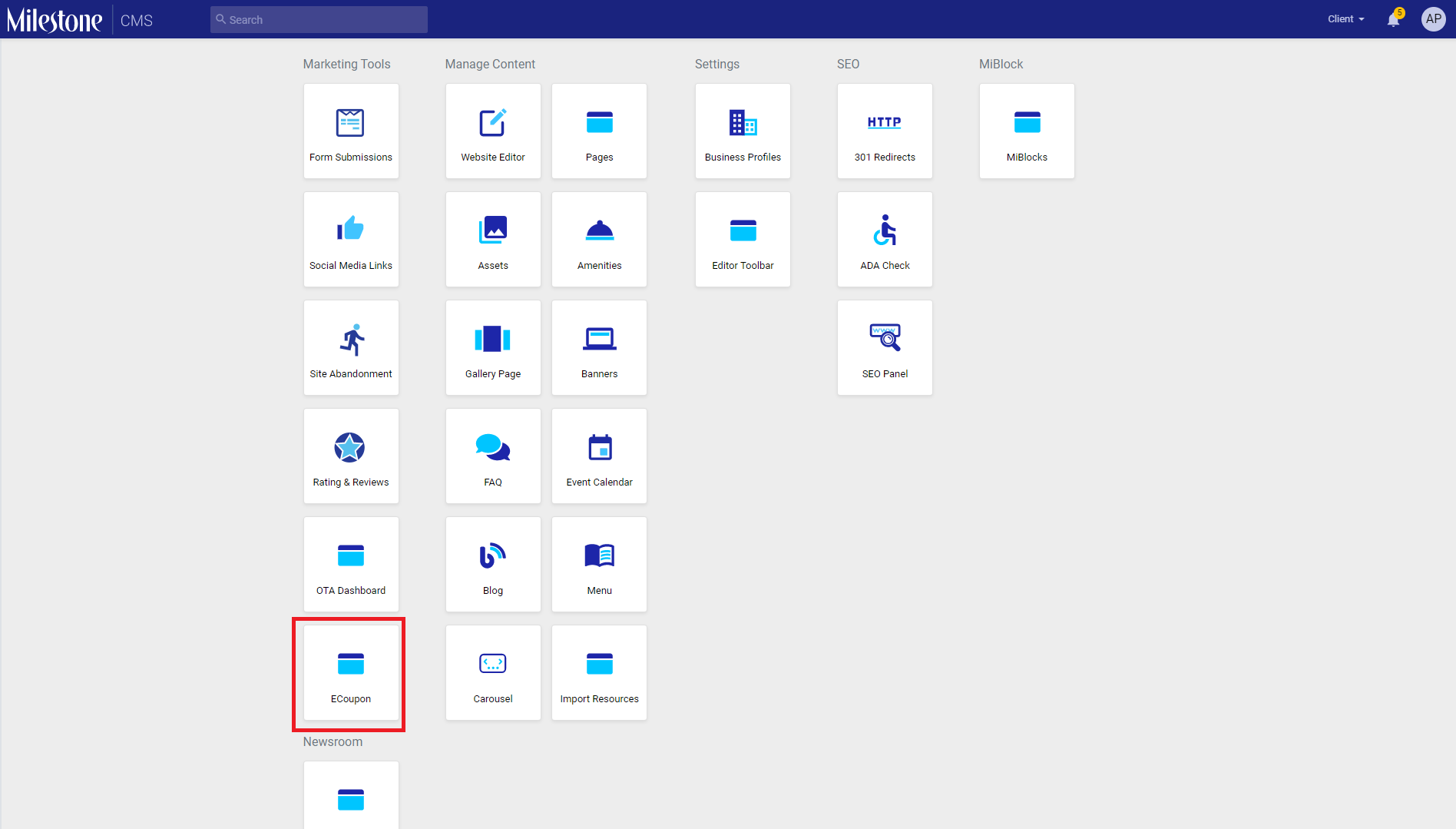
Our new UI and action-focused dashboard will give you all tasks you can carry out on Milestone CMS on a single screen. The actions are clearly defined under Marketing Tools, Manage Content, Settings and SEO. You’re just a click away from carrying out any function you want on our CMS.
Note: The features that are displayed on the screen are what you have purchased and those that have been enabled for your website.

For example, let’s say you wish to view and manage your events. All that you need to do is to click on ‘Ecoupons’ under the ‘Marketing Tools’.
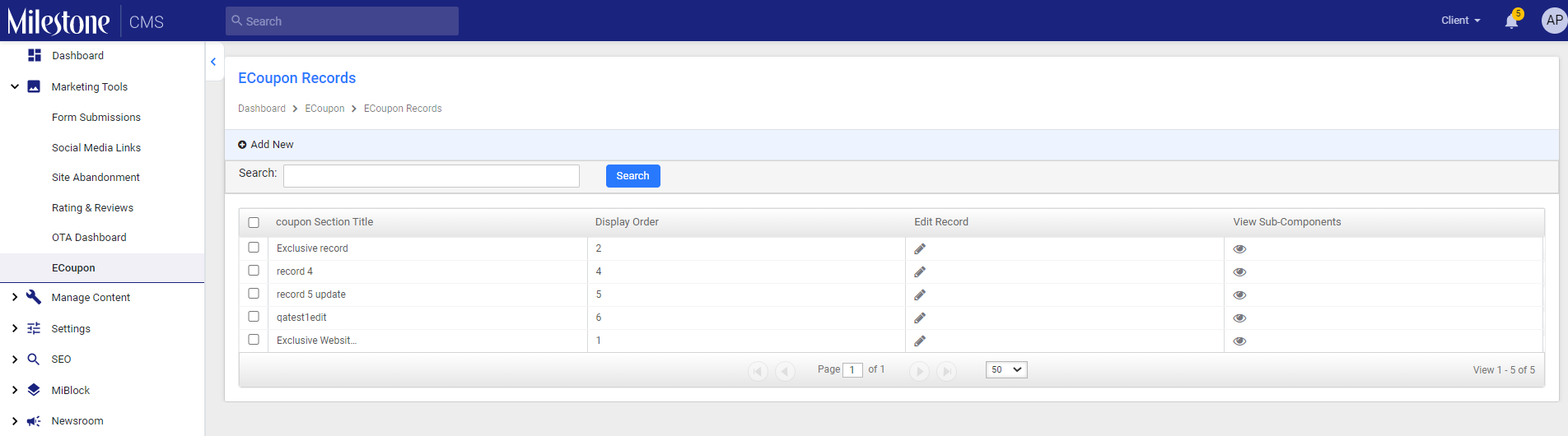
You will be redirected to the Ecoupons page where you can create new offers to be displayed on your website.
Was this article helpful?
That’s Great!
Thank you for your feedback
Sorry! We couldn't be helpful
Thank you for your feedback
Feedback sent
We appreciate your effort and will try to fix the article